
10 Best Marketing Automation Tools for Small Businesses
If you are running a business, big or small, it can be challenging to manage marketing and sales engagement manually. There are so many aspects involved, from strategizing to curation to delivery and execution. Often, you may fall short on many of the designated deadlines because everything is manual. This is precisely where marketing automation…
Shifat Jaman
If you are running a business, big or small, it can be challenging to manage marketing and sales engagement manually. There are so many aspects involved, from strategizing to curation to delivery and execution.
Often, you may fall short on many of the designated deadlines because everything is manual. This is precisely where marketing automation tools come into play.
In this blog, we will talk about such 10 best marketing automation tools for small businesses.
Read also: 10 Best Website Monitoring Tools of 2023
What are Marketing Automation Tools?
Marketing automation tools help businesses grow by automating marketing processes. Such tools send automated messages to customers across various channels. These channels include email marketing automation, social media management, landing page management, digital marketing, etc.
Investing in a good marketing automation tool at the right time can help you grow your business exponentially.
Wondering how? Allow us to elaborate.
Why do You Need Marketing Automation Tools?
According to Salesforce, “Automating the many steps between marketing and sales gives your team more time to focus on overall strategy and nurturing the leads that show real promise. That means more prospects and more customers.”
Marketing automation can also give you a richer, more detailed picture of potential customer behavior.
Let’s see some benefits of marketing automation tools.
- Reduce operational cost
- Generate additional revenue
- Create strong customer relationships
- Create customized workflows
- Track customer journey
- Generate and nurture leads
- Reporting and analytics
- Manage your data efficiently
10 Best Marketing Automation Tools
Eloqua
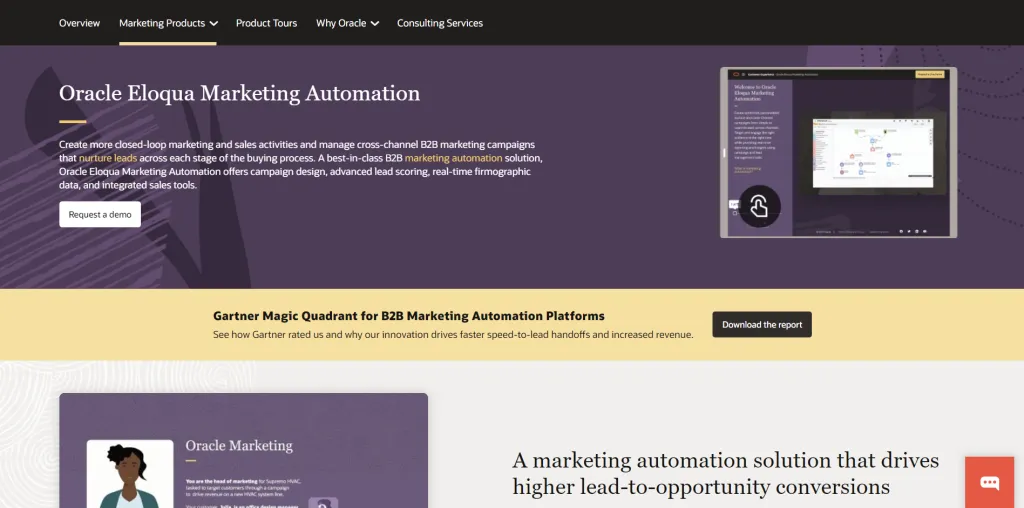
Oracle Eloqua is a marketing automation software that will allow you to plan, design, and implement successful marketing campaigns efficiently across multiple channels. Creating personalized campaigns through Eloqua is a great way to connect with your customers.
Its additional tools like web analytics, reporting, monitoring, etc., will help you study customer preferences and cater to them accordingly. Some other additional features of this user-friendly marketing automation tool are flexible data management, lead generation, social media marketing, and much more.
Features
- AB Testing
- API
- Activity Dashboard
- Alerts/Notifications
- CRM
- Calendar Management
- Campaign Analytics
- Campaign Management
- Campaign Planning
- Campaign Segmentation
- Contact Management
- Customer Segmentation
- Data Import/Export
- Drip Campaigns
- Email Marketing
- Email Templates
- Lead Distribution
- Monitoring
- Multi-Campaign
- Multi-Channel Communication
- Multi-Channel Marketing
- Real-Time Reporting
- Social Advertising
- Social Promotion
Pricing
| Plan | Pricing/Month |
| Basic | $2000 |
| Standard | $4000 |
| Enterprise | Contact Sales |
Pros
- Campaign management is a very intuitive tool
- Versatile set of functionalities
- Great integrations options with other apps are available
- The visual interface is easy to understand
Cons
- Cost is very high
- Customer care service is slow
Omnisend
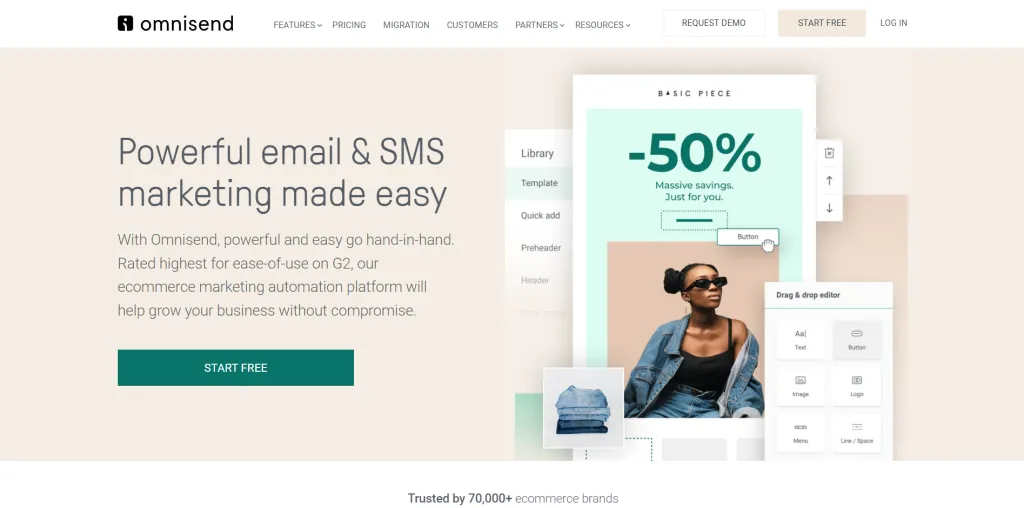
Omnisend is an eCommerce-specific marketing automation tool. With this intuitive marketing automation tool, creating attractive email campaigns can be easier than ever before. It will also allow you to create newsletters with the easy-to-use editor and grow your subscriber base with various signup forms. Omnisend is compatible with various eCommerce systems, including Shopify, Bigcommerce, Magento, WooCommerce, and others.
Features
- 2-Way Messaging
- AB Testing
- Autoresponders
- CAN-SPAM Compliance
- Contact Management
- Customizable CTAs
- Drip Campaigns
- Dynamic Content
- eCommerce Management
- Email Marketing
- Event-Triggered Actions
- Reporting/Analytics
- ROI Tracking
- Sales Analytics
- Scheduled Messaging
- Segmentation
- Social Marketing
- Subscriber Management
- Template Management
- Text-to-Win
- Website Visitor Tracking
- WYSIWYG Editor
Pricing
| Plan | Pricing/Month |
| Free | $0 |
| Standard | $16 |
| Pro | $59 |
Pros
- Newsletter creation feature is convenient, and beneficial.
- The template editing feature is compelling and intuitive.
- Integrations to other apps are easy.
Cons
- Emails often reach customers’ junk inbox
- No way to filter out email addresses
- Trial periods allow only two email sends.
Constant Contact
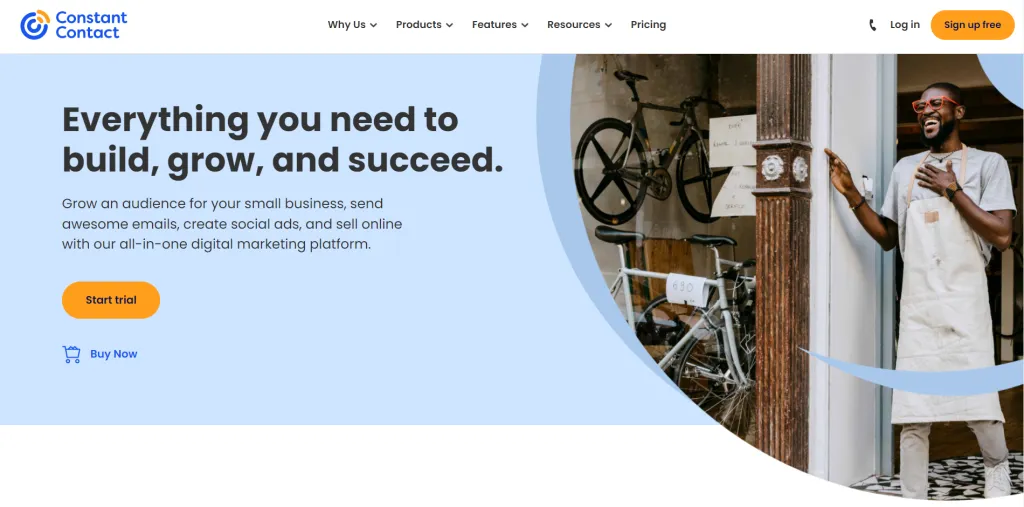
Constant Contact is another great option on our list, with a comprehensive array of site construction, eCommerce, domain, logo creation, and online marketing tools. It assists small businesses, non-profits, and individuals in managing tasks efficiently. All its marketing automation features blend in perfectly with the eCommerce platforms to help you drive more sales. For more than 20 years, businesses of all sizes have trusted Constant Contact for their automation tasks.
Features
- AB Testing
- API
- Activity Tracking
- Audience Targeting
- Automated Publishing
- Automated Scheduling
- CAN-SPAM Compliance
- CRM
- Calendar Management
- Customer Segmentation
- Customer Surveys
- Customizable Branding
- Data Import/Export
- Design Management
- Discount Management
- Image Library
- Inventory Management
- Kitting
- Landing Pages/Web Forms
- Lead Capture
- Lead Management
- Lead Nurturing
- Lead Qualification
- List Management
- Performance Metrics
- Post Scheduling
- Shipping Management
- Social Advertising
- Social Promotion
- URL Customization
- WYSIWYG Editor
- Website Management
- Website Visitor Tracking
- Workflow Management
Pricing
| Plan | Pricing/month | |
| Core Plan | 0-500 contacts | $9.99 |
| 500- 2500 contacts | $45 | |
| 2500 – 5000 contacts | $65 | |
| 5000 – 10,000 contacts | $95 | |
| Plus Plan | 0-500 contacts | $45 |
| 500- 2500 contacts | $70 | |
| 2500 – 5000 contacts | $95 | |
| 5000 – 10,000 contacts | $125 |
Pros
- Extremely user-friendly and intuitive.
- Excellent app and third-party integrations available.
- Email deliverability rate is very high.
Cons
- Pre-made templates are not very flexible to work with.
- No multi-channel automation is available.
HubSpot
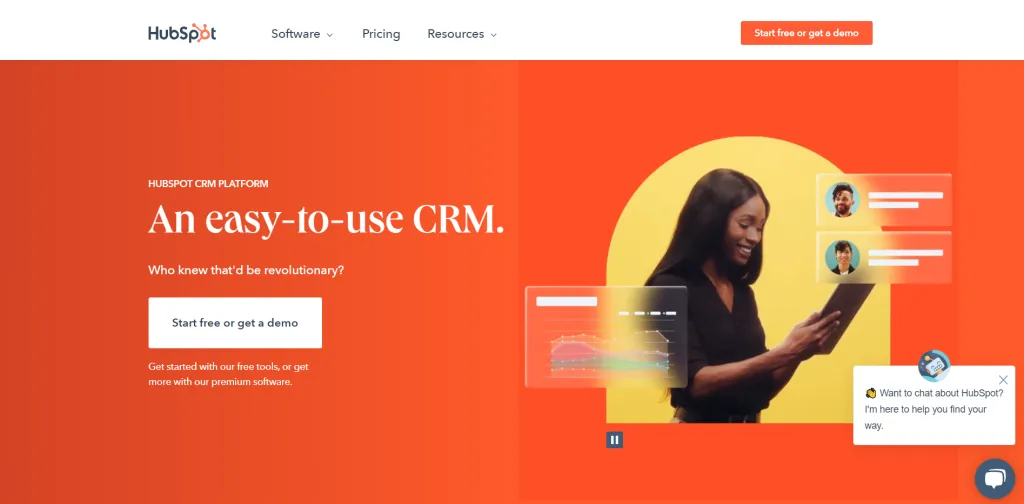
HubSpot is probably one of the best marketing automation software as it provides a free edition that outperforms most paid CRMs on the market. Additionally, you can use it simultaneously across your marketing, sales, and customer care teams. It’s a fantastic alternative for all businesses, irrespective of size. One characteristic that makes HubSpot CRM stand out is how simple it is to get started, making it great for those new to using automation software.
HubSpot asks you several questions during setup to figure out how you plan to use the platform and then gives you guided tours of each section, such as Marketing, Sales, and Customer Service.
Features
- Activity Dashboard
- Alerts/Notifications
- Calendar Management
- Calendar/Reminder System
- Campaign Management
- Contact Management
- Customer Database
- Email Management
- Email Marketing
- Lead Segmentation
- Live Chat
- Marketing Automation
- Mobile Access
- Performance Metrics
- Pipeline Management
- Project Management
- Search/Filter
- Segmentation
- Self Service Portal
- Social Media Integration
- Source Tracking
- Task Management
- Third-Party Integration
- Internal Chat Integration
- Landing Pages/Web Forms
- Lead Capture
- Lead Distribution
Pricing
| Plan | Pricing/month (Billed monthly) | Pricing/month (billed annually) |
| Starter | $50 | $45 |
| Professional | $890 | $800 |
| Enterprise | $3200 | $3200 |
Pros
- Basic version also has good features.
- Great functionality.
- Great customer support service.
Cons
- Workflows can be a little difficult to create and understand.
- Frequent errors of server down.
AdRoll
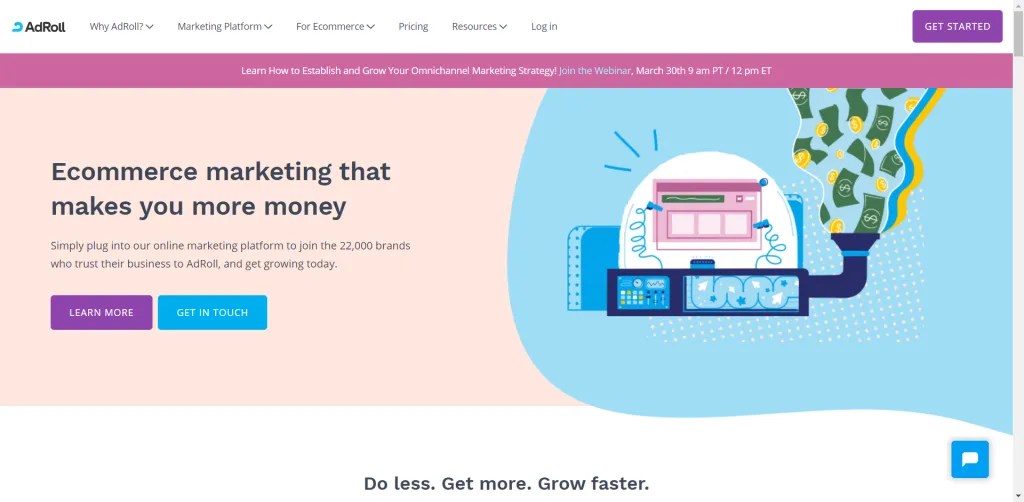
Previously known as Userfox, AdRoll has helped businesses grow exponentially with its lead automation and personalization features. Over 15, 000 brands worldwide, including American Red Cross, Levi’s, and Estee Lauder, as well as Zendesk and Tableau, use AdRoll. The ad targeting app assists you in creating, optimizing, and delivering tailored ads across a variety of platforms and devices.
Additionally, AdRoll can also be used to produce dynamic, tailored adverts based on a user’s browsing history and favorite products. To offer customized, engaging advertising, AdRoll’s team of designers have incorporated handy features like calls-to-action, 3rd-party product feeds, best-selling products, and more.
Features
- AB Testing
- API
- Activity Dashboard
- Audience Targeting
- Behavior Analytics
- Behavioral Targeting
- Campaign Analytics
- Campaign Management
- Conversion Tracking
- Cross Channel Attribution
- Customizable Reports
- Display Ad Management
- Dynamic Content
- Geotargeting
- Lead Management
- Mobile Retargeting
- Multi-Channel Marketing
- Personalization
- ROI Tracking
- Real-Time Data
- Recommendations
- Reporting & Statistics
- Retargeting Ads
- Sales Analytics
- Segmentation
- Social Marketing
- Social Media Retargeting
- Template Management
- Visitor Management
- Website Visitor Tracking
Pricing
| Plan | Pricing/month (Billed monthly) | Pricing/month (billed annually) |
| Starter | $0 | $0 |
| Growth | $25 | $19 |
Pros
- Customer service and tech support are very quick and efficient
- It is user friendly and easy to set up
- Visually appealing user interface
- The toggles for campaigns are self-explanatory
Cons
- Ad browser can be a little slow sometimes
- Training material quality can be improved
- Integrations can be difficult to manage
Monday.com
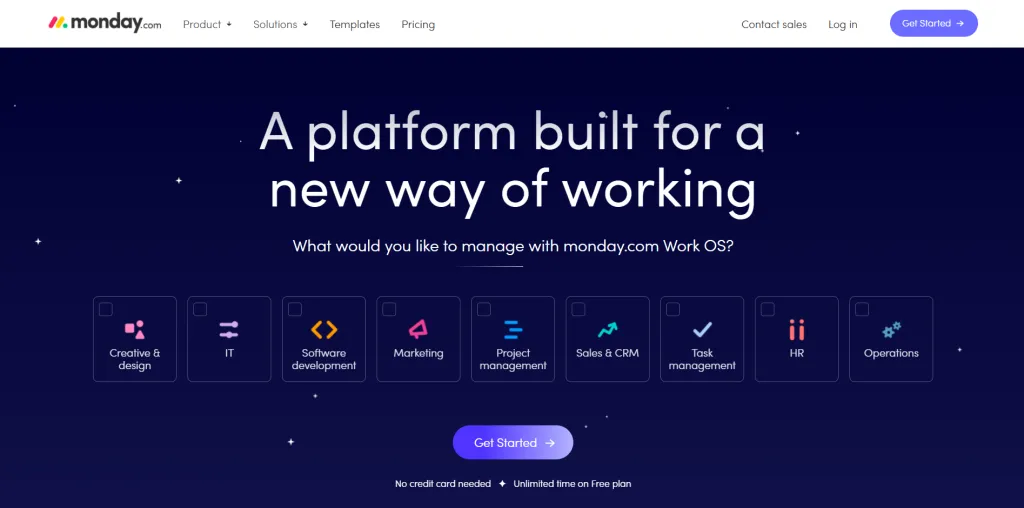
Monday.com, formerly Dapulse is an award-winning collaboration and project management software that enables teams to plan effectively and execute complicated projects on schedule. It also has various features for taking care of the marketing practices of the business. Automated marketing tools such as lead generation, customer tracking, social media marketing, etc. can help you achieve great results and build deep customer relationships.
Features
- 360 Degree Feedback
- Access Controls/Permissions
- Account Alerts
- Feedback Management
- Field Sales Management
- File Sharing
- Financial Management
- For Mac Devices
- Prospecting Tools
- Public Dashboards
- Publishing / Sharing
- Purchasing & Receiving
- Qualification Tracking
- Campaign Management
- Campaign Planning
- Capacity Management
- Capacity Planning
- Private Dashboards
- Process Change Tracking
- Process Modeling & Designing
- Process/Workflow Automation
- Product Data Management
- Product Roadmapping
- Program Notices
- Transaction Management
- User Management
- Utilization Reporting
- Vacancy Management
Pricing
| Plan | Price/month (Billed monthly) | Price/month (billed annually) |
| Individual | $0 | $0 |
| Basic | $10 | $8 |
| Standard | $12 | $10 |
| Pro | $20 | $16 |
| Enterprise | Contact sales | Contact sales |
Pros
- Very user friendly with natural points of interaction
- Excellent coordinated workspace and dashboard
Cons
- Induvial line in team project takes longer to be updated
- Uploading pictures inside the tasks can be difficult
EngageBay
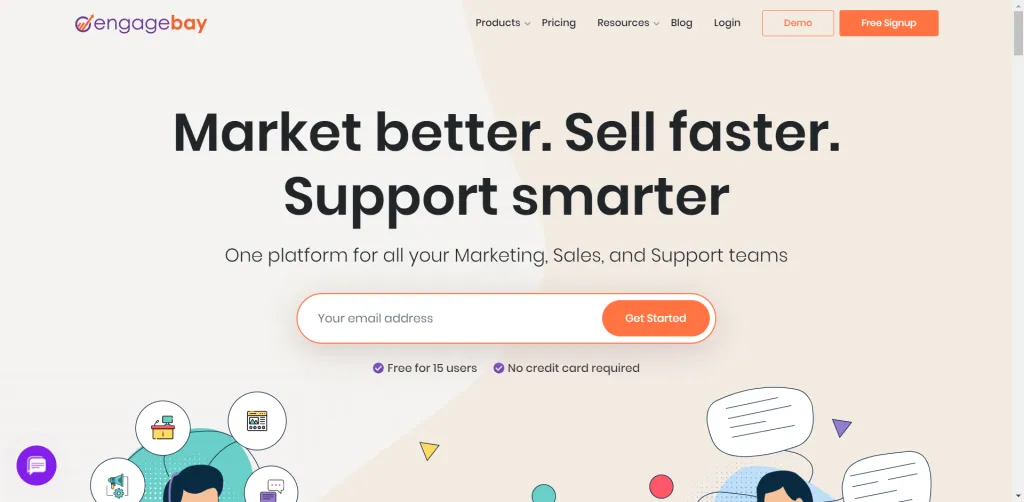
EngageBay is an all-in-one marketing and sales CRM software designed for businesses of all sizes to attract, engage, nurture, and convert site visitors into satisfied customers. The cloud-based platform can also be used to grow leads, create, and automate email marketing. Moreover, you can schedule content distribution, and manage client relationships using the built-in CRM. It approximately supports 29,000 growing companies all over the world.
Features
- Calendar Management
- Calendar Sync
- Proposal Management
- Prospecting Tools
- Queue Management
- Quotes/Estimates
- Referral Tracking
- Reminders
- Reporting & Statistics
- Reporting/Analytics
- Spam Blocker
- Subscriber Management
- Target Account Identification
- Task Management
- Usage Tracking/Analytics
- User Interaction Tracking
- Visual Notifications
- Web Notifications
- Website Visitor Tracking
- Customer Support
- Customizable Branding
- Customizable CTAs
- Customizable Templates
- Canned Responses
- Cataloging/Categorization
- Channel Management
- Churn Management
- Click Tracking
- Client Database
- Whitelisting/Blacklisting
- Workflow Configuration
- Workflow Management
Pricing
| Plan | Price/month (Billed monthly) | Price/month (Billed annually) | Price/month (Billed biennially) |
| Free | $0 | $0 | $0 |
| Basic | $14.99 | $13.49 | $11.99 |
| Growth | $49.99 | $44.99 | $39.99 |
| Pro | $99.99 | $89.99 | $79.99 |
Pros
- Very user-friendly and intuitive platform
- The main page is stable and loads very fast
- Quick and efficient customer care
Cons
- Landing page templates are limited
- Landing pages do not support reusable headers and footers
- Limited email templates
Oribi for eCommerce
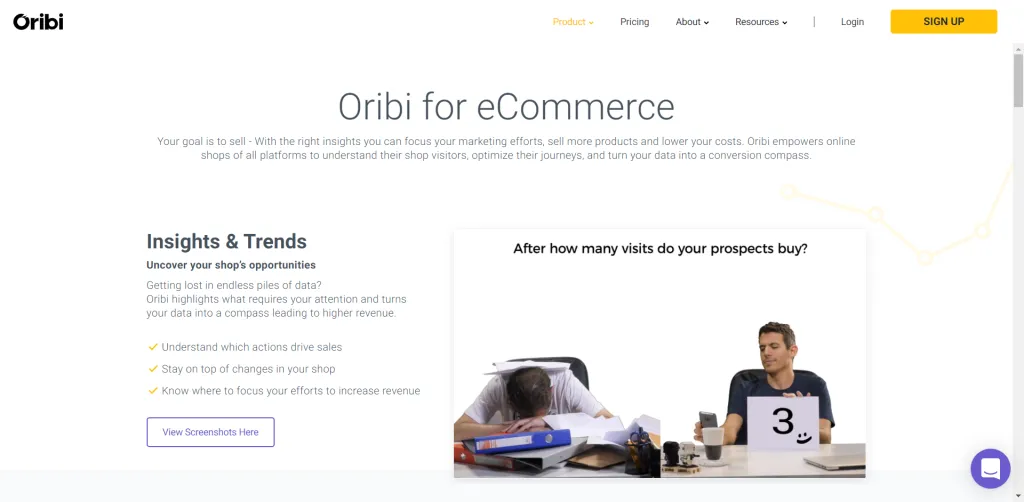
If you are looking for a Google Analytics alternative, then Oribi is the perfect choice for you. Oribi saves you from wasting endless hours making and analyzing reports. This tool will let you gain access to automated inclusive reports any time of day as many times as you want.
Additionally, with Oribi, you will be able to view all your data, graphs, metrics, budgets, etc. in one organized dashboard. This will save you from the hassle of switching between multiple tabs and will also let you get answers to crucial questions like what the conversion rate is, how many customers are you averaging each day, what type of posts are getting maximum attention, etc.
Features
- Action Management
- Activity Tracking
- Alerts / Escalation
- Behavioral Analytics
- Campaign Analytics
- Campaign Tracking
- Channel Management
- Collaboration Tools
- Conversion Rate Optimization
- Conversion Tracking
- Customer Segmentation
- Dashboard
- Email Marketing
- Event-Triggered Actions
- For Mobile
- Multi-Campaign
- Multi-Channel Attribution
- Pageview Tracking
- Performance Metrics
- Predictive Analytics
- Prioritization
- ROI Tracking
- Real-Time Monitoring
- Referral Tracking
- Reporting & Statistics
- Reporting/Analytics
- Resource Management
- Usability Testing
- User Interaction Tracking
- User Journeys
- User Research Analysis
- Visitor Tracking
- Visual Analytics
- Web Traffic Reporting
- Website Analytics
Pricing
| Plan | Price/month (Billed monthly) | Price/month (Billed Annually) |
| 5 clients | $1136 | $750 |
| 10 clients | $1818 | $1200 |
Pros
- The AI capabilities are very advanced and intuitive
- Free trial available
- User friendly and easy to set up
Cons
- Reports are only available in PDF format
- The startup cost is high
- Customer service is very slow
Pardot
Pardot is primarily intended at B2B enterprises, spanning from SMB to enterprise-level, and starts at $1,250/month. To help marketing and sales teams work together to produce and qualify sales leads, shorten sales cycles, automate marketing, and track marketing ROI, Pardot’s lead management offers CRM integration, email marketing, lead nurturing, lead scoring, and ROI reporting.
Features
- AB Testing
- API
- Access Controls/Permissions
- Activity Dashboard
- Activity Tracking
- Business Card/Badge Scanning
- CAN-SPAM Compliance
- CRM
- Contact Management
- Customer Database
- Customization
- Dashboard
- Drip Campaigns
- Dynamic Content
- Email Campaign Management
- Engagement Tracking
- Event-Triggered Actions
- Forms Creation & Design
- Interaction Tracking
- Keyword Tracking
- Landing Pages/Web Forms
- Lead Capture
- Lead Database Integration
- Lead Distribution
- Lead Verification/Validation
- Online Forms
- Performance Metrics
- Pipeline Management
- Real-Time Notifications
- Reporting & Statistics
- Reporting/Analytics
- Spam Blocker
- Template Management
- Third-Party Integrations
- WYSIWYG Editor
- WebForms
- Website Visitor Tracking
Pricing
| Plan | Pricing/month |
| Growth | $1250 |
| Plus | $2500 |
| Advanced | $4000 |
| Enterprise | $15000 |
Pros
- Great automation customizing options are available
- Very useful customer tracking features are available
Cons
- Customer service is very slow to respond
- No features are available to automate the extraction of email lists
- Self-configuring the software is almost next to impossible
Marketo
By delivering amazing experiences at every point of the customer journey, Adobe Marketo Engage enables marketing teams to be the drivers of demand and growth in their organizations. It is a premier marketing automation platform for small and medium enterprises in a variety of industries, with a wide range of capabilities.
Email marketing, nurturing, SEO, landing pages, scoring, and analytics are some of its very efficient and useful features. However, advanced pricing plans come with advanced features like website personalization, mobile engagement, social, and online retargeting.
Features
- AB Testing
- Activity Dashboard
- Behavior Analytics
- Behavior Tracking
- Campaign Analytics
- Campaign Management
- Campaign Segmentation
- Contact Database
- Conversion Tracking
- Customer Database
- Customer Journey Mapping
- Customer Segmentation
- Customizable Templates
- Data Import/Export
- Drag & Drop
- Drip Campaigns
- SMS Marketing
- Social Marketing
- Source Tracking
- Third-Party Integrations
- Website Visitor Tracking
- Multi-Channel Marketing
- Opportunity Management
- Performance Metrics
- Pipeline Management
- Predictive Analytics
Pricing
| Plan | Pricing/month |
| Jumpstart | Contact sales |
| Select | Contact sales |
| Prime | Contact sales |
| Ultimate | Contact sales |
Pros
- Very user-friendly and intuitive software
- Salesforce integration features are very advanced
- Customer support is quick and helpful
Cons
- Landing pages are poorly built
- Report and analytics function is not advanced enough
Conclusion
It can be very daunting to choose appropriate marketing automation tools from the various options available. Therefore, you need to have clarity regarding what you are looking for and why. Once you have a clear understanding of the answer, you will not struggle with choosing some of the best marketing automation tools available in the marketplace.
Written by
Shifat Jaman
March 22, 2022
Contributor at ThemesGrove, sharing practical WordPress, WooCommerce, and web design insights.
Related reading

RESOURCES
Best Booking Plugins for WordPress in 2026 – Top Picks for Service Businesses
Discover the best booking plugins for WordPress in 2026. Honest pros, cons & pricing for every top tool. GemBooking leads the list for service businesses.

RESOURCES
Best WordPress Automation Plugins for 2026 (Complete Guide)
You didn't build a WordPress site to spend your days copying form entries into spreadsheets, manually emailing customers after every purchase, or chasing down the same tasks every single week. That gap between what WordPress can do and what it does automatically? That's where most site owners bleed time.

RESOURCES
Best Custom Post Type Plugins for WordPress in 2026 (Free & Pro)
You built your WordPress site. Posts and pages are live. Then your client asks: Can we add a Testimonials section? A Jobs board? A Portfolio gallery? This is where custom post type plugins save you.