
Best WordPress CRM Plugins to Manage Customers and Boost Sales in 2026

A customer fills out your contact form on Monday. By Thursday, the lead is buried under 40 emails, your follow-up got delayed, and they went with someone else. That’s not a sales problem. It’s a system problem. Most WordPress businesses run on scattered tools — contact forms dropping data into email inboxes, WooCommerce orders in…
Zannatun Nime
A customer fills out your contact form on Monday. By Thursday, the lead is buried under 40 emails, your follow-up got delayed, and they went with someone else.
That’s not a sales problem. It’s a system problem.
Most WordPress businesses run on scattered tools — contact forms dropping data into email inboxes, WooCommerce orders in one place, newsletter subscribers managed somewhere else, and customer notes stuck in a personal spreadsheet. No single picture of who your customer is.
No history. No automated follow-up when they go quiet. That’s exactly the gap a WordPress CRM plugin fills.
Research shows businesses using CRM software see an average sales increase of 29% and a productivity boost of 34%.
In 2026, you don’t need Salesforce pricing to get those results. The right WordPress CRM plugin brings the entire customer management layer into your own dashboard — owned, controlled, and priced sanely.
What to Look for in a WordPress CRM Plugin
| Criteria | Why It Matters |
| Self-hosted vs. SaaS | Self-hosted keeps your customer data on your server — not a vendor’s. |
| Contact management | Contacts should be segmented and linked to real site activity. |
| Email automation | Drip sequences and behavioral triggers save hours every week. |
| WooCommerce integration | Purchases and cart abandonment should flow into the CRM automatically. |
| Pricing model | Per-contact or per-seat pricing punishes growth. Look for flat-rate options. |
| Data portability | Your contact list should always be fully exportable. |
Best WordPress CRM Plugins in 2026
1. GemCRM
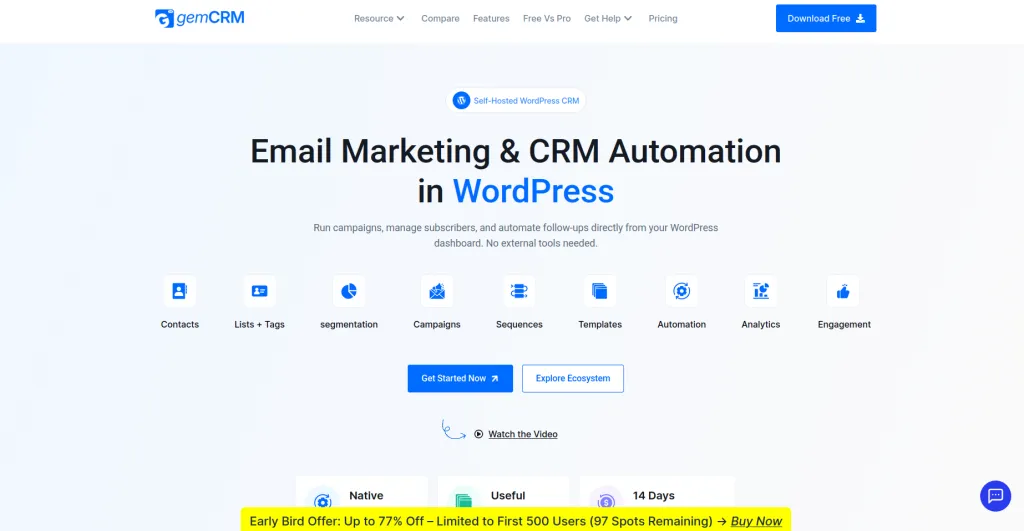
Built by: Kodezen | Free version: Yes | Paid plans: From $119 lifetime
GemCRM takes a different approach from most plugins on this list.
Instead of layering a generic CRM on top of WordPress, it builds around how WordPress actually works — user roles, registrations, comment submissions, WooCommerce purchases, course enrollments — and turns those native interactions into CRM contacts automatically.
The most important thing to understand about GemCRM is its pricing model: every plan is a one-time lifetime license with no contact caps, no per-seat fees, and no renewal costs.
Whether your list grows from 500 to 50,000 contacts, the price stays the same.
Core Features:
- Contact management with lists, tags, user roles, and behavioral conditions
- Email campaigns with drag-and-drop builder
- Drip sequences and recurring campaign automation
- WordPress-native sync — registrations, comments, and purchases auto-create contacts
- WooCommerce and StoreEngine integration
- Academy LMS integration for course-based follow-up sequences
- Full data portability — everything stored in your WordPress database
- 14-day money-back guarantee
The WordPress-native sync is worth focusing on. Most CRM plugins capture contacts only through form submissions.
GemCRM goes further — when someone registers, purchases, or enrolls in a course, that action can automatically create a contact and trigger a follow-up sequence.
That’s organic lead capture most plugins simply don’t offer.
Who it suits best: Agencies managing multiple WordPress sites who want predictable costs, WooCommerce store owners building post-purchase sequences, course creators using Academy LMS, and businesses that want to own their marketing stack rather than rent it indefinitely.
What to keep in mind: GemCRM is currently in public beta. Some advanced automation features on the roadmap are not yet fully released.
If you need a fully mature, heavily-documented CRM today, the other options on this list have more production history behind them.
Pricing: Starter at $119 lifetime (single site), Agency at $199 lifetime (100 sites).
All plans include unlimited contacts, campaigns, and automation.
2. FluentCRM
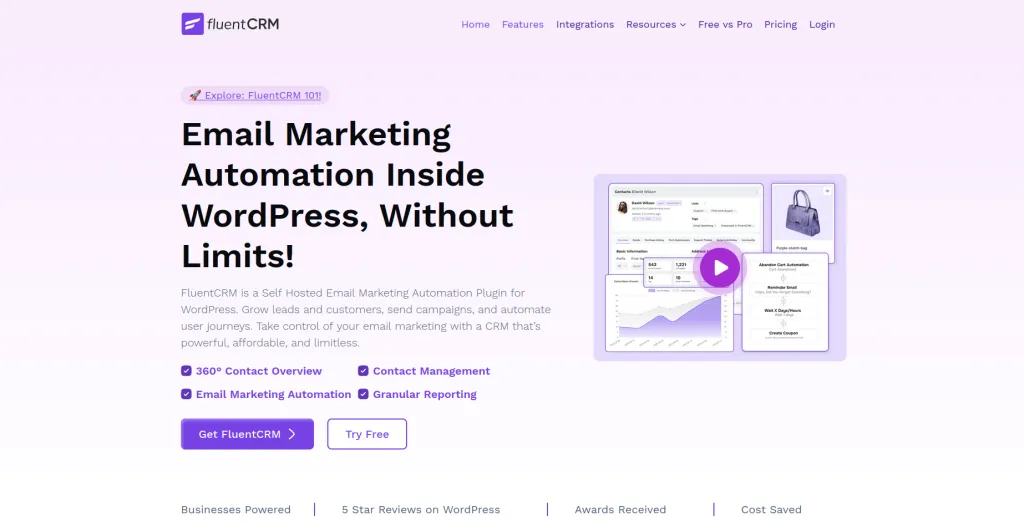
Built by: WPManageNinja | Free version: Yes | Paid plans: From $103/year
FluentCRM is the most widely deployed self-hosted CRM plugin in the WordPress ecosystem, trusted by over 25,000 businesses.
It runs entirely within your WordPress dashboard — no external servers, no SaaS overhead — with one of the strongest visual automation builders in the category.
Core Features:
- Advanced contact segmentation with tags, lists, and dynamic segments
- Visual email automation builder with conditional logic and time delays
- A/B testing for email campaigns
- 45+ native integrations — WooCommerce, LearnDash, AffiliateWP, MemberPress, Gravity Forms
- Detailed email analytics with revenue attribution
- No contact limits on any plan
The automation builder is FluentCRM’s standout feature. Multi-branch logic, behavioral triggers, and conditional splits are available through a visual canvas that non-technical users can manage without developer help.
Who it suits best: Established WooCommerce stores, LearnDash course creators, and marketing teams that need sophisticated email automation without switching to a SaaS platform.
What to keep in mind: FluentCRM runs on an annual renewal model — $103/year for one site, scaling to $399/year for agency licenses.
Over five years, that’s a meaningful total cost. The free version also doesn’t include the visual automation builder, which is the main reason most people choose it.
Pricing: Free version available. Pro starts at $103/year (single site).
3. HubSpot for WordPress
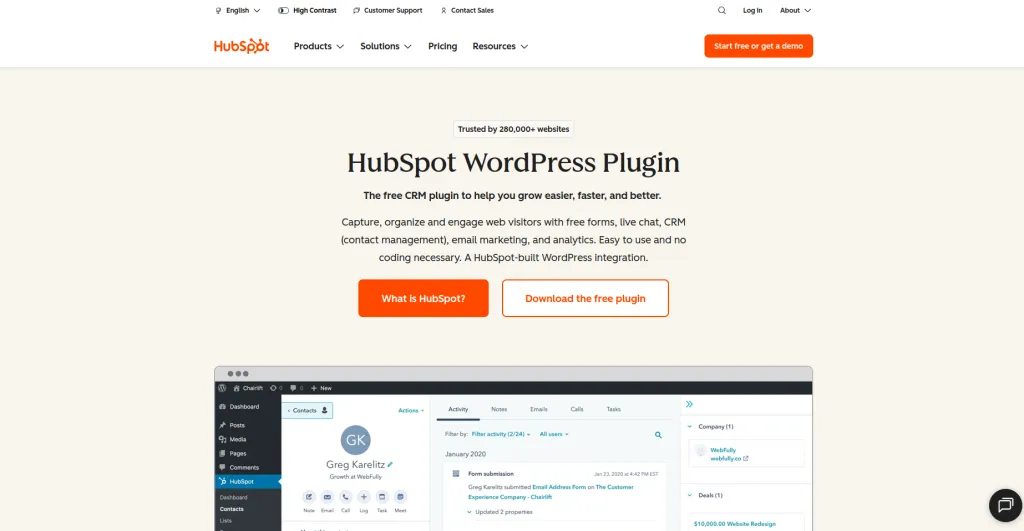
Built by: HubSpot | Free version: Yes (generous) | Paid plans: HubSpot platform pricing
HubSpot for WordPress is the plugin bridge between your WordPress site and HubSpot’s marketing platform.
The free tier is one of the most generous in the CRM category — up to one million contacts, a live chat widget, form builder, and basic email marketing, all at zero cost.
Core Features:
- Up to 1 million contacts on the free plan
- Built-in live chat and chatbot builder
- Forms that auto-sync submissions to HubSpot contacts
- Meeting scheduling links for sales teams
- Pipeline management with deal stages
- Basic email automation on free, advanced on paid
Who it suits best: Small businesses and freelancers starting out with zero CRM budget, sales teams that need pipeline and deal tracking, and businesses already using HubSpot tools who want to connect their WordPress site.
What to keep in mind: Your customer data lives on HubSpot’s servers, not yours a real consideration for GDPR compliance or data ownership requirements. HubSpot’s paid tiers also escalate quickly in price as team and feature needs grow.
Pricing: Free plan covers core CRM features. Paid tiers start $45/month..
4. Jetpack CRM
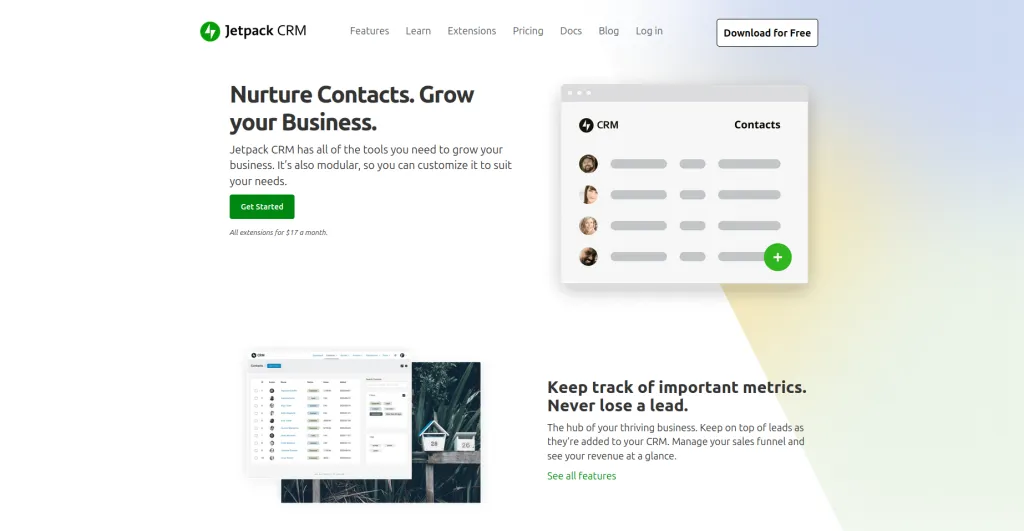
Built by: Automattic | Free version: Yes | Paid plans: From ~$11/month
Jetpack CRM takes a focused approach — clean contact management and client tracking done exceptionally well, without trying to be everything.
Contact records show a full timeline: every note, invoice, transaction, and logged interaction in one view. For service businesses managing ongoing client relationships, that clarity matters.
Core Features:
- Clean contact management with custom fields and tags
- Full client timeline — notes, invoices, quotes, and logged interactions
- Invoicing and quote generation from within the contact record
- WooCommerce integration — purchase history flows into contact profiles
- Client portal — clients can view invoices and history
- Lightweight, well-maintained codebase
Who it suits best: Freelancers and agencies tracking ongoing client relationships, service businesses that invoice clients regularly, and WooCommerce stores that want purchase history tied cleanly to contact records.
What to keep in mind: Email automation is limited compared to FluentCRM or GemCRM. If sophisticated email sequences are central to your workflow, you may end up pairing Jetpack CRM with a separate email plugin.
Pricing: Free version available. Paid plans from ~$11/month.
5. WP ERP
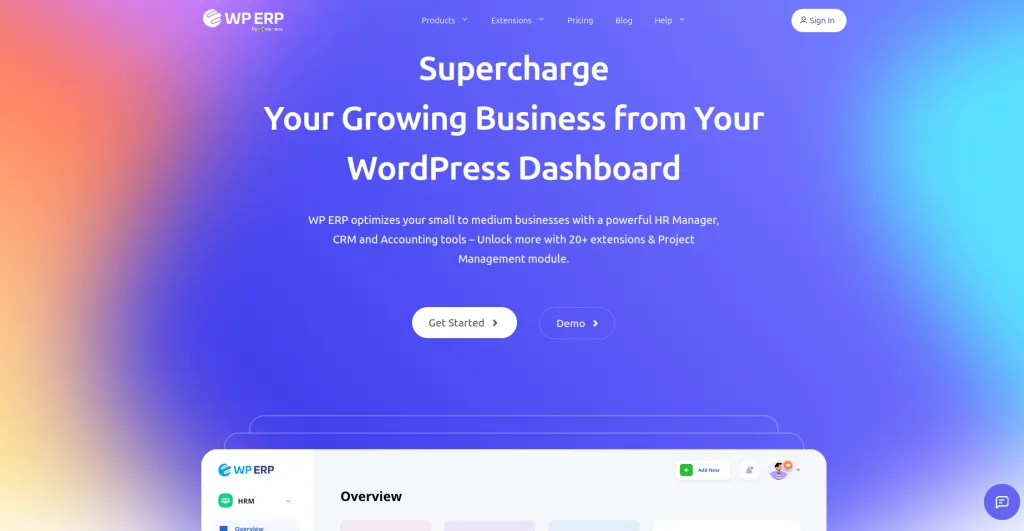
Built by: weDevs | Free version: Yes | Paid plans: From $9.99/user/month
WP ERP earns its place for one reason no other plugin here can claim: it’s not just a CRM. It bundles Customer Relationship Management, Human Resource Management, and Accounting into one WordPress plugin.
For small businesses that need operational management alongside customer tracking, that consolidation is genuinely useful.
Core Features:
- CRM module — contacts, lead tracking, activity logs, and deal pipeline
- HRM module — employee records, leave management, and attendance tracking
- Accounting module — expense tracking, income management, and financial reports
- WooCommerce integration for syncing customer order data
- Multi-user support with role-based access controls
- Extensible with paid add-ons for advanced CRM features
Who it suits best: Small and medium businesses that need CRM alongside basic HR and accounting, and teams looking to consolidate several internal management tools into one WordPress-based system.
What to keep in mind: The CRM module alone is less feature-rich than dedicated options like FluentCRM or GemCRM. Email automation and behavioral marketing sequences are limited. The per-user pricing also scales up with team size.
Pricing: Core plugin is free. Pro starts at $9.99/user/month.
Plugin Comparison Table
| Plugin | Self-Hosted | Email Automation | WooCommerce | Free Version | Pricing Model |
| GemCRM | ✅ Yes | ✅ Yes | ✅ Yes | ✅ Yes | Lifetime from $119 |
| FluentCRM | ✅ Yes | ✅ Advanced | ✅ Deep | ✅ Yes | From $103/year |
| HubSpot | ❌ SaaS | ✅ Basic free | ✅ Yes | ✅ Generous | Free + $45/month |
| Jetpack CRM | ✅ Yes | ❌ Limited | ✅ Yes | ✅ Yes | From $11/month |
| WP ERP | ✅ Yes | ❌ Limited | ✅ Yes | ✅ Yes | From $9.99/month |
The Long-Term Cost Conversation
Subscription-based CRM pricing feels affordable in month one. It rarely feels that way in year three.
FluentCRM Pro at $103/year runs to $515 over five years — assuming no price increases. A mid-tier SaaS CRM at $49/month hits $2,940 over the same period.
GemCRM’s $119 lifetime license has a fixed total cost regardless of how long you use it or how many contacts you accumulate.
Running the actual numbers for your situation before defaulting to a subscription model is worth the 10 minutes it takes.
Frequently Asked Questions
What is the best WordPress CRM plugin in 2026?
It depends on your use case. FluentCRM is the most mature self-hosted option with the strongest automation builder. HubSpot offers the most generous free tier.
Jetpack CRM is the cleanest pick for freelancers and service businesses.
WP ERP is the only option that bundles CRM with HR and accounting. GemCRM is the strongest choice for agencies and businesses focused on long-term cost efficiency and WordPress-native data workflows.
Do WordPress CRM plugins keep my data private?
Self-hosted plugins — GemCRM, FluentCRM, Jetpack CRM, and WP ERP — store all contact data in your own WordPress database.
HubSpot for WordPress connects to HubSpot’s external platform, so contact data lives on their servers.
For GDPR compliance or data residency requirements, self-hosted options are the appropriate choice.
Is there a free WordPress CRM that’s actually useful?
Yes. HubSpot’s free tier includes up to one million contacts with live chat, forms, and basic email marketing. Jetpack CRM’s free version handles contact management and invoicing.
FluentCRM’s free version manages unlimited contacts with basic campaign tools. All three are functional starting points, not just feature-locked teasers.
Can a WordPress CRM replace HubSpot or Salesforce?
For most small and medium businesses, yes — for contact management, email automation, and sales pipeline tracking.
Where enterprise SaaS platforms pull ahead is in advanced reporting and complex multi-team workflows.
If your business isn’t at that scale, a well-configured WordPress CRM plugin is more than sufficient and significantly more affordable.
Will a CRM plugin slow down my WordPress site?
A well-built plugin adds minimal front-end load since CRM processing happens in the admin dashboard. The area to watch is bulk email sending — always configure a dedicated SMTP provider (Postmark, SendGrid, Amazon SES) rather than relying on your server’s default mail function.
Wrapping Up
Each plugin on this list has a clear use case it handles best.
Jetpack CRM for clean client management. WP ERP for businesses that need CRM alongside HR and accounting.
HubSpot for the fastest, zero-cost entry point. FluentCRM for the most mature automation engine in the self-hosted space.
And GemCRM for site owners who want a WordPress-native CRM that doesn’t turn your contact list into a recurring expense — built around how WordPress actually works, with a one-time license that doesn’t charge more as you grow.

Written by
Zannatun Nime
June 1, 2026
Zannatun Nime writes about AI, developer tools, and social media marketing in a simple and easy-to-follow way. He enjoys making complex topics clear, practical, and useful for everyday readers.
Related reading

RESOURCES
Best Booking Plugins for WordPress in 2026 – Top Picks for Service Businesses
Discover the best booking plugins for WordPress in 2026. Honest pros, cons & pricing for every top tool. GemBooking leads the list for service businesses.

RESOURCES
Best WordPress Automation Plugins for 2026 (Complete Guide)
You didn't build a WordPress site to spend your days copying form entries into spreadsheets, manually emailing customers after every purchase, or chasing down the same tasks every single week. That gap between what WordPress can do and what it does automatically? That's where most site owners bleed time.

RESOURCES
Best Custom Post Type Plugins for WordPress in 2026 (Free & Pro)
You built your WordPress site. Posts and pages are live. Then your client asks: Can we add a Testimonials section? A Jobs board? A Portfolio gallery? This is where custom post type plugins save you.