
Introducing WPOnepager Pro 1.1.6 & WPOnepager 2.3.1 With Many Significant Changes
Back then, in time, we were trying to make the perfect landing page builder that will help you to create the perfect landing page. After the research and hard work, we have made it, and back from then, we are continuously polishing it. Polishing it in good time and hard times so that you can…
Parvez Akther
Back then, in time, we were trying to make the perfect landing page builder that will help you to create the perfect landing page. After the research and hard work, we have made it, and back from then, we are continuously polishing it. Polishing it in good time and hard times so that you can smoothly work and complete your project.
This time we have brought an update to both WPOnepager and WPonepager PRO. Our users reported some issues that were lurking in the Pro version; we have fixed those. And then, we have brought new layout, blocks, updates, and fixes to the free version.
Let’s check the update in detail.
Updates in WPOnepager 2.3.1
Typography Settings in Page Setting Panel
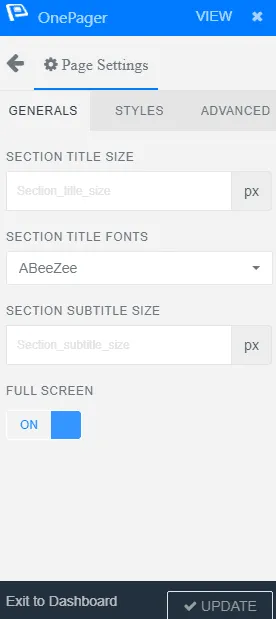
In the previous update, we have introduced page settings in WPOnepager. Where you bring a specific change in a page, and that change will be applied to all of the blocks of that page. With the Page settings panel, your precious time is saved.
In this update, we have brought typography settings in the page settings panel. You will be able to adjust the typography of every block on your page from one place. Currently, only three options are provided, but in the next updates, we will provide more settings options.
These three options are – Section Title size, section title fonts, section subtitle size. With these options, adjust the size of the title in every section, fonts of every title in every section.
Book Landing Page Layout

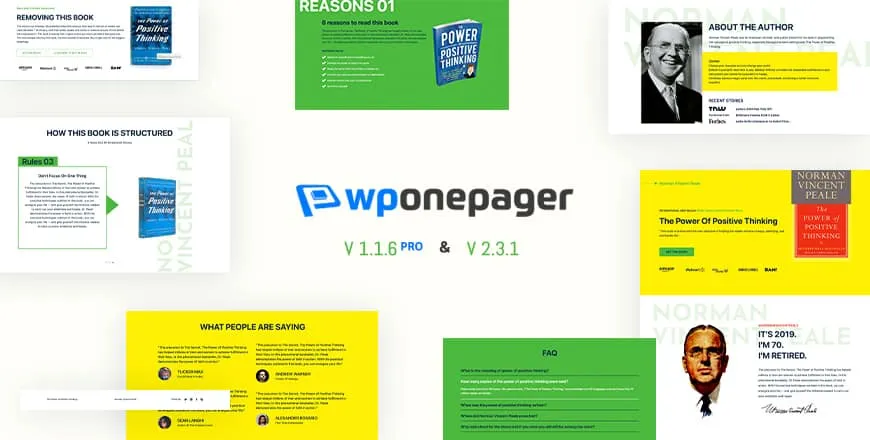
A brand new layout for book lovers. Sell or review popular books with the help of this landing page layout. Every inch of this landing page layout is created by keeping in mind so that your book is highlighted in the best way.
Use this layout and sell books effectively.
Nine Free New Blocks
Feature Item 19

Feature Item 20

Feature Item 21
Feature Item 22
Feature Item 23
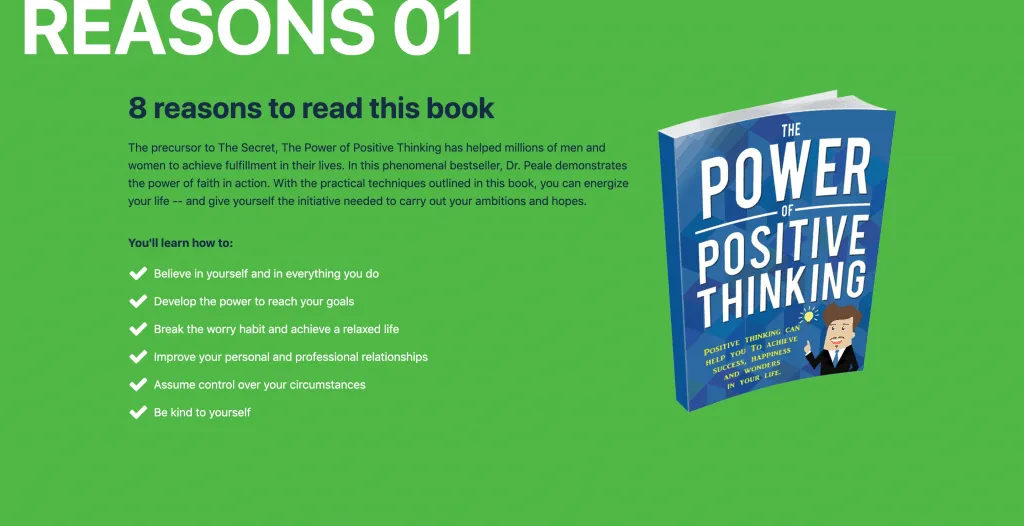
Feature Item 24
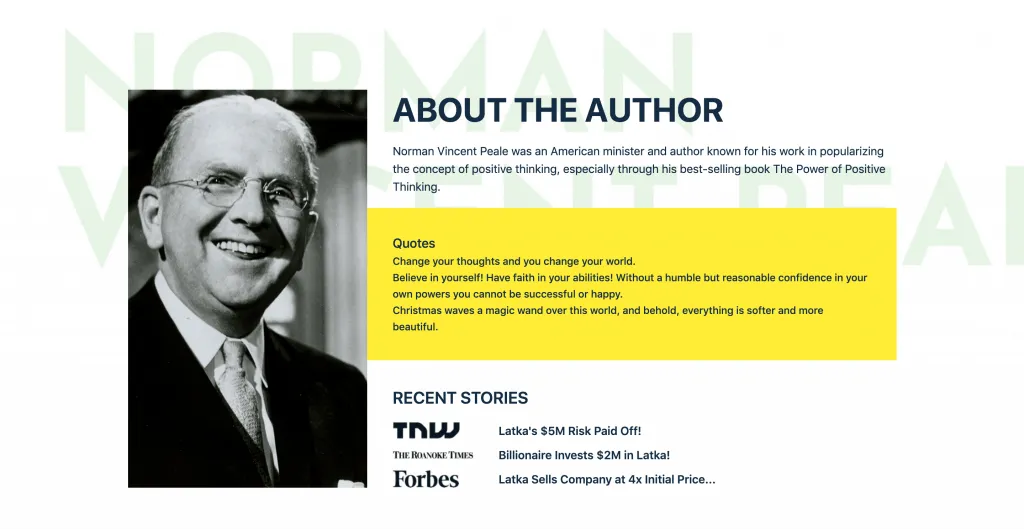
Feature Item 25
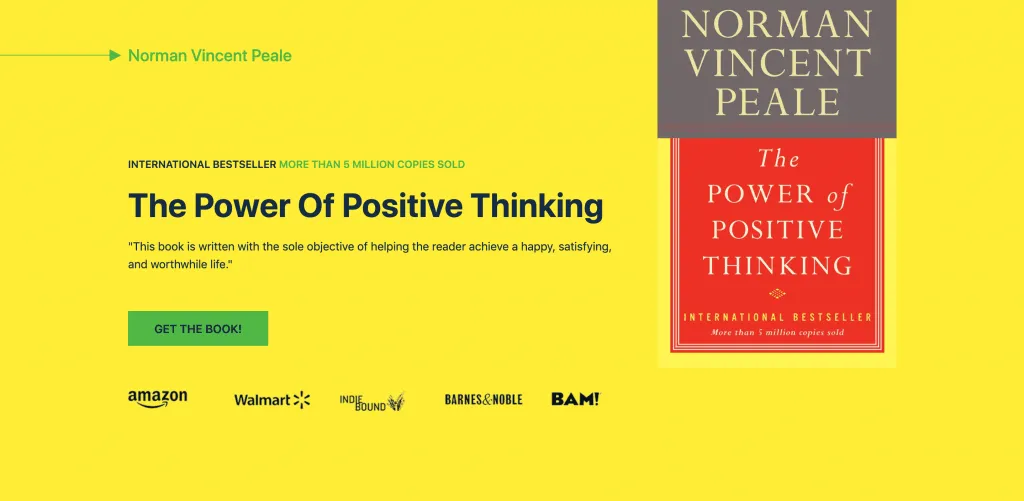
Footer Item 4

SLider Item 5
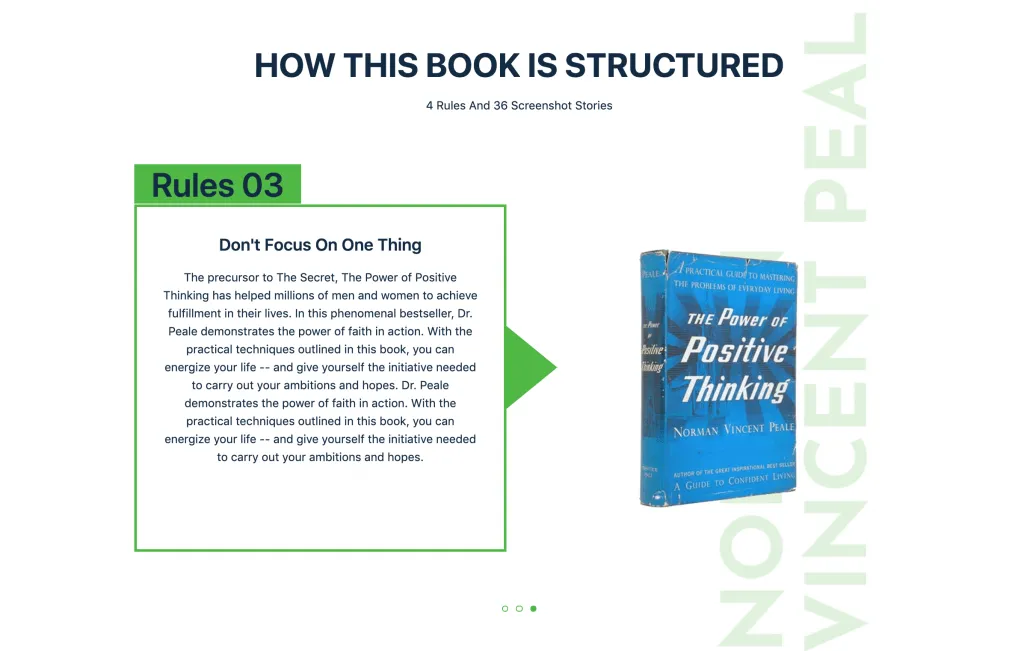
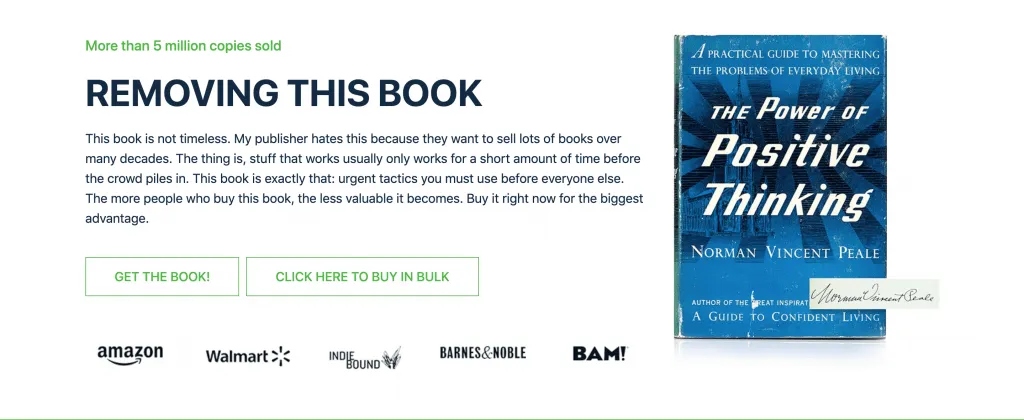
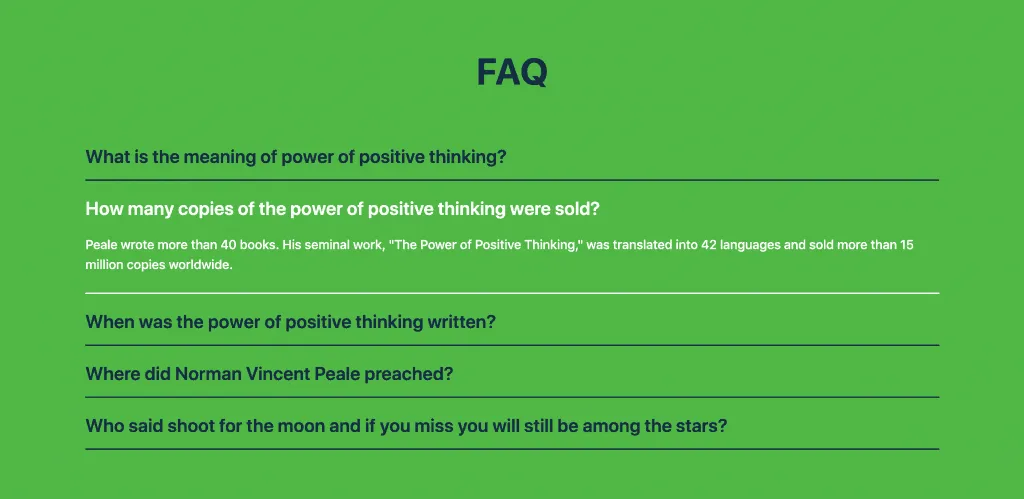
WPOnepager 2.3.1 offers your nine new blocks in different categories, and these blocks are free to use. Use these blocks to build your next book’s site landing page.
JSON Updated For Several Layouts
Previously there wasn’t any heading tag in Layouts JSON file. Therefore changing the page template style would break. In this version, this issue is fixed.
Updates in WPOnepager Pro 1.1.6
In the pro version of WPOnepager, we have brought some major fixes.
FullPage Screen Option
Previously enabling the “Full page” option would make, every page in your directory go the full page. That was a big problem. Now, in this version, this issue is fixed. From now on, only the specified pages will go full screen.
Variable Checking Issue and Hook Firing Issue
A variable checking issue is related to the PHP engine, and it has some dependable fields. And on pro blocks, there was a hook firing issue. Now in WPOnepager pro 1.1.6, both of these problems are solved.
Double Quotation Issue
Earlier, there was a double quotation at the end of the div class. This use to create problems, and now the double quotation has been removed.
PHP Shorthand Issue
In PHP, anyone can echo in two ways. One way is standard and granted universally. Another one is by writing “=.” This shorthand echoing doesn’t work on many servers. Therefore we have removed it.
Remove Fullpage Screen Option For All Page
For the Fullpage screen option, a script has automatically been added with all pages. We have patched it. Now no such script is automatically added.
JSON Update For All Layout Packs
Earlier, JSON files were missing heading tags. Therefore they were breaking while changing template styles. In this update, this issue is fixed.
Changelogs
WPOnepager 2.3.1
- New – Typography settings in page setting panel.
- New – Book Landing Page Layout.
- New – 7 New blocks in Feature Category.
- New – 1 New block in Slider Category.
- New – 1 New Block in Footer Category.
- Fix – PHP Engine varible issue.
- Update – JSON Updated for Software Company Layout.
- Update – JSON Updated for Corporate Layout.
- Upate – JSON Updated for Personal Photography Layout.
- Update – JSON Updated for Mobile App Layout.
WPOnepager 1.1.6
- Fix – FullPage screen option for page specific settings panel.
- Fix – Fix the variable checking issue for pro and fire hook for onepager pro blocks
- Fix – Remove double quotation at the end of the div class
- Fix – PHP shorthand issue.
- Fix – Remove fullpage screen option for all page.
- Fix – JSON updated for all layout pack.
[
Get WPOnepager Now
](https://themesgrove.com/wp-onepager/)
Conclusion
Did you like the new layout and blocks? Let me know that. Your responses inspire us to develop better. More changes are coming in the next update; stay tuned.
Written by
Parvez
April 2, 2020
Founder of ThemesGrove and a tech veteran with deep experience across WordPress, products, and web platforms.
Related reading

TIPS & TRICKS
How to Turn Public Data into a Revenue-Generating Directory Website for Under $30
Discover how directory websites can become profitable online businesses. Learn two proven directory models you can build with WordPress using publicly available data and affordable tools.
TIPS & TRICKS
Introducing Advanced Tab for WidgetKit to Present Your Content in an Organized Way
Do you ever wonder why your website losing hundreds or thousands of visitors? Research Shows website design has a 75% influence on a website’s credibility, and here having unorganized content can hurt your website design so badly. The sole purpose of your website should be attracting customers, encouraging them to interact with the content, and…
TIPS & TRICKS
Webflow vs WordPress: Which is better for your website?
Are you trying to decide between Webflow and WordPress for your new website? Maybe you’re feeling overwhelmed by the endless options and don’t know where to start. Don’t worry; we’ve all been there. In this article, we’ll compare Webflow vs WordPress head to head, covering their pros and cons, features, and pricing, and help you…