
Top 5 AI Code Generators for Developers in 2026

Let me ask you something, honestly. As a developer, how many hours do you spend on work that presents real challenges to your skills? During your work hours, do you spend most of your time creating functions that duplicate your past work, or do you spend hours trying to fix known bugs, or do you…
Zannatun Nime
Let me ask you something, honestly. As a developer, how many hours do you spend on work that presents real challenges to your skills?
During your work hours, do you spend most of your time creating functions that duplicate your past work, or do you spend hours trying to fix known bugs, or do you work on automated boilerplate code?
For most developers, a large portion of every working day goes toward the routine stuff. Not the interesting architecture decisions. Not the clever problem-solving. Just the grind.
That is the exact gap that AI code generators have stepped into. And in 2026, they are doing it remarkably well.
Around 85% of developers now use AI tools as part of their regular workflow. Some use them for quick line completions. Others describe an entire application in plain English and watch it get built from scratch.
The tools have matured to the point where the real question is no longer whether to use them. The question is which one actually fits the way you work.
This guide covers the five best AI code generators available right now.
What Is an AI Code Generator?
An AI code generator functions as a code generation tool that trains on huge code repositories to create code through text-based input.
The system allows you to enter comments together with incomplete functions or English descriptions, which it uses to understand your development goals before completing your work.
Your editor receives real-time suggestions from these tools, which function as assistant programs that show up while you write.
The system functions as an agent that enables you to describe your requirements while it generates complete features and entire applications on your behalf.
The best tools in 2026 will provide users with two main functions, which they can choose from depending on their current needs.
Now, let us get into the tools.
1. GitHub Copilot
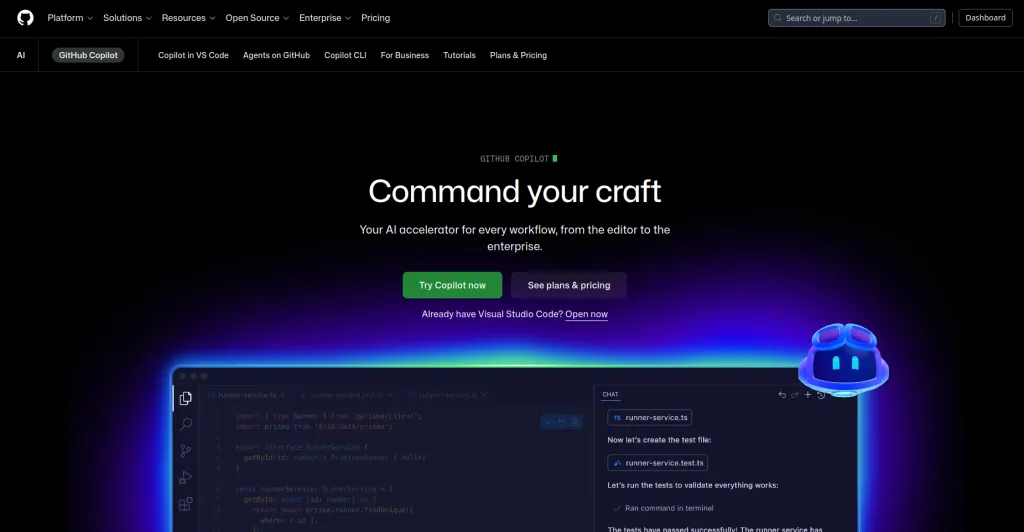
GitHub Copilot stands as the most popular AI tool, which helps developers write code across the entire world. That is not an accident.
The software operates in the same editors that developers already use, while needing no training, and delivers immediate time savings after activation.
The system operates through OpenAI models, which link with the GitHub platform to analyze your code while you develop it by understanding your comments and function names to create appropriate code suggestions.
The system will perform multiple steps automatically to solve GitHub issues through codebase analysis, test generation, code correction, and test creation without requiring your involvement beyond the initial setup.
Key Features
- Real-time code suggestions inside VS Code, JetBrains, Neovim, and more
- Agent Mode for handling multi-step tasks from GitHub issues automatically
- Full repository context, so suggestions are based on your actual codebase patterns
- Inline chat for asking questions and requesting changes without leaving your editor
- Deep GitHub integration including pull request summaries and code review assistance
Pro
- Easiest setup of any tool on this list, works from minute one
- Supports more editors and IDEs than any competitor
Cons
- Less effective on very large or complex monorepos compared to Cursor
Best For: Individual developers and teams already working inside the GitHub ecosystem who want AI assistance without changing their existing setup.
Price: Free tier available. Individual plan at $10 per month. Business plan at $19 per user per month.
2. Cursor
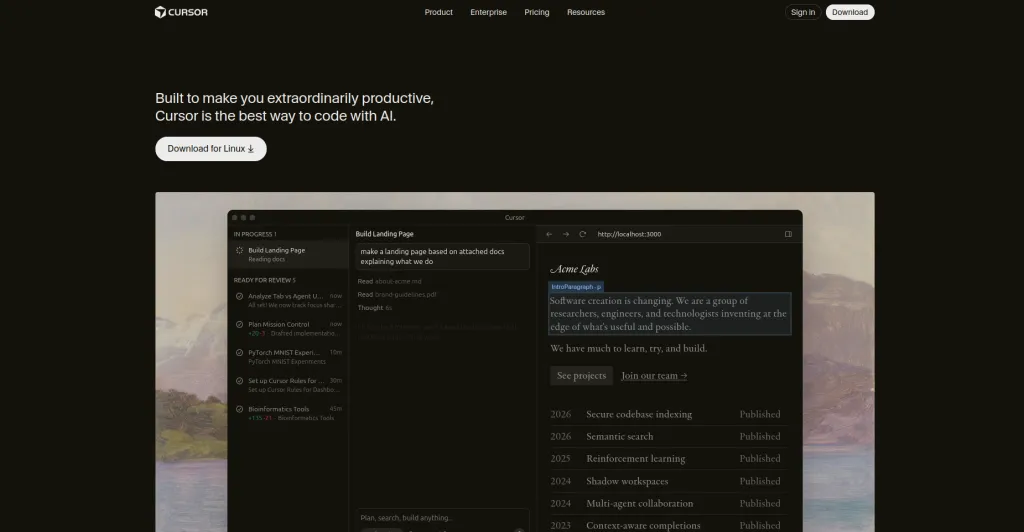
The core principle that drives Cursor remains a straightforward yet highly effective concept. The development process should start with an AI-focused editor instead of tacking AI features onto an already existing editing tool.
The experience delivers an entirely unique user interaction that does not resemble any other product found in this collection.
The software operates as a fork of VS Code, which means users who worked with VS Code before will find the interface and keyboard shortcuts familiar.
Key Features
- Full codebase indexing so the AI understands your entire project before making suggestions
- Composer mode for making coordinated changes across multiple files in one conversation
- Terminal AI that provides command suggestions and explanations right inside the terminal
- Privacy mode that prevents your code from being stored or used for training
- Support for multiple AI models, including GPT-4o, Claude, and Cursor’s own models
Pros
- Unmatched context awareness on large, complex codebases
- Multi-file editing through Composer saves enormous time on refactors and features
- Feels like a true AI-native editor rather than a tool bolted on top of something else
Cons
- Requires switching away from your current editor, which is a real adjustment
Best For: Developers working on large, complex codebases who want an AI that truly understands the full project before touching anything.
Price: Free tier with limited usage. Pro plan at $20 per month. Business plan at $40 per user per month.
3. Claude Code
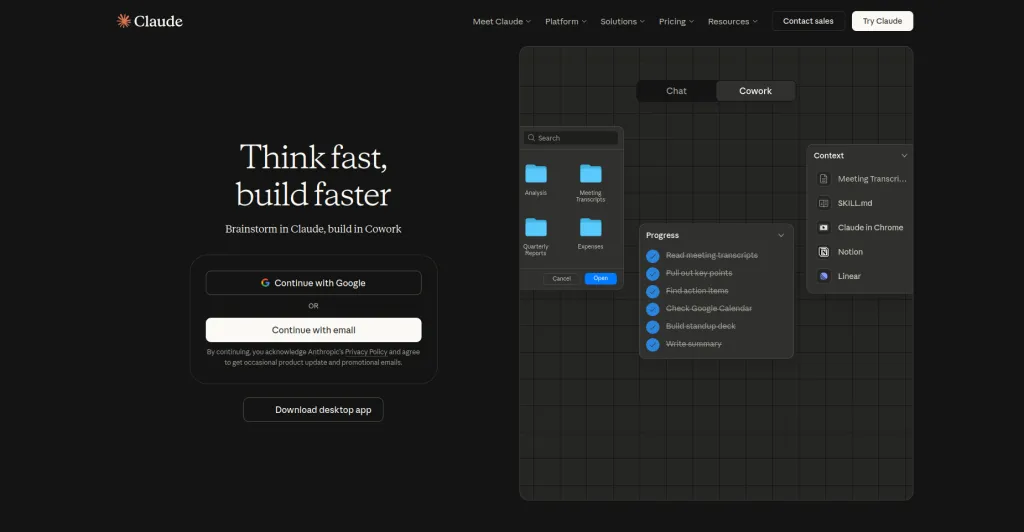
Claude Code takes a different approach from every other tool on this list. It does not sit inside an IDE.
It runs in your terminal as a conversational agent, and it is purpose-built for situations where you need careful, thoughtful reasoning rather than fast autocomplete.
The defining capability is its context window. Claude Code can hold and reason over entire large codebases at once.
Most AI tools lose track of earlier parts of a project as conversations get longer. Claude Code holds the full picture, which makes it unusually capable at understanding how changes in one part of a codebase will affect everything else.
Key Features
- Massive context window that can process entire large codebases in a single session
- Deep code review with specific, reasoned feedback rather than generic suggestions
- Comprehensive test generation that understands the actual logic being tested
- Architectural guidance that considers the full structure of your project
Pros
- Best in class for deep code analysis and reasoning on complex problems
- Excellent at producing thorough, accurate test suites for existing code
Cons
- A terminal-based interface is less convenient for developers who prefer staying inside an IDE
- Not the fastest tool for quick line completions or routine autocomplete
Best For: Senior developers and teams working on established codebases where accuracy, careful reasoning, and thorough analysis matter more than speed.
Price: Available through Claude.ai. Pro plan starts at $20 per month.
4. Windsurf

The development team rebuilt Windsurf from its previous version, Codeium, to create a system that focuses on maintaining developer flow through every design choice.
This AI-native IDE operates as a lightweight system that runs quickly while staying out of your way, but it delivers excellent codebase comprehension and valuable recommendations throughout your work process.
The product stands out from its competition because of its unique Cascade functionality. The system operates beyond basic prompt responses because it observes your work activities to forecast your upcoming needs, which it then presents as suggestions before you realize you need them.
The first session with Windsurf proved to be a different experience for developers who used other AI tools, which disrupted their workflow.
Key Features
- Cascade, an agentic AI that anticipates your next move rather than just reacting to prompts
- SWE-1.5, a proprietary coding model built specifically for development tasks
- Full codebase awareness, similar to Curso,r but with a lighter and faster interface
- Deep Terminal integration with context-aware command suggestions
Pros
- Noticeably faster and lighter than Cursor while offering similar codebase awareness
- Cascade’s proactive suggestions create a uniquely smooth coding experience
Cons
- Less mature ecosystem compared to Copilot or Cursor
Best For: Developers who prioritize a fast, distraction-free environment and want AI that works with their flow rather than interrupting it.
Price: Free tier with generous limits. Pro plan at $15 per month. Teams plan available.
5. Replit Agent
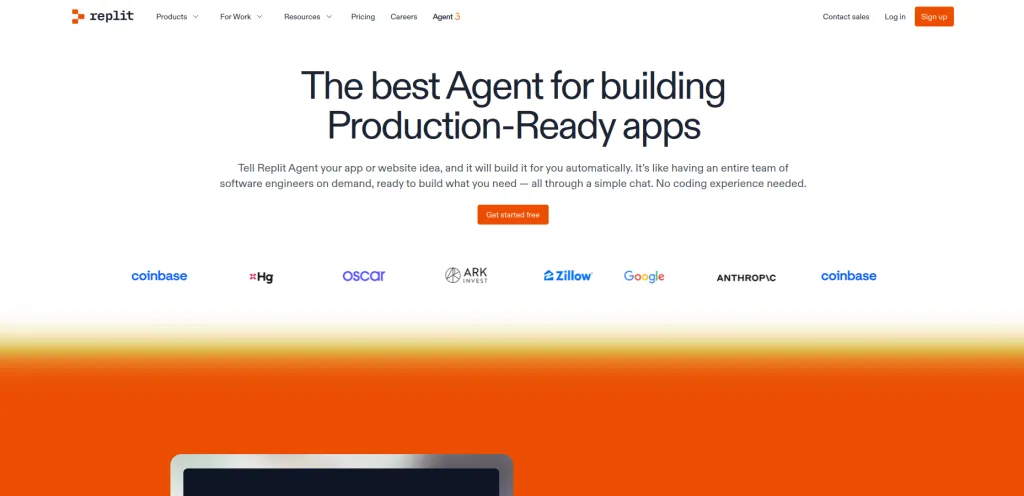
The platform started as a simple coding environment that operated through web browsers, but now functions as a full-stack development system with advanced capabilities.
The system that powers this evolutionary process operates through Replit Agent, which functions as a conversational AI system that extends beyond its role as a coding assistant.
The system generates fully functional software applications by using basic language instructions that users provide.
The system requires you to state your development project needs, which it then uses to build complete project infrastructure and generate programming code, database links, and application deployment from your browser interface. No local environment to configure.
No juggling between multiple tools. Just describe what you want and watch it build.
Key Features
- Full-stack app generation from plain English descriptions, including backend, frontend, and database
- Autonomous operation for up to 200 minutes with its own internal testing and reflection loop
- One-click deployment directly from the browser with no separate hosting setup required
- Built-in package management, environment configuration, and debugging tools
Pros
- Fastest path from idea to a working, deployed application of any tool on this list
- No local setup required, everything runs in the browser
Cons
- Less suited for plugging into large existing production codebases
Best For: Solo developers, non-technical founders, and anyone who needs to go from an idea to a working prototype as fast as possible.
Price: Free tier available. Pro plan at $25 per month. Teams plan at $20 per user per month.
How to Pick the Right One for You
The best AI code generator is the one that solves your biggest daily frustration right now. Here is a simple way to think about it.
GitHub Copilot stands as the best option for users who want to maintain their current editor environment without any interruptions.
The lowest-risk entry point exists together with immediate value, which becomes available to users from their first day of use.
Cursor application proves beneficial for developers who handle extensive projects because it analyzes their entire code structure before producing any suggestions.
Claude Code operates as a specialized tool that enables users to perform detailed project evaluations through its thorough code analysis and comprehensive evaluation system.
Windsurf provides users with an AI-native environment that operates at high speed while maintaining smooth performance and minimal system requirements.
Replit Agent stands alone as a unique platform because it enables users to transform basic English concepts into operational applications without needing to operate within their personal development space.
Most of these tools offer free tiers or trial periods. Your best choice would be to select the tool that targets your current major obstacle and then dedicate two full weeks to applying it in actual work tasks before you assess the resulting changes in your work products.
Top AI Code Generators At a Glance: Quick Comparison Table
| Tool | Best For | Editor | Codebase Context | Free Tier | Starting Price |
| GitHub Copilot | Teams in GitHub ecosystem | VS Code, JetBrains, more | Repository level | Yes | $10/month |
| Cursor | Large complex codebases | Cursor (VS Code fork) | Full project indexing | Yes | $20/month |
| Claude Code | Deep analysis and review | Terminal | Entire codebase | Via Claude.ai | $20/month |
| Windsurf | Flow and speed | Windsurf IDE | Full project | Yes | $15/month |
| Replit Agent | Rapid app building | Browser | Project level | Yes | $25/month |
Wrapping Up!
The AI code generation tools of 2026 have evolved from experimental technology into essential components that power modern software development systems. Software development now operates through these tools.
The developers who deliver the most work while maintaining their well-being and producing excellent results do not need to be the most skilled individuals in the group.
Use it seriously. Build the habit before adding anything else. Your workflow gaps will become clear to you after establishing one operational system, which will help you select your next step.
The five tools in this guide offer enough variety to meet the requirements of most developers who need them. At least one of them belongs in how you work today.

Written by
Zannatun Nime
March 9, 2026
Zannatun Nime writes about AI, developer tools, and social media marketing in a simple and easy-to-follow way. He enjoys making complex topics clear, practical, and useful for everyday readers.
Related reading

RESOURCES
Best Booking Plugins for WordPress in 2026 – Top Picks for Service Businesses
Discover the best booking plugins for WordPress in 2026. Honest pros, cons & pricing for every top tool. GemBooking leads the list for service businesses.

RESOURCES
Best WordPress Automation Plugins for 2026 (Complete Guide)
You didn't build a WordPress site to spend your days copying form entries into spreadsheets, manually emailing customers after every purchase, or chasing down the same tasks every single week. That gap between what WordPress can do and what it does automatically? That's where most site owners bleed time.

RESOURCES
Best Custom Post Type Plugins for WordPress in 2026 (Free & Pro)
You built your WordPress site. Posts and pages are live. Then your client asks: Can we add a Testimonials section? A Jobs board? A Portfolio gallery? This is where custom post type plugins save you.