
Top 6 AI Productivity Tools in 2026

People need to dedicate some time to answering this question because it holds essential value for their understanding. People should reflect on their most recent complete workday when they seek to improve their work performance. AI productivity tools will solve this particular issue with increasing effectiveness in 2026. According to Microsoft’s Work Trend Index, 75%…
Zannatun Nime
People need to dedicate some time to answering this question because it holds essential value for their understanding. People should reflect on their most recent complete workday when they seek to improve their work performance.
AI productivity tools will solve this particular issue with increasing effectiveness in 2026. According to Microsoft’s Work Trend Index, 75% of global knowledge workers now use AI tools regularly.
The population count showed a rapid increase because it almost doubled during the short six-month period.
The effectiveness of AI tools remains uncertain because most of these systems fail to meet their predicted outcomes.
Most of these systems end up adding new work responsibilities, which users need to handle instead of reducing their existing workload.
The guide presents six operational tools that create actual measurable effects for present-day business operations.
What Makes an AI Productivity Tool Actually Worth Using?
Before the list, it helps to know what separates a tool that genuinely improves your day from one that just sounds impressive in a demo.
The best AI productivity tools share a few qualities. The tools operate based on your current work methods instead of requiring you to develop alternative operational systems.
The system provides noticeable advantages during its first week of operation instead of requiring users to spend an entire month for activation and training.
The system takes care of all the repetitive tasks that require long processing times, so you can concentrate on work that demands your professional judgment, creative thinking, and accumulated experience.
The system connects directly to your current tools, which prevents you from having to create an independent system for monitoring.
The six tools that match these qualities should receive your full attention.
1. ChatGPT Plus
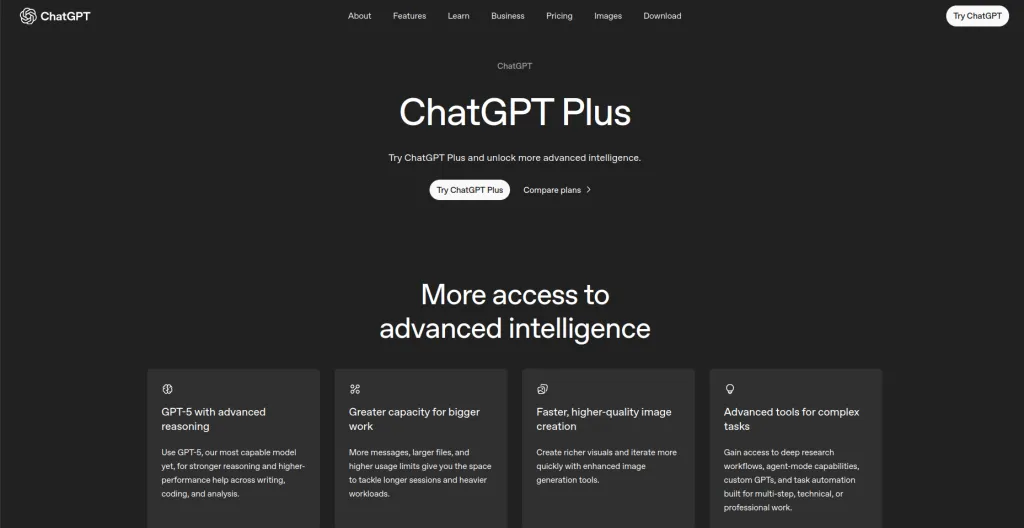
ChatGPT has shown the world what conversational AI can do since its first release, and it continues to be the most versatile AI assistant in 2026.
The Plus version, which operates on GPT-4o and receives ongoing model updates, serves as a reliable work tool for knowledge workers who span multiple industries and perform various job functions.
The tool maintains its position as a top AI stack choice because it performs multiple tasks effectively during a single conversation, even though new specialized tools continue to appear.
Key Features
- Multimodal capability covering text, image generation, file analysis, and web browsing all in one place
- Advanced data analysis by uploading spreadsheets and documents and asking natural questions about them
- Custom GPTs for building specialized assistants tailored to specific workflows or professional contexts
- Memory feature that retains your preferences and important context across conversations over time
Pro
- Unmatched versatility, handles more types of tasks than any other tool on this list
- Constantly updated with new capabilities and model improvements from OpenAI
Cons
- General-purpose nature means it is rarely the single best tool for any one specific task
Best For: Knowledge workers, managers, writers, and anyone who wants a capable AI tool that handles the wide variety of tasks that come up across a typical working week.
Price: Free tier available. Plus plan at $20 per month. Team plan at $25 per user per month.
2. Claude
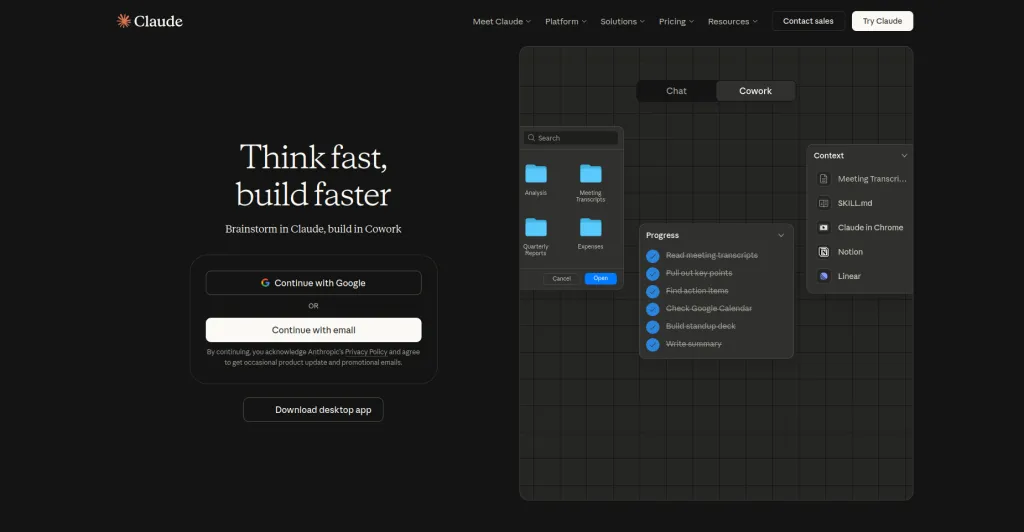
Anthropic developed Claude, which serves as the top AI assistant for professionals who must handle large volumes of intricate information during their work.
The AI system needs to analyze long legal documents, technical reports, research studies, complex writing assignments, and other materials that demand its ability to understand deep information instead of delivering basic responses.
Claude’s primary advantage emerges because it maintains access to vast amounts of conversation history during each dialogue interaction.
Key Features
- Industry-leading context window that processes entire long documents or full codebases at once
- Natural, nuanced writing that reads like a thoughtful person produced it rather than a machine
- Strong analytical reasoning for breaking down complex, multi-layered problems step by step
- Document comparison and synthesis across multiple uploaded files simultaneously in one session
Pros
- Best in class for working with long, complex, or sensitive professional documents
- Writes with a natural and considered voice that requires minimal editing before use
Cons
- Less multimodal than ChatGPT Plus at comparable pricing tiers
Best For: Researchers, lawyers, product managers, writers, and professionals who work with complex, lengthy material and need an AI that thinks carefully rather than just responds quickly.
Price: Free tier available. Pro plan at $20 per month. Team and Enterprise plans are available.
3. Notion AI
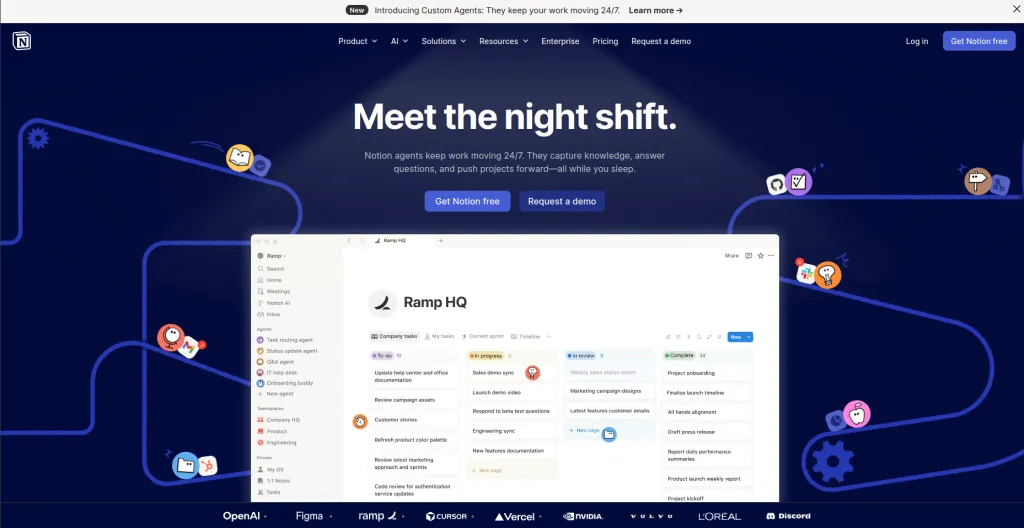
Your team can perform their work most effectively when Notion AI integrates with their existing project management system, internal documentation system, meeting notes system, and shared knowledge system.
The system lets you keep your current platform while it enables you to operate with fresh digital tools. The tool you depend on will become far more powerful because of this feature, which activates immediately when you use it.
The system operates as a standalone application that directly connects to Notion while it understands your content because it operates within the same environment that you use every day.
Key Features
- Workspace-aware AI that reads and understands your existing Notion pages and databases directly
- Automatic meeting note summarization into clearly structured summaries with actionable next steps
- Questions and answers across your entire workspace, ask anything and it finds the answer from your content
- Writing assistance for drafts, edits, tone adjustments, and translations within any Notion page
Pros
- Zero learning curve for existing Notion users, it feels like a natural extension of the product
- Workspace-aware responses are grounded in your actual content rather than generic training data
Cons
- Only genuinely valuable if you are already using Notion or are willing to fully adopt it
Best For: Teams using Notion for project management and documentation who want AI that understands their real content and context rather than working in isolation from it.
Price: Notion AI adds $10 per user per month to any existing Notion plan. Notion itself has a free tier.
4. Perplexity AI

People use Google to locate websites throughout the internet. The Perplexity system provides users with better access to answer retrieval than other approaches.
The difference between these two concepts becomes more important than most people would assume at first glance.
When you search on Google, you get a list of links, and the work of reading and synthesizing is still entirely yours to do.
When you ask Perplexity a question, it reads across multiple current sources, synthesizes what they say, gives you a direct answer, and shows you exactly which sources it used to get there.
For anyone who spends significant professional time researching topics, this is a fundamentally more efficient experience.
Key Features
- Real time web research that synthesizes multiple live sources into a single cited, direct answer
- Deep Research mode that produces thorough multi-source reports on complex or technical topics
- File upload and analysis for asking questions about your own documents alongside live web data
- Follow-up conversation to drill deeper into any aspect of a topic without starting your search over
Pros
- Dramatically faster than traditional search for arriving at a synthesized and actionable answer
- Transparent sourcing means every claim can be verified with a single click
Cons
- Not designed for creative tasks like writing, brainstorming, or general content generation
Best For: Researchers, analysts, marketers, consultants, and anyone whose job involves knowing accurate, current information and who spends real time every day looking things up.
Price: Free tier with generous usage limits. Pro plan at $20 per month.
5. Motion
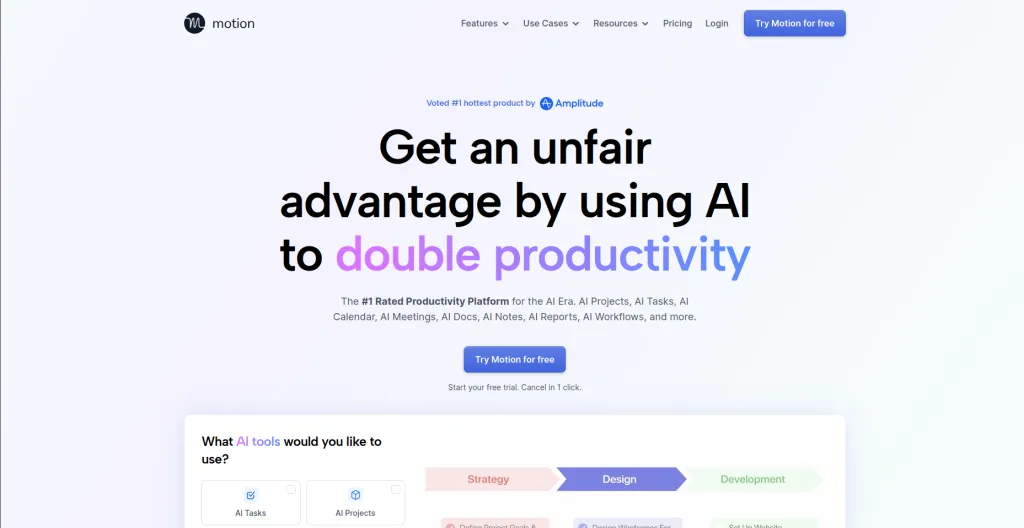
Most people maintain their calendars as basic date trackers instead of organizational tools that help them plan their activities.
These calendars show people their fixed responsibilities together with time slots, which might contain actual work activities or remain empty.
The work needs to fit between scheduled meetings because important tasks must get done. The approaching deadlines create hiding spots that appear without any prior warning.
People keep changing their daily priorities, but their fixed schedule refuses to adapt to these variations. The system needs Motion to solve this particular problem, which exists.
Key Features
- Automatic daily schedule building that balances tasks, deadlines, and existing meeting commitments
- Dynamic rescheduling that adjusts your entire day in real time as new tasks or meetings appear
- Project management with AI-assisted task breakdown for larger multi-step pieces of work
- Deadline tracking with intelligent prioritization based on urgency and relative importance
Pros
- Eliminates the daily mental overhead of deciding when to do what and in what order
- Helps people stop chronically underestimating task duration by tracking real completion time
Cons
- Requires some initial setup investment to get task prioritization working at its best
Best For: Busy professionals, managers, freelancers, and anyone who consistently has more tasks than available time and struggles with the gap between their list and their actual daily reality.
Price: Pro plan at $19 per month. Business plan at $29 per user per month with annual billing.
6. Zapier
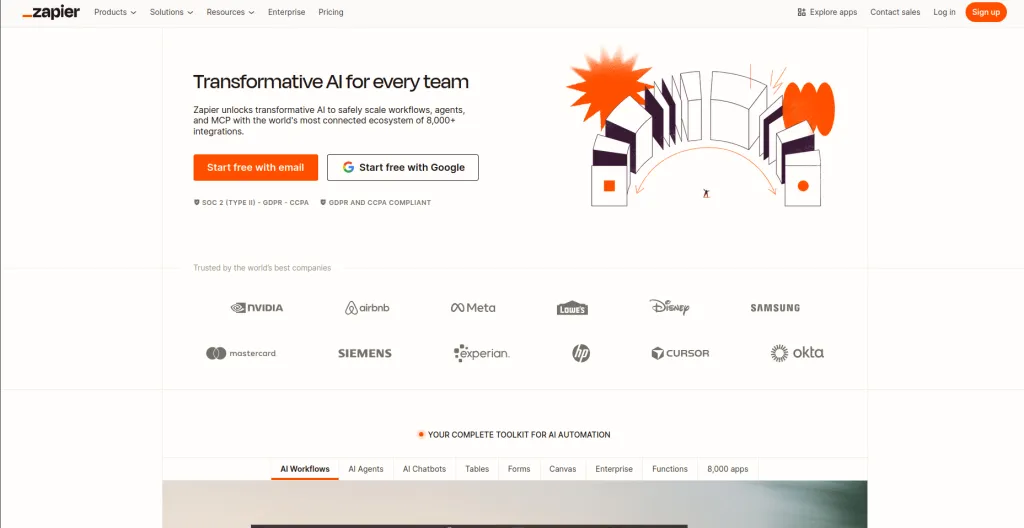
Zapier functions as an automatic system that performs all your manual work that involves using two different tools. Copy data from a form submission into a spreadsheet.
Send a Slack notification when a deal closes in your CRM. Add new email signups to your mailing list. Update a project status when a task is marked complete.
The entire week becomes filled with lost time because each step requires only a few seconds to finish.
Zapier connects more than 7,000 apps through automated workflows called Zaps. The system runs every time an app event triggers an action in another app, which happens automatically in the background without any need for user intervention.
Key Features
- Connections to more than 7,000 apps covering virtually every tool used in modern professional work
- AI Copilot that builds complete automations from plain English descriptions with no technical skill required
- Multi-step workflows that chain together actions across several different apps in a defined sequence
- Zapier Tables for storing and managing the data that flows through your automations
Pros
- Highest return on time investment of any tool on this list once workflows are set up and running
- No coding required for the vast majority of automations, even complex multi-step ones
Cons
- More complex multi-step automations have a learning curve and require some initial trial and error
Best For: Operations teams, marketers, solopreneurs, and anyone with repetitive manual tasks that move information or trigger actions across multiple tools throughout the day.
Price: Free tier for basic automations. Professional plan at $19.99 per month. Team plans available.
How to Build Your AI Productivity Stack
The urge to join every available tool service emerges when you find these tools. The exact wrong move you can make in this situation is to go in this direction.
The installation of multiple tools at the same time results in improper usage of each system, which eliminates the expected productivity improvements because you must handle various new systems.
Start by identifying your single biggest time drain. People tend to spend their typical day in which activities during their routine hours?
The research process should begin with Perplexity according to the given answer. People who need help with writing and communication should choose ChatGPT Plus or Claude for their needs.
Your daily scheduling problems, which create the most stress, need you to begin with Motion. The best place to begin with Notion AI exists because your team faces an overwhelming situation with their unorganized Notion workspace.
Master one tool properly before adding another. The compounding benefit of getting genuinely skilled at one AI tool is far greater than using five of them at a shallow level.
Top AI Productivity Tools At a Glance: Quick Comparison Table
| Tool | Best For | Main Strength | Free Tier | Starting Price |
| ChatGPT Plus | General knowledge work | Versatility across all task types | Yes | $20/month |
| Claude | Long documents and deep analysis | Context window and writing quality | Yes | $20/month |
| Notion AI | Team knowledge management | Workspace-aware AI inside Notion | Via Notion | +$10/user/month |
| Perplexity AI | Research and finding answers | Real time web synthesis with citations | Yes | $20/month |
| Motion | Scheduling and time management | Real-time web synthesis with citations | No | $19/month |
| Zapier | Workflow automation | Connecting and automating 7,000+ apps | Yes | $19.99/month |
Wrapping Up!
The professionals who will succeed in 2026 do not need to work extra hours or build larger staff numbers.
The team members now determine their essential tasks, which need their personal attention, while they transfer other work to appropriate automated systems.
The actual transformation that AI productivity tools enable has yet to begin. Your work should focus on projects that need your energy instead of performing identical tasks at higher speeds. The six tools in this guide represent some of the most practical, well-proven ways to make that shift happen in a real workflow.
You do not need all six. The beginning of your journey requires two main resources, which you should apply consistently with purpose until they become your standard operating tools.
The following stage in your work process will show itself after you finish this step, so you can select the following essential element.
Pick the tool that solves your biggest problem today. Start there. Everything else builds from that first win.

Written by
Zannatun Nime
March 10, 2026
Zannatun Nime writes about AI, developer tools, and social media marketing in a simple and easy-to-follow way. He enjoys making complex topics clear, practical, and useful for everyday readers.
Related reading

RESOURCES
Best Booking Plugins for WordPress in 2026 – Top Picks for Service Businesses
Discover the best booking plugins for WordPress in 2026. Honest pros, cons & pricing for every top tool. GemBooking leads the list for service businesses.

RESOURCES
Best WordPress Automation Plugins for 2026 (Complete Guide)
You didn't build a WordPress site to spend your days copying form entries into spreadsheets, manually emailing customers after every purchase, or chasing down the same tasks every single week. That gap between what WordPress can do and what it does automatically? That's where most site owners bleed time.

RESOURCES
Best Custom Post Type Plugins for WordPress in 2026 (Free & Pro)
You built your WordPress site. Posts and pages are live. Then your client asks: Can we add a Testimonials section? A Jobs board? A Portfolio gallery? This is where custom post type plugins save you.