
Top 5 AI Video Generators You Need to Try in 2026

The process of creating professional videos used to require hiring production teams who needed to secure filming locations and borrow filming gear before spending long hours in editing studios and making a substantial financial investment at the end of production. The process of creating large-scale videos remained slow, expensive, and complicated for teams that had…
Zannatun Nime
The process of creating professional videos used to require hiring production teams who needed to secure filming locations and borrow filming gear before spending long hours in editing studios and making a substantial financial investment at the end of production.
The process of creating large-scale videos remained slow, expensive, and complicated for teams that had enough money to fund their production every time.
People used to believe this fact would never shift, but the world has now decided to change its fundamental nature.
In 2026, you can type a description of a scene into a text box and receive a cinematic video clip back within minutes.
You need no camera, no crew, nor studio space because you only require a prompt and some waiting time, and a program that transforms text into animated visuals.
Content creators, along with marketers and filmmakers, use five AI video generators for their professional work throughout 2026, according to this guide.
What to Look For in an AI Video Generator
Before the tool selection process, you need to identify which features enable an AI video generator to produce practical results instead of delivering only attractive visual content in demonstration settings.
Output quality remains a vital factor, but it no longer serves as the main element that distinguishes products from each other. The top-performing tools have achieved a stage of quality that allows them to serve professional needs.
A tool that produces stunning results but requires 40 minutes to process each clip will create more problems than it solves.
Users will find that the top tools from 2026 allow them to generate videos from their creative concepts in just a few minutes instead of requiring multiple hours.
Finally, think about your specific use case before choosing. Product demonstration creators who work in marketing need different tools than short film directors.
A YouTuber who creates explainer content needs different tools than an enterprise team that creates training videos in large volumes.
The right tool is always the one that matches what you are actually trying to create.
1. Google Veo 3.1
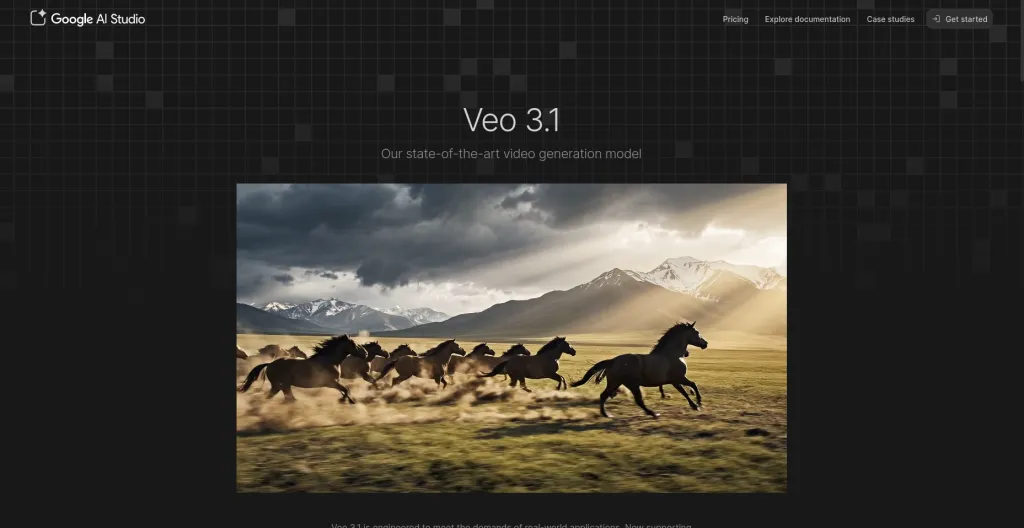
Google Veo 3.1 serves as the main quality standard that governs AI video generation, but experts agree it remains far beyond what the industry currently offers.
The product, which launched during the first half of 2026, delivers 4K native resolution with physical accuracy, precise illumination, authentic material responses, detailed shadow effects, and realistic camera tracking, which matches the quality of footage obtained through traditional production equipment.
The Ingredients to Video feature has become the most popular feature among working content creators. You can submit four reference images, which Veo uses to keep character looks and visual style consistent when moving between different scenes.
The solution addresses the primary frustration that AI video creators face when they need to maintain character appearance consistency between different shots during their production process.
Key Features
- Native 4K video generation with realistic lighting, shadow behavior, and material physics throughout
- Ingredients for Video for maintaining consistent characters across multiple scenes using reference images
- Native audio generation covering ambient sound, accurate dialogue lip-sync, and background music
- Exceptional prompt adherence so that what you describe in detail is reliably what you receive
Pro
- Sets the current standard for output quality among all available AI video generation tools
- Character consistency across scenes is a genuine breakthrough for anyone making narrative content
Cons
- Clip duration is currently limited to around 60 seconds per individual generation
Best For: Filmmakers, brand marketers, and content creators who need the highest output quality and precise visual control, particularly for projects requiring consistent characters across multiple scenes.
Price: Available through Google One AI Premium at $19.99 per month. Also accessible via Gemini Advanced and Vertex AI.
2. Runway Gen-4
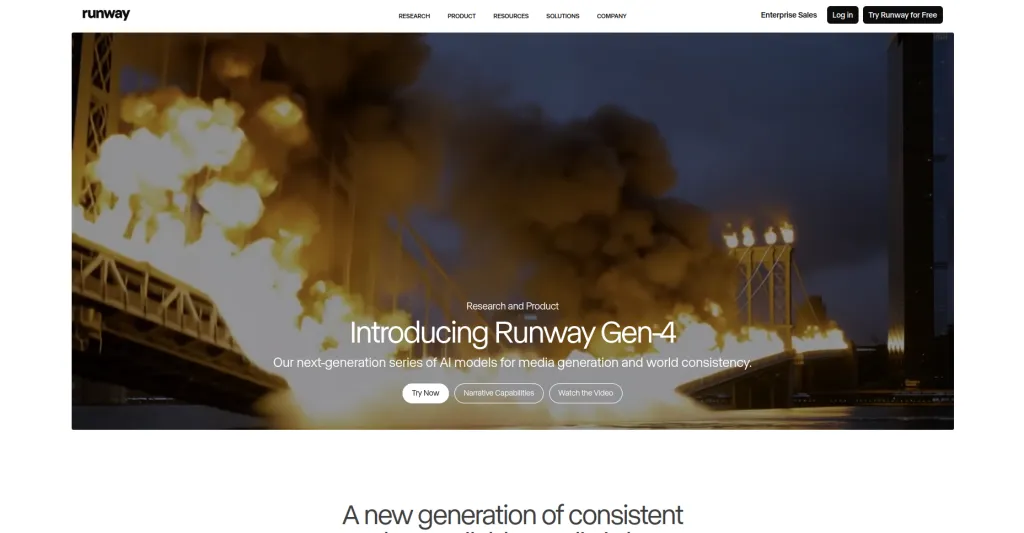
Runway has been working on AI video tools for a longer time than most other companies that operate in this field. Runway’s Gen-4 system displays the complete results that developers achieved through continuous development work across multiple years.
Users cannot generate useful content by simply selecting a button because the system has no such capability.
The software serves as a professional creative tool that enables users to develop planned video content with each scene containing its own distinct artistic concept.
Runway stands out from its competitors because it provides users with complete artistic direction through its features.
The camera system enables users to activate advanced controls, which allow them to direct pan, tilt, zoom, dolly, and crane operations with specific movement targets.
The Multi-Motion Brush lets you paint different regions of a frame and define each region’s movement independently of the others.
Key Features
- Advanced camera controls covering dolly, pan, tilt, zoom, and crane movements specified by the user
- Multi-Motion Brush for painting independent motion onto different regions within a single frame
- Act-Two performance transfer for mapping recorded human motion and facial expressions onto AI characters
- Custom style training so the model learns your visual aesthetic and applies it consistently across projects
Pros
- Deepest creative control available for cinematography and visual direction of any tool on this list
- Act Two makes character-driven content genuinely achievable without actors, cameras, or a studio
Cons
- Uses only its own proprietary models with no access to Veo, Kling, or other third-party models
Best For: Filmmakers, visual effects artists, creative directors, and anyone who needs precise, intentional control over every creative element of their generated video output.
Price: Free tier with 125 credits. Standard at $15 per month. Pro at $35 per month. Unlimited at $95 per month.
3. Kling AI

Kling AI stands as the preferred choice among seasoned content creators who need to produce authentic human face visuals.
The company sustains its public image through its ability to generate human images that appear as real people when you take a closer look. The faces show complete realism because they look exactly like actual human faces.
People display their real feelings through their facial expressions. The body language in the scene shows natural behavior, which appears to be genuine.
The lip synchronization matches the audio track perfectly. The tool provides multiple capabilities that competing software solutions fail to deliver, but Kling AI performs all of them without any issues.
Key Features
- Industry-leading photorealistic human face and expression generation with natural, accurate lip-sync
- Clip generation up to two minutes long, significantly more duration than most competing AI tools
- Advanced physics simulation for realistic fabric movement, water behavior, hair, and environmental detail
- Elements feature for additional user control over composition, motion style, and visual characteristics
Pros
- Best in class performance for content featuring realistic human characters, expressions, and movement
- Two-minute clip length gives significantly more flexibility for narrative and marketing video content
Cons
- Generation times can run anywhere from 5 to 30 minutes, depending on complexity and current server load
Best For: Social media creators, marketers, and anyone whose content features realistic human characters, or who needs a longer clip duration for narrative or brand promotional work.
Price: Free tier available. The standard plan starts at approximately $10 per month. Professional plans available.
4. OpenAI Sora
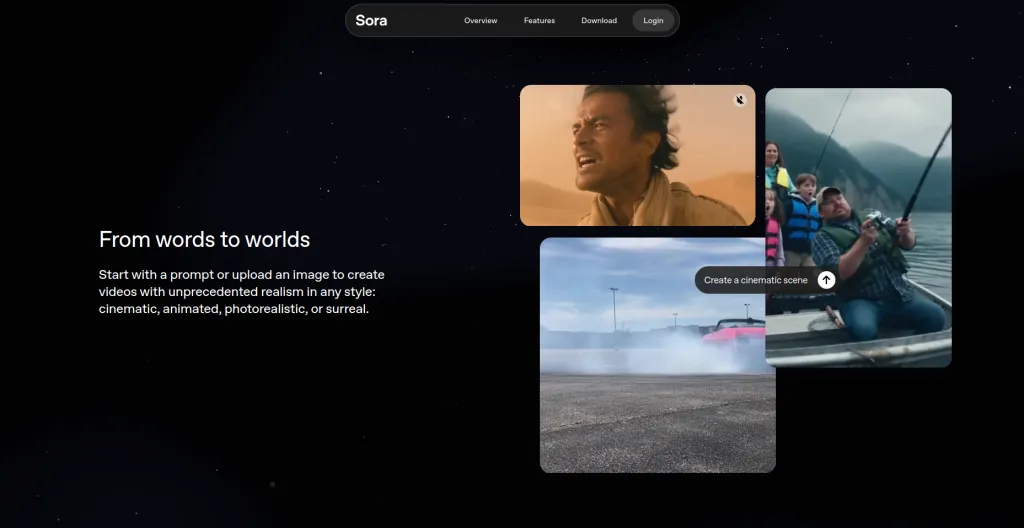
Sora operates with a distinct operational philosophy that separates it from the other tools listed here. Most AI video generators dedicate their efforts to making their output images appear as close to reality as possible through visual enhancement.
Sora functions to grasp the entire narrative structure. The system identifies creative intentions and emotional states, time flow, and emotional patterns through its unique operational framework.
Ask Sora for a melancholic scene of a character walking through a rain-soaked city at dawn, and it does not simply produce technically accurate rain and cobblestone textures.
The system creates an environment that generates a sense of authentic atmosphere. The camera movement supports the emotional weight of the description.
The lighting choices match the mood that was communicated. The pacing feels considered and deliberate.
The system processes creative descriptions through its interpretation system, which operates like a director who reads scripts instead of following the standard processing methods used by rendering engines.
Key Features
- Story-aware generation that interprets mood, pacing, and emotional intent directly from detailed text descriptions
- Storyboard tools for mapping out multi-scene narratives and iterating on each individual shot
- Remix feature for adjusting style, mood, or specific elements of an already generated video
- Consistent scene-to-scene visual logic so multiple generated clips feel like they belong to the same world
Pros
- Strongest ability to translate emotional tone and creative mood into cohesive visual output
- Storyboard tools make it the most narrative-friendly video generator available on this list
Cons
- Render times are on the longer side compared to several competing tools
Best For: Creative directors, filmmakers, writers, and brand storytellers who need video that conveys genuine emotion and narrative arc rather than just technical accuracy and visual polish.
Price: Available with ChatGPT Plus at $20 per month. ChatGPT Pro at $200 per month for significantly higher generation limits.
5. HeyGen
HeyGen operates with a unique system that stands apart from all other tools listed here. The software allows users to develop professional presenter videos through AI avatar technology, which produces digital humans that perform their scripts with natural delivery.
The capability delivers major operational advantages to businesses that extend beyond its visible features.
You can create a spokesperson avatar, which functions as a universal content presenter because it supports over 160 languages and operates continuously without requiring scheduled sessions or studio facilities, travel expenses, or multiple recording sessions.
You can update the content by performing a simple script modification followed by content regeneration.
More than 90% of Fortune 100 companies now use HeyGen for some part of their video workflow, which speaks clearly to its reliability and practical value at scale.
Key Features
- Photorealistic AI avatars that deliver scripts with natural facial expressions, eye contact, and body language
- Voice cloning that creates a convincing digital version of a real person’s voice for brand consistency
- Support for more than 160 languages with accurately matched lip-sync for each language generated
- Integration with Sora and Veo for generating supporting B-roll footage within the same platform and workflow
Pros
- Dramatically reduces the cost and production time required for professional presenter-style business video
- 160-plus language support makes content localization straightforward and genuinely affordable at scale
Cons
- Less suited for purely creative, cinematic, or narrative-driven content compared to the other tools here
Best For: Businesses, corporate training teams, HR departments, and marketing teams that need consistent, scalable, multilingual presenter-style video without the cost and complexity of traditional production.
Price: Free tier with limited minutes. Creator plan at $29 per month. Business plan at $89 per month. Enterprise pricing available on request.
How to Choose the Right Tool
No single tool on this list is objectively best for everyone. The right choice depends entirely on what you are creating and how your production workflow is structured.
For brand films and high production marketing, which require top-notch cinematic quality with physical realism, Google Veo 3.1 serves as the starting point.
Runway Gen-4 provides filmmakers and creative professionals with the most extensive selection of tools, which enable them to achieve exact control over every camera movement and shot composition.
The best solution for showing human characters with natural movements and realistic appearances in content material is Kling AI.
Sora functions as a tool that naturally understands the needs of narrative content creators who want to balance emotional impact with story consistency and professional-grade results.
HeyGen enables businesses to create multiple-language videos which follow a presenter format without needing any production facilities at a price that is much lower than traditional methods.
Most platforms offer a free tier or a free trial period. Test them with your actual creative use case, not just the provided example prompts, before committing to a paid plan.
A filmmaker will find one tool perfect, yet a marketer will find it difficult to use, while the opposite situation also exists between their respective tools.
Top AI Video Generators At a Glance: Quick Comparison Table
| Tool | Best For | Main Strength | Audio Generation | Free Tier | Starting Price |
| Google Veo 3.1 | Highest quality cinematic output | Around 60 seconds | Yes, native | Via Google One | $19.99/month |
| Runway Gen-4 | Professional creative control | Up to 10 seconds per gen | Limited | Yes (125 credits) | $15/month |
| Kling AI | Realistic human characters | Workspace-aware AI inside Notion | No | Yes | Around $10/month |
| Perplexity AI | Research and finding answers | Around 20 seconds | No | No | $20/month |
| Motion | Scheduling and time management | Varies by plan | Yes, with lip-sync | Yes(Limited) | $29/month |
Wrapping Up!
The field of AI video production reached its critical development point during 2026. The technology has evolved past its experimental stage because users now seek more than just its initial novelty value.
Professionals now use these tools as actual production equipment while they create marketing content, corporate training materials, commercial advertisements, and short films.
The product delivers its intended function. The system receives better control capabilities through each major update which gets deployed.
Businesses and video creators who work with video materials now possess an obvious financial incentive to learn these tools because video production expenses have dropped dramatically during the last two years.
Start your selection process by choosing the tool that fulfills your current primary needs. You should dedicate actual time to studying how to ask proper questions for this system.
The system performs its tasks every time, but it needs help with particular operations. The knowledge you possess will help you decide creatively at a quicker pace while making better choices based on your knowledge.
The process of transforming your mental concepts into finished video content has reached its highest level of efficiency which exists today.

Written by
Zannatun Nime
March 11, 2026
Zannatun Nime writes about AI, developer tools, and social media marketing in a simple and easy-to-follow way. He enjoys making complex topics clear, practical, and useful for everyday readers.
Related reading

RESOURCES
Best Booking Plugins for WordPress in 2026 – Top Picks for Service Businesses
Discover the best booking plugins for WordPress in 2026. Honest pros, cons & pricing for every top tool. GemBooking leads the list for service businesses.

RESOURCES
Best WordPress Automation Plugins for 2026 (Complete Guide)
You didn't build a WordPress site to spend your days copying form entries into spreadsheets, manually emailing customers after every purchase, or chasing down the same tasks every single week. That gap between what WordPress can do and what it does automatically? That's where most site owners bleed time.

RESOURCES
Best Custom Post Type Plugins for WordPress in 2026 (Free & Pro)
You built your WordPress site. Posts and pages are live. Then your client asks: Can we add a Testimonials section? A Jobs board? A Portfolio gallery? This is where custom post type plugins save you.