
Best AI Code Generators for Developers in 2026 (Tested and Ranked)

If you write code for a living, you already know that AI code generators are no longer a gimmick. They are a real part of the job. By 2026, roughly 85% of developers use AI coding tools regularly, whether to speed up boilerplate, debug tricky logic, or build entire features from a plain English prompt.…
Zannatun Nime
If you write code for a living, you already know that AI code generators are no longer a gimmick. They are a real part of the job. By 2026, roughly 85% of developers use AI coding tools regularly, whether to speed up boilerplate, debug tricky logic, or build entire features from a plain English prompt.
Not all AI code generators function at the same level because they differ in their programming approaches. The software provides users with the ability to finish their work immediately through its editor-based completion feature.
The system enables users to produce complete software applications through basic descriptive input. Selecting an incorrect option will make you spend your time instead of helping you save it.
This guide breaks down the five best AI code generators available to developers right now, based on real use cases, honest tradeoffs, and what actually works in production.
If you are just getting started with AI coding tools or looking to upgrade what you are already using, this is the right place to start.
What Makes a Good AI Code Generator in 2026?
Before you start reading the list, you need to understand what makes an AI code generator excel above average performers. Speed and autocomplete were enough in 2023. That bar has moved significantly. The best AI code generators in 2026 do three things well.
The tool lets you view your entire project structure instead of showing only the document that you have open at the moment. Context is everything. The tool, which only views your current document, will produce code suggestions that conflict with your existing code structure.
The system operates through your work process without creating any obstacles. Your routine will break because of this tool, so you will stop using it after seven days.
The system generates code that developers can depend on for their software projects. Hallucinated functions and incorrect logic cost more time to fix than writing from scratch.
The best AI code generators need to understand what you want to do instead of just finishing your code syntax. The most effective tools operate through understanding your goals and the reasons behind them instead of depending on automated word prediction systems.
With that in mind, here are the top five AI code generators for developers in 2026.
Quick Comparison: Top AI Code Generators at a Glance
| Tool | Best For | Standout Feature | Free Plan | Starting Price |
|---|---|---|---|---|
| GitHub Copilot | Everyday development | PR reviews & Agent Mode | Yes | $10/month |
| Cursor | Complex codebases | Multi-LLM + rules system | Yes | $20/month |
| Claude Code | Autonomous agentic coding | Sandboxed CLI agent | No | $20/month |
| Windsurf | Multi-platform flexibility | Embedded browser + deployment | Yes | $15/month |
| Amazon Q Developer | AWS & enterprise development | Code transformation | Yes | $19/month |
Use this table to find the tool that matches your needs at a glance, then read the full breakdown below before making your final call.
1. GitHub Copilot — Best for Everyday In-Editor Assistance
Pricing: Free tier available; paid plans from $10/month
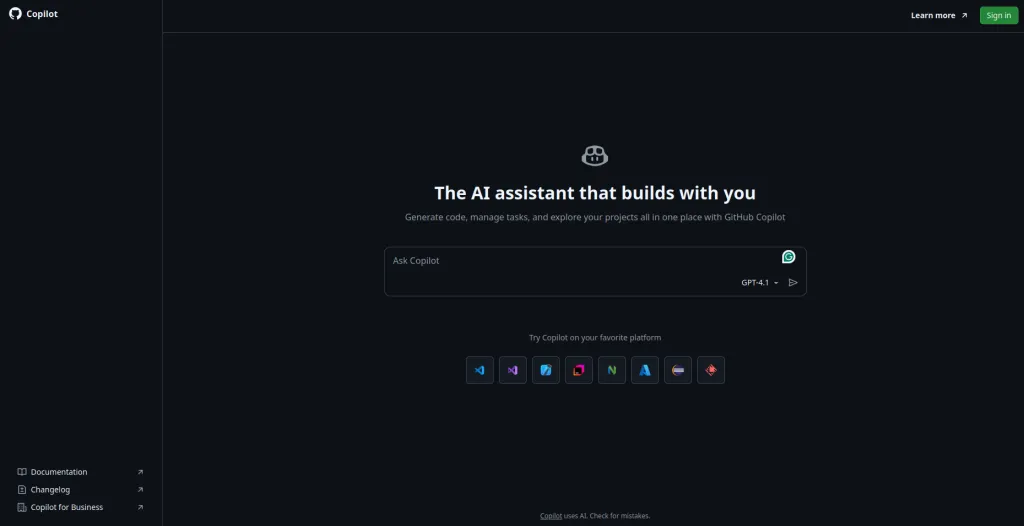
GitHub Copilot continues to hold the top spot as the leading AI code generation tool, which developers use throughout the world because it offers valuable functionality.
GitHub backed OpenAI to create a pair programmer that operates as an IDE extension that suggests code snippets and complete blocks while you write.
The year 2026 brought Copilot into existence as a product that far exceeds its basic autocomplete functionality.
Its Agent Mode enables the system to operate with decreased dependency on human intervention because it generates complete task execution strategies, which it uses to update your codebase and move your frameworks, and build new features from start to finish.
You can assign GitHub Issues directly to Copilot, and it will plan, write, test, and open pull requests through GitHub Actions.
Key strengths:
- Deep VS Code, JetBrains, and Visual Studio integration
- Agent mode for autonomous, multi-step coding tasks
- Pull request review and auto-suggested fixes
- Broad language support: Python, JavaScript, TypeScript, Go, Ruby, and more
- One of the most affordable entry points at $10/month
One limitation to note: The chat interface is only available in VS Code, Visual Studio, and JetBrains. If your team uses other editors, you’ll only get code completion features, not the full conversational experience.
For developers who want a battle-tested, deeply integrated, and affordable AI coding partner that sits inside their existing workflow, GitHub Copilot is still the benchmark.
2. Cursor — Best AI-Native Code Editor
Pricing: Free tier available; paid plans from $20/month
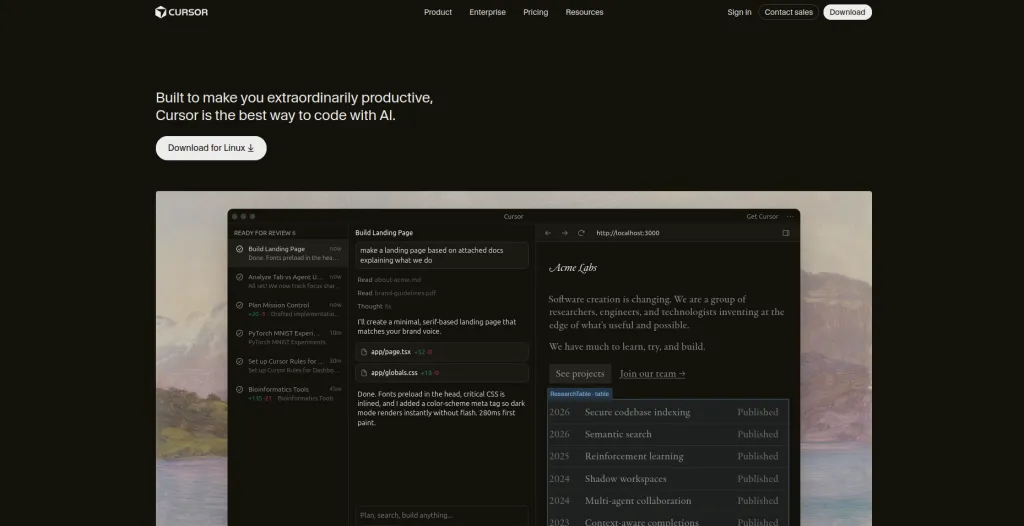
Cursor began as a project to create a new version of VS Code that integrates artificial intelligence throughout its core system. The software functions independently from any plugin system, which means it does not require external plugins to operate.
The software functions independently from any plugin system, which means it does not require external plugins to operate. The software functions independently from any plugin system, which means it does not require external plugins to operate.
The software operates as a fully AI-based editor that duplicates VS Code functionality, including the ability to transfer your personalized settings and themes, and access to more than 40,000 extensions through one simple operation.
The unique strength of Cursor stands out from other AI code generators because it uses a special context-based system. You can attach context to specific files, folders, or external documentation.
You can link live websites, run web searches, or let Cursor browse the internet to gather up-to-date information before generating code. The system produces far better results than separate tools because it brings together all its components into one unified operational framework.
Key strengths:
- Familiar VS Code interface with full extension support
- Powerful context and rules system for accurate, project-aware outputs
- Supports multiple LLMs from all major providers
- Memory feature that learns your coding conventions over time
- Privacy mode that keeps your code off third-party servers
One limitation to note: Cursor can struggle with very large codebases. Even with tight context management, it occasionally produces incomplete or inconsistent outputs on massive monorepos.
For developers who spend most of their day in an editor and want the most capable AI-native environment available, Cursor is the top choice in 2026.
3. Claude Code — Best for Autonomous Agentic Coding
Pricing: Available on Claude paid plans, starting at $20/month
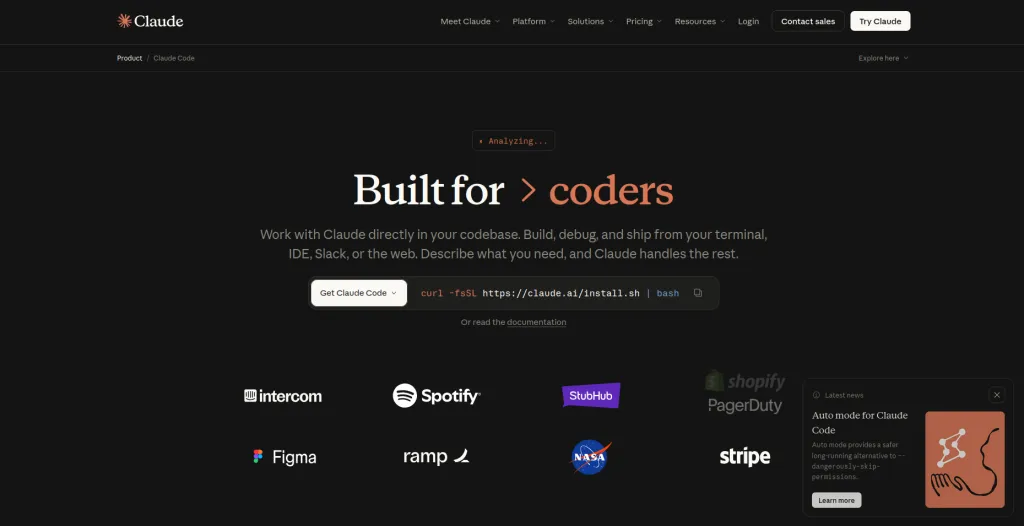
Claude Code stands as the preferred AI solution for professional engineers who need a command-line AI agent to manage their entire software development process.
The software functions through a command-line interface because it allows developers to work quickly while they maintain complete control of their operations.
Claude Code stands apart from other AI code generation tools because it delivers full independence in its automated operations.
The system allows you to run commands, change files, and execute workflows at full speed when you use the –dangerously-skip-permissions flag because it disables the approval process for every stage of execution.
The main enhancement of Claude Code for 2026 will arrive through its sandboxing system, which allows users to establish specific directory and network host access permissions for the agent.
The system solves one of the most pressing issues that autonomous AI agents face by protecting their security while enabling them to perform ean xtended series of tasks without any disruption.
Key strengths:
- Powerful agentic mode for autonomous, multi-step development tasks
- Sandboxing for secure, scoped execution
- Deep integration with Anthropic’s Claude models (Opus, Sonnet, and Haiku)
- Excellent for complex refactoring, migrations, and codebase exploration
- Preferred by high-output engineering teams
One limitation to note: There is no free plan. Claude Code is only accessible through Claude’s paid subscription tiers, which means it’s less accessible for casual or hobbyist developers.
If you’re a professional developer or part of a team that builds fast and needs an AI agent that can genuinely handle complex, multi-step tasks autonomously, Claude Code is the most capable option on this list.
4. Windsurf — Best for Flexible, Multi-Platform Workflows
Pricing: Free tier available; paid plans from $15/month
Windsurf, which Codeium developed, provides users with a flexible solution that most AI code generators lack because it allows them to avoid picking between a complete IDE replacement and a basic plugin addition.
Windsurf offers users two options, which include a standalone VS Code-based IDE and a plugin that functions with VS Code, JetBrains, Vim, Xcode, and Google Colab through its Chrome extension for browser-based editors.
The core of Windsurf contains Cascade, which serves as its native AI operational system. The software provides three main features, which include code generation, codebase exploration, and question-answering capabilities.
The system becomes more powerful when you activate Turbo Mode because it performs terminal commands automatically while it also updates files and executes complex processes without needing your approval at each step.
Key strengths:
- Available as an IDE, plugin, and Chrome extension — works wherever you do
- Embedded browser for real-time, visual debugging with AI
- Turbo Mode for autonomous, faster task execution
- In-IDE deployment to production
- One of the most affordable paid tiers at $15/month
One limitation to note: Cascade can occasionally produce buggy or inconsistent responses, marking tasks as complete when they aren’t. It’s improving quickly, but still worth double-checking outputs on critical work.
For developers who move between environments — different editors, different machines, browser-based notebooks — Windsurf is the most versatile AI code generator in the market today.
5. Amazon Q Developer — Best for AWS-Native Development
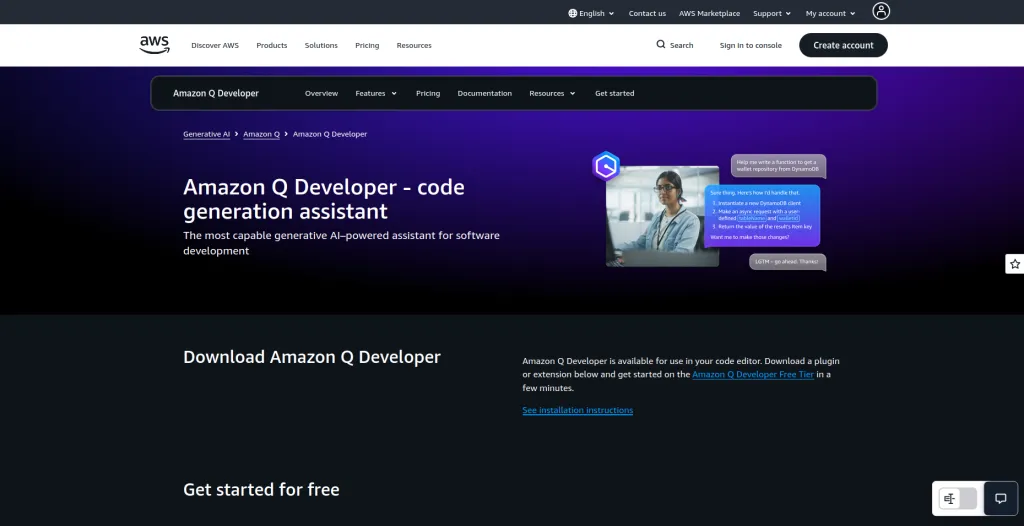
Pricing: Free tier available; paid plans from $19/month (formerly CodeWhisperer)
Amazon Q Developer stands as the primary AI coding assistant, which evolved from Amazon CodeWhisperer to support engineers who work within the AWS environment.
The system gained its knowledge base through training with more than seventeen years of AWS proprietary data, which included documentation, SDKs, APIs, and blog posts to achieve cloud-specific knowledge that general software tools cannot match.
The main distinction that sets Amazon Q Developer apart from other AI code generation tools for developers stems from its code transformation capability.
The system scans existing Java and .NET code bases before it performs an automated migration to newer versions through its ability to generate a complete transformation strategy, resolve build issues, modify configuration settings, and produce a detailed transformation report that shows all modified files, added dependencies, and suggested follow-up actions.
The service provides its worth to businesses that maintain their old technology systems for multiple years through this single feature.
Key strengths:
- Deep AWS-specific knowledge unmatched by general-purpose tools
- Code transformation for legacy Java and .NET migrations
- AWS cloud environment management and cost analysis
- Automatic documentation generation with data flow diagrams
- Integrates with JetBrains, VS Code, and the AWS console
One limitation to note: The chat interface can feel less intuitive compared to more consumer-facing tools like Copilot or Cursor. If you’re not already working within the AWS ecosystem, the learning curve may not be worth it.
For AWS developers, cloud engineers, and enterprise teams managing legacy codebases, Amazon Q Developer is the most specialized and powerful tool on this list.
How to Choose the Right AI Code Generator
The best tool depends entirely on your workflow and context:
- Starting out or on a budget? GitHub Copilot at $10/month is the most accessible entry point with a generous free tier and broad IDE support.
- Want the best AI-native editing experience? Cursor’s multi-LLM support, rules system, and familiar VS Code interface make it the most capable day-to-day editor.
- Building fast and need autonomous agents? Claude Code handles the most complex, multi-step tasks with enterprise-grade security through sandboxing.
- Switching between editors and environments? Windsurf’s cross-platform presence — IDE, plugin, and Chrome extension — makes it uniquely flexible.
- All-in on AWS? Amazon Q Developer’s cloud-native knowledge and code transformation features are in a class of their own.
Final Thoughts
The development of AI code generators, which serve developers, continues to gain momentum without showing any signs of decline.
The year 2026 will establish which developers use these tools for basic tricks versus those who achieve faster releases and better code quality, and solve complex issues that used to require multiple months to complete.
The current selection of tools represents the best options that the industry presents to users at this time.
These tools will not duplicate the mental processes that a developer skilled in architecture and creative thinking uses, but they will help developers achieve better productivity levels.
Start with the one that fits your workflow. Experiment. The biggest mistake you can make in 2026 is not using any of them at all.

Written by
Zannatun Nime
March 29, 2026
Zannatun Nime writes about AI, developer tools, and social media marketing in a simple and easy-to-follow way. He enjoys making complex topics clear, practical, and useful for everyday readers.
Related reading

RESOURCES
Best Booking Plugins for WordPress in 2026 – Top Picks for Service Businesses
Discover the best booking plugins for WordPress in 2026. Honest pros, cons & pricing for every top tool. GemBooking leads the list for service businesses.

RESOURCES
Best WordPress Automation Plugins for 2026 (Complete Guide)
You didn't build a WordPress site to spend your days copying form entries into spreadsheets, manually emailing customers after every purchase, or chasing down the same tasks every single week. That gap between what WordPress can do and what it does automatically? That's where most site owners bleed time.

RESOURCES
Best Custom Post Type Plugins for WordPress in 2026 (Free & Pro)
You built your WordPress site. Posts and pages are live. Then your client asks: Can we add a Testimonials section? A Jobs board? A Portfolio gallery? This is where custom post type plugins save you.