
6 Best AI Tools for Content Research and Planning in 2026

Let me tell you something that every content writer already knows, but nobody really says out loud. Most content research is just organized procrastination. You open Google. You read four competitor articles. You check a keyword tool. You write some notes in a doc that you never look at again. An hour goes by. Maybe…
Zannatun Nime
Let me tell you something that every content writer already knows, but nobody really says out loud.
Most content research is just organized procrastination.
You open Google. You read four competitor articles. You check a keyword tool. You write some notes in a doc that you never look at again. An hour goes by.
Maybe two. And you still have not written anything. You still have no real direction. You just have a lot of open tabs and a vague sense of what the article should probably be about.
That was the normal experience for most content teams not that long ago. Some teams are still living that way right now. And it shows in what they publish.
The ones who switched to using proper AI tools for content research and planning are telling a different story. Not because AI is magic. It is not.
But because having the right information before you write, knowing what people actually search for, seeing what the top-ranking content is doing, understanding where the gaps are, that changes the whole process.
You spend less time guessing and more time actually building something worth reading.
That is what this post is about. These tools genuinely help with research and planning. No overblown promises. Just an honest look at what each one does and whether it is worth your money.
Why Do You Need AI Tools for Content Research and Planning?
Honestly? Because the content game is harder than it used to be, and doing it manually is just not keeping up anymore.
A few years back, you could write a decent 1000-word post on a topic, hit publish, and realistically expect to see some traction from it. That window has mostly closed. Every topic worth writing about already has twenty versions of it published somewhere.
The ones ranking at the top are not always the best-written pieces. They are usually the ones built on a clearer understanding of what the reader actually needed, what search intent looked like, and what the competing content forgot to cover.
Getting that understanding used to take hours every single week. And even after putting in all those hours, you were still working with incomplete information.
You were guessing at what angle to take. You were estimating how competitive a keyword actually was. You were building content calendars based on what felt relevant rather than what the data was pointing to.
AI tools for content research and planning take that guesswork away. Not all of it, but enough. They pull the search data. They show you what is ranking and why.
They surface the questions your audience is actually typing into Google at 11 pm. They help you see the gaps your competitors left open.
And they do all of that before you write your first sentence, which means you go into the writing process with actual direction instead of a feeling.
That is the whole argument for using these tools. Better input before you write. Better output when you publish.
Best AI Tools for Content Research and Planning for 2026 at a Glance
| Tool Name | AI Depth | Real-time research and source discovery | Best For |
| Semrush | High | Full funnel SEO and content strategy | Agencies and SEO teams |
| Surfer SEO | High | Real-time research and source discovery | Writers and SEO specialists |
| Perplexity AI | High | Real time research and source discovery | Researchers and journalists |
| BuzzSumo | Medium | Trend tracking and content performance | Social and PR teams |
| Frase.io | High | Brief creation and SERP analysis | Content managers |
| MarketMuse | High | Topic authority and content planning | Enterprise content teams |
Best AI Tools for Content Research and Planning
1. Semrush
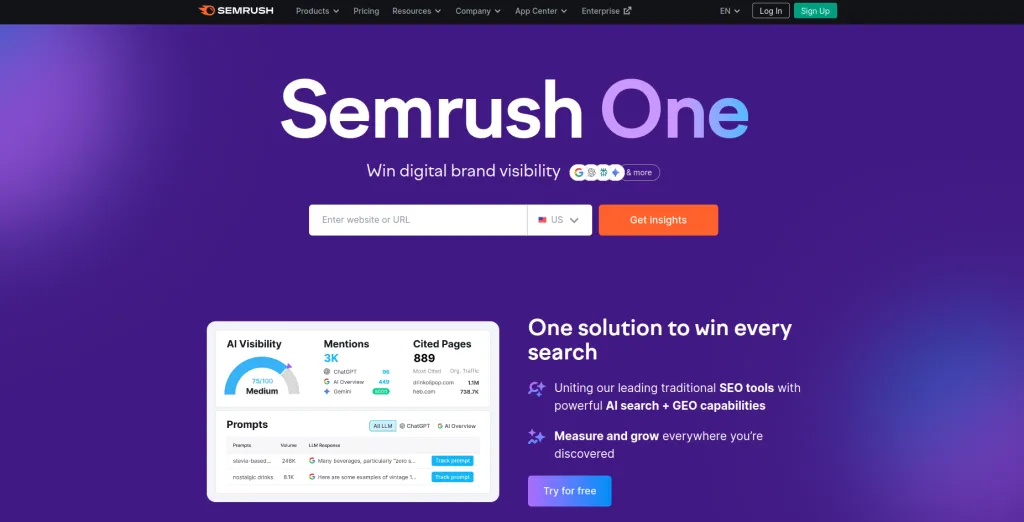
Semrush in 2026 is one of the most complete AI tools for content research and planning you can find. It is not just a keyword checker anymore.
Most people find Semrush when they start looking into keyword research, and that is usually where the relationship stays.
They use it to check search volumes, maybe look at a competitor’s traffic, and then close it and go back to writing like they were before. That is honestly a waste of what the tool can do.
The content-specific features have grown into a full workflow, from finding what to write about, to building the brief, to drafting the content, to tracking whether it worked after you published. That is a lot of ground covered in one subscription.
Key Features
- Topic Research Tool: It takes the brainstorming part of content planning and makes it much less painful.
- SEO Content Template: This one is genuinely useful. It looks at the top ten results for your target keyword and reverse engineers what a competitive article looks like.
- ContentShake AI: This combines the keyword data and SERP analysis with an AI writing assistant inside the same platform.
- Content Audit: For anyone who has been blogging for a few years without a real update strategy, this is a feature that pays for itself.
Pros and Cons
| Pros | Cons |
|
|
Best Fit Teams: Agencies managing several clients at once, in-house SEO teams who need data across a full content operation, and content strategists who want one place to manage the whole research and planning process.
Pricing: Starts at $139.95 per month for the Pro plan. Free trial available.
2. Surfer SEO
Surfer SEO made a smart decision early on. Instead of trying to be everything, it focused on doing one thing really well. That one thing is making sure the content you create actually has a realistic chance of ranking.
Every suggestion it makes is grounded in what is performing in the real SERPs, not general advice about what good SEO looks like in theory.
For anyone who writes content regularly and cares about organic traffic, it is one of the most directly useful AI tools for content research and planning available.
The reason it shows up so often in conversations about content workflows is that it actually changes how you write, not just how you plan.
Key Features
- Content Editor: You write your content inside it, and it gives you a live score as you go. You see the feedback in real time while you are writing, not as an afterthought.
- Keyword Research: The approach here is different from most keyword tools. Instead of giving you a long list of terms and leaving you to figure out how they fit together, Surfer groups them into topic clusters.
- Topical Map: This is probably the feature that gets the most genuine praise from people who use Surfer for content planning. Very useful for planning content quarters rather than individual posts.
- AI Outline Generator: Generates a structured outline based on what is ranking before you write a word. Headings, sections, basic structure. Not always perfect, but it removes the blank page problem, which is worth something.
Pros and Cons
| Pros | Cons |
|
|
Best Fit Teams: Freelance writers who do SEO content work, small content teams, and specialists who want focused research and planning without paying for a bigger platform they will only use half of.
Pricing: Starts at $99 per month. Annual billing saves roughly 20 percent.
3. Perplexity AI
Perplexity is a strange fit for this list and also one of the most useful tools on it, depending on what kind of content you make.
It is not an SEO tool. It does not generate content briefs, track keyword rankings, or show you what your competitors are writing.
What it does is function like a research assistant that actually tells you where it found its information. Every answer comes with cited sources.
You can click through and check. You can see whether the information is coming from a reliable place or not.
For content that depends on accuracy, that is genuinely valuable. Most AI tools for content research and planning do not really address the sourcing problem. Perplexity does.
Key Features
- Real Time Web Research: It searches the live web and returns answers with the source links visible. You know where the information came from. You can verify it.
- Spaces for Team Research: You can build shared research areas around specific projects where everyone working on related content has access to the same sources, threads, and findings. Keeps research from living in fifteen different personal notebooks.
- Conversational Follow-Up: You ask a question, get an answer, and then keep going deeper in the same thread. That process of following a topic further than you originally planned is often where the best content angles come from.
- Academic and News Search Modes: You can choose what kind of sources you are searching across. Peer-reviewed research if your topic needs that level of credibility.
Pros and Cons
| Pros | Cons |
|
|
Best Fit Teams: Journalists, researchers, writers working on thought leadership or heavily reported content, and anyone writing in a space where accuracy and sourcing are genuinely part of the job.
Pricing: Free tier available. Perplexity Pro is $20 per month.
4. BuzzSumo
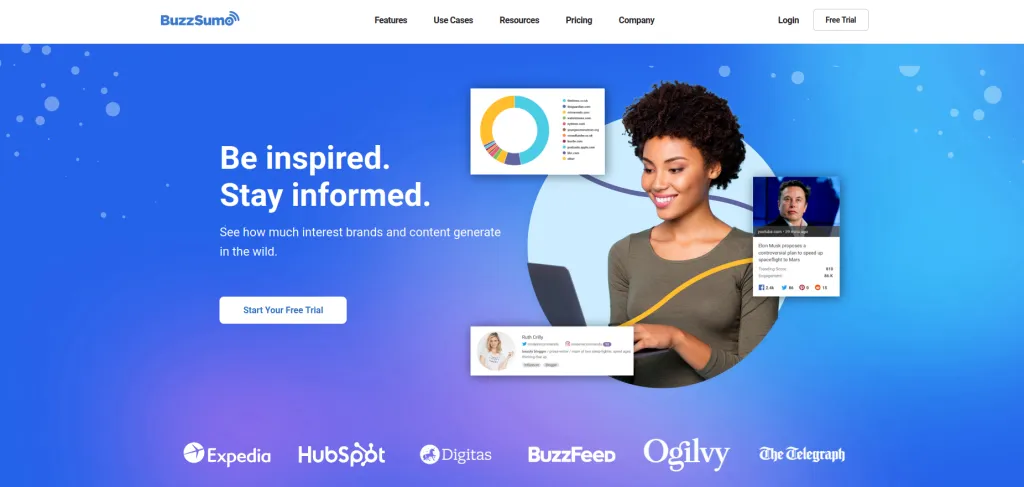
BuzzSumo has been around long enough that people sometimes treat it as old news. That is a mistake. For teams where content success is measured by more than just search rankings, where shares and engagement, and reach actually matter, it is still one of the most valuable AI tools for content research and planning you can use.
The data it gives you is different from what SEO tools give you. It tells you what content people actually engaged with, shared on social platforms, and linked to voluntarily.
That is a different kind of signal and it is useful in ways that keyword data alone cannot replicate.
Key Features
- Content Analyzer: You type in a topic or paste a URL and see how much engagement that content actually received. Shares broken down by platform, backlinks earned, and engagement over time.
- Trending Content Feed: Shows what is getting traction in your niche right now. Not last month. Right now.
- Question Analyzer: This pulls real questions from Reddit, Quora, and niche forums. The difference between this and keyword tools is that it shows you how real people phrase their questions in natural language.
- Influencer Discovery: Shows you who has genuine reach in your topic area. Useful if your content strategy involves outreach, partnerships, or amplification rather than just publishing and hoping.
Pros and Cons
| Pros | Cons |
|
|
Best Fit Teams: Social media managers, PR teams, brand content teams, and marketers who measure content success by reach and engagement alongside or instead of search rankings.
Pricing: Starts at $199 per month. Free trial offered.
5. Frase.io
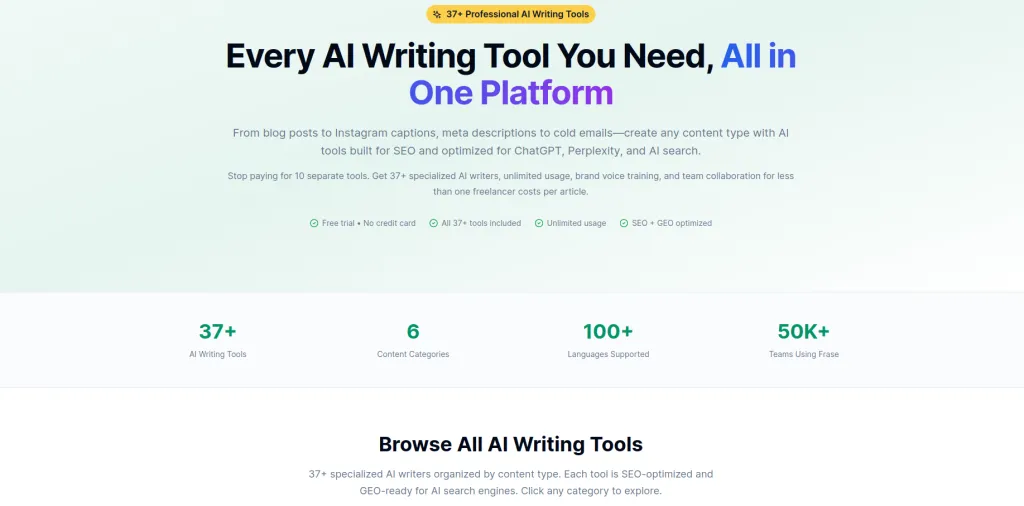
Frase.io was built to solve specific problems, and it solves them better than anything else I have come across.
The problem is the gap between having a keyword and having something a writer can actually sit down and use. Most content teams know what they want to write about.
What slows them down is turning that into a brief with proper structure, clear topic coverage, and enough context that a writer does not need to spend another two hours doing their own research before they start.
Frase closes that gap fast. As far as AI tools for content research and planning go, it is the most focused on that specific transition point in the workflow, and at a price that does not require a long conversation with your finance team to justify.
Key Features
- SERP Analysis: It automatically breaks down the top 20 results for any keyword and pulls out the common headings, questions being answered, statistics being cited, and topic patterns across those pages.
- AI Brief Generator: Takes that SERP analysis and turns it into a working content brief. Suggested headings based on what is ranking. Recommended word count.
- Answer Engine Optimization: Helps you structure content for featured snippets and AI-generated search summaries.
- Content Scoring: Compares your draft against top performing competing content and shows you what topics you have not covered enough.
Pros and Cons
| Pros | Cons |
|
|
Best Fit Teams. Content managers, blog editors, and writing teams who need a repeatable process for going from keyword research to a brief that a writer can actually open and start working from.
Pricing. Solo plan starts at $45 per month. Team plans from $115 per month.
6. MarketMuse
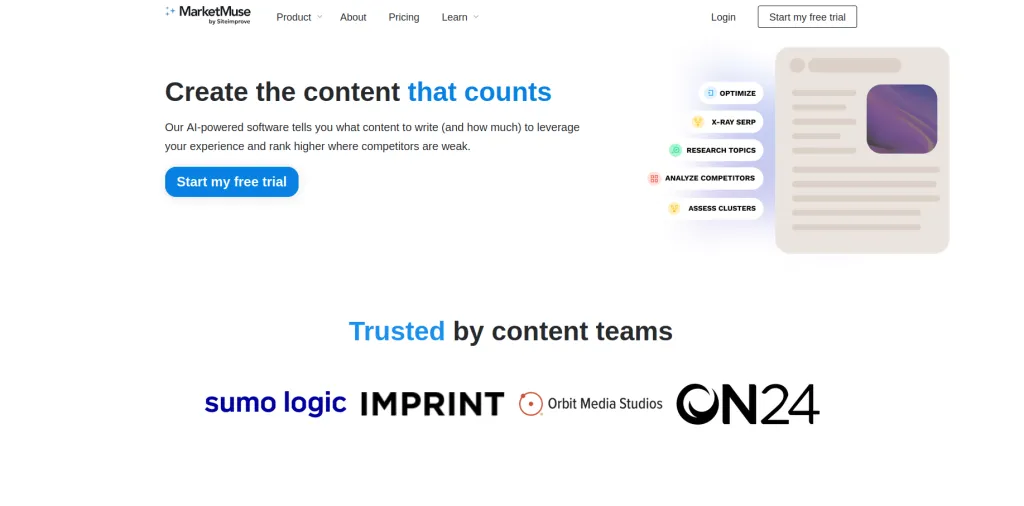
MarketMuse is not really the same category of tool as the others on this list, even though it fits the same general description of AI tools for content research and planning.
The others help you plan individual pieces of content. MarketMuse helps you think about your entire site as a content asset. It is about building topical authority across a domain over months and years, not just ranking one good article.
That difference in scope is also why it fits large teams rather than small ones.
Key Features
- Topic Authority Score: Measures how well your site currently covers a subject area and shows where competitors have built out coverage that you have not matched yet.
- Content Inventory and Audit: Reviews every published page on your site and gives direction on what needs updating, what should be merged with something else, and what should be removed.
- AI Content Briefs: More strategic than a typical brief. Includes recommended topics, questions to address, internal linking suggestions, competitive benchmarks, and target metrics.
- Content Strategy Planning: Connects individual content pieces to a broader plan based on your domain authority, competition level, and business goals.
Pros and Cons
| Pros | Cons |
|
|
Best Fit Teams: Enterprise marketing departments, large publishing operations, and brands that treat content as a genuine long-term business investment rather than a monthly blog requirement.
Pricing: Free plan with limited queries. Paid plans from $149 per month. Custom enterprise pricing for larger organizations.
Choosing the Right AI Tools for Content Research and Planning
The worst approach here is looking for the best tool overall. That is not a useful question because the best tool overall does not exist.
What exists is the right tool for your situation. And your situation depends on three things. Your budget, your team size, and what you are actually trying to accomplish with your content.
If money is genuinely tight and you need something you can open and get value from this week, start with Frase.io or Surfer SEO. Both are focused enough to learn quickly. Both solve real problems that slow down content teams. Neither requires a month of onboarding before they start being useful.
If your whole business runs on organic traffic and you want one platform that covers everything from keyword research to performance tracking, Semrush is worth the higher price. You will use more of it than you expect once you are actually inside it.
If you write content that needs to be accurate and well-sourced, add Perplexity AI to whatever else you are using. It handles the research credibility problem in a way that SEO focused tools are not built to address.
If social reach matters to you as much as or more than search rankings, BuzzSumo belongs in your stack. The performance data it gives you is genuinely different from what the other tools offer.
And if you are running a serious content operation with a long horizon and a real budget, MarketMuse is the layer of strategic thinking that ties everything else together.
The setup that tends to work best for most teams is two tools used in combination. One for SEO and keyword research. One for brief creation and content planning. That covers the full workflow without paying for features you never actually open.
Conclusion
Here is the honest version of what AI tools for content research and planning actually do for you.
They do not write your content. At least not in any form you would want to publish without sitting down and rewriting most of it yourself.
They do not replace good editorial judgment or a writer who actually understands their audience. And they do not guarantee results just because you are using them.
What they do is take the parts of the content process that used to be the most time-consuming and the most unreliable and make them faster and more grounded in real information. Research that took three hours takes thirty minutes.
Briefs that require pulling data from multiple places get generated automatically. Editorial calendars that used to feel like guessing start to look like actual decisions made on purpose.
Every tool covered in this post does something genuinely worth paying for. The question is just which problem you most need solved right now and which tool fits the way your team already works.
Pick the right one for your situation. Use it consistently. Your content process will be better for it, and so will what you actually publish.

Written by
Zannatun Nime
February 18, 2026
Zannatun Nime writes about AI, developer tools, and social media marketing in a simple and easy-to-follow way. He enjoys making complex topics clear, practical, and useful for everyday readers.
Related reading

RESOURCES
Best Booking Plugins for WordPress in 2026 – Top Picks for Service Businesses
Discover the best booking plugins for WordPress in 2026. Honest pros, cons & pricing for every top tool. GemBooking leads the list for service businesses.

RESOURCES
Best WordPress Automation Plugins for 2026 (Complete Guide)
You didn't build a WordPress site to spend your days copying form entries into spreadsheets, manually emailing customers after every purchase, or chasing down the same tasks every single week. That gap between what WordPress can do and what it does automatically? That's where most site owners bleed time.

RESOURCES
Best Custom Post Type Plugins for WordPress in 2026 (Free & Pro)
You built your WordPress site. Posts and pages are live. Then your client asks: Can we add a Testimonials section? A Jobs board? A Portfolio gallery? This is where custom post type plugins save you.