
8 Best AI Tools for SEO That Actually Help You Rank in 2026

SEO is one of those things that looks straightforward until you’re actually in it. You pick a keyword, write something you’re genuinely happy with, hit publish, and then… nothing. You check rankings every few days. You tweak the title. You add a few more words. Still nothing. Weeks go by, and that page just sits…
Zannatun Nime
SEO is one of those things that looks straightforward until you’re actually in it. You pick a keyword, write something you’re genuinely happy with, hit publish, and then… nothing.
You check rankings every few days. You tweak the title. You add a few more words. Still nothing.
Weeks go by, and that page just sits there, quietly ignored by Google, while some random article from three years ago outranks you for reasons that make absolutely no sense.
If that sounds familiar, you’re not doing it wrong. SEO is just genuinely hard, and most of the advice out there either oversimplifies it or skips over the part where it takes forever to see results.
The part nobody really talks about is how much of SEO is just slow, tedious analysis work. Checking what competitors are doing. Going through pages one by one to fix missing tags.
Figuring out which keywords actually make sense to target versus which ones you have zero chance of ranking for right now. It’s not rocket science, but it takes time most people don’t have.
That’s the real reason AI tools for SEO have started to matter. Not because they’re trendy or because some marketing blog told you to use them, but because they compress hours of that analysis work into something you can actually act on the same day.
The thinking still has to come from you. But the digging, the comparing, the pattern spotting, that’s where these tools earn their keep.
This guide covers eight AI tools for SEO that are genuinely worth your time in 2026. For each one, we’ve covered what it actually does well, where it falls short, who it makes sense for, and what it costs.
No padding, no vague praise, just the stuff you actually need to make a decent decision.
What is AI used for in SEO?
Before we get into the tools, it’s worth knowing what they actually do. A lot of people assume AI tools for SEO are just fancy content generators. Some are, but the better ones go well beyond that.
Keyword research and clustering: AI groups keywords by topic and intent so you can build content that covers subjects properly rather than chasing individual terms one at a time.
Content optimization: These tools look at what’s already ranking for your target keyword and show you what your content is missing compared to those pages.
Technical audits: AI scans your site for problems like slow pages, broken links, duplicate content, and missing tags, then tells you which ones to fix first.
Competitor analysis: Instead of manually poking around competitor sites, AI tools map out what’s working for them and where the gaps are that you could fill.
Internal linking: AI identifies which pages on your site should be pointing to each other, something most people never get around to doing properly.
Rank tracking: Automated monitoring that flags drops or new opportunities before they become expensive problems.
Best AI Tools for SEO: Summary Table
| Name | Best For | Free trial | Starting price |
| SurferSEO | On-page content optimization | No free tier | $89/month |
| Semrush | All-in-one SEO platform | 7-day free trial | $129/month |
| Ahrefs | Backlink and keyword research | Limited free tools | $99/month |
| Clearscope | Semantic content depth | No free tier | $170/month |
| ChatGPT | Research, ideation, outlines | Free plan available | $20/month |
| Writesonic | AI content drafting | Free credits | $19/month |
| Alli AI | Automated on-page SEO at scale | No free tier | $249/month |
| RankMath AI | WordPress SEO | Free version available | $6.99/month |
Top 8 AI Tools for SEO in 2026
1. SurferSEO
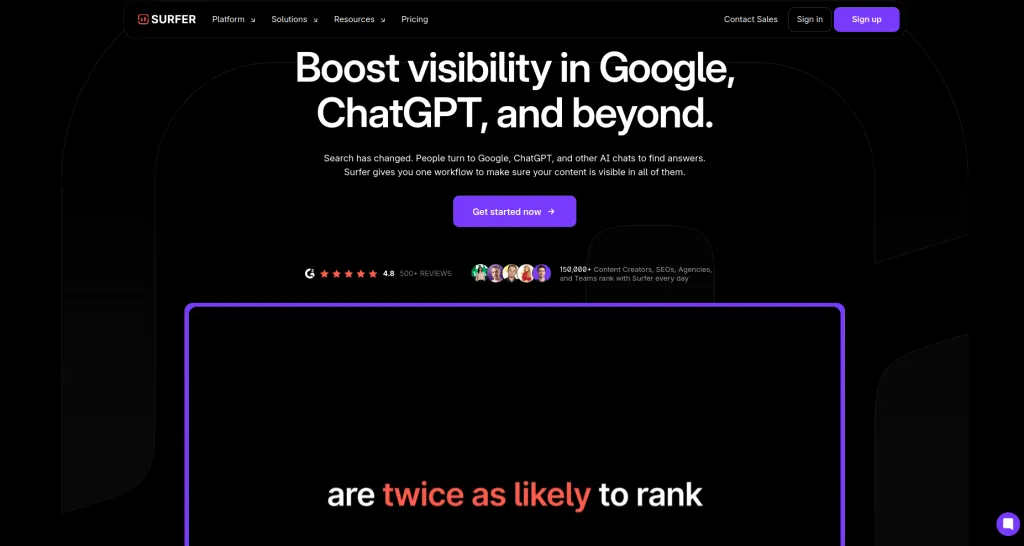
SurferSEO is the kind of tool that answers that question pretty quickly. It pulls data from the pages currently sitting at the top of Google for your target keyword and shows you exactly how your content compares. Word count, headings, keyword usage, topic coverage. It lays it all out so you’re not guessing anymore.
It’s not about tricking the algorithm either. The idea is simple: if ten pages are ranking well and they all cover certain subtopics your content doesn’t, that’s probably not a coincidence.
SurferSEO helps you spot those gaps before you hit publish rather than discovering them the hard way four months later.
Key Features:
- Live SERP content editor
- NLP keyword recommendations
- Heading and structure analysis
- Content score benchmarking
- Keyword density guidance
- Competitor content comparison
- Topical coverage suggestions
Pros and Cons:
| Pros | Cons |
|
|
Best For: Content writers, SEO specialists, and bloggers who want their pages to actually compete with what’s already ranking rather than just hoping for the best.
Pricing Plan:
Essential plan starts at $89/month. Scale plan at $129/month for agencies and bigger teams. No free plan, but a money-back window is available if you change your mind quickly.
2. Semrush
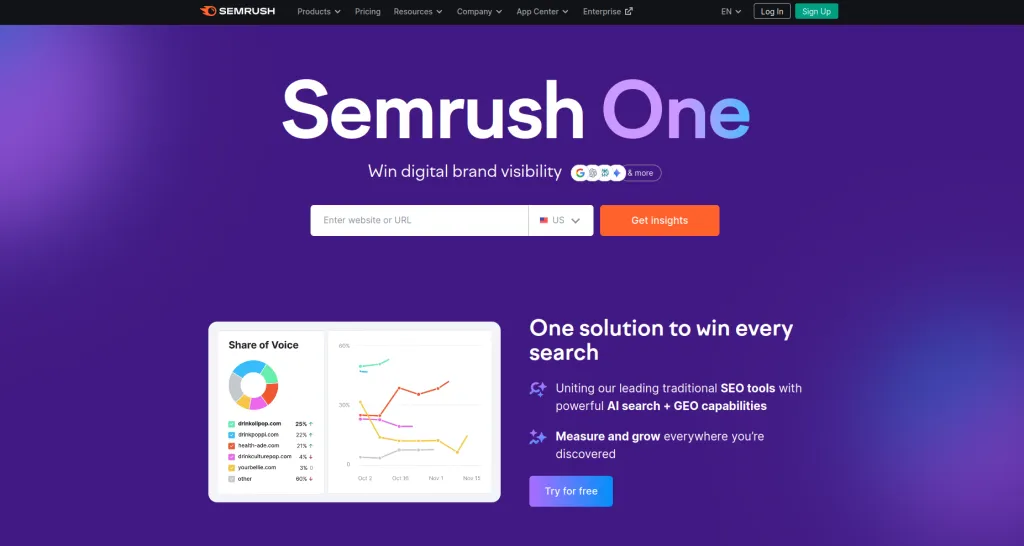
Semrush has been around long enough that most people in digital marketing have used it at some point. What’s changed recently is the AI layer on top of everything it already did well.
The Copilot feature is probably the most useful addition because instead of dumping a mountain of data at you and leaving you to figure out what matters, it actually tells you what to work on first based on your site’s specific situation.
For anyone managing a site with a lot of moving parts, that kind of prioritization saves a surprising amount of time. You log in, Copilot tells you what’s most worth fixing today, and you get moving instead of spending an hour figuring out where to start.
Key Features:
- AI Copilot task prioritization
- Keyword research and gap analysis
- Technical site audit
- Backlink analysis and tracking
- Content optimization tool
- Position tracking
- Competitor intelligence
Pros and Cons:
| Pros | Cons |
|
|
Best For: Marketing teams, SEO agencies, and anyone juggling keyword research, content, technical SEO, and competitor tracking all at once.
Pricing Plan:
Pro plan from $129/month. Guru at $249/month adds content marketing tools. Seven-day free trial available so you can see whether it’s worth it for your setup before committing.
3. Ahrefs
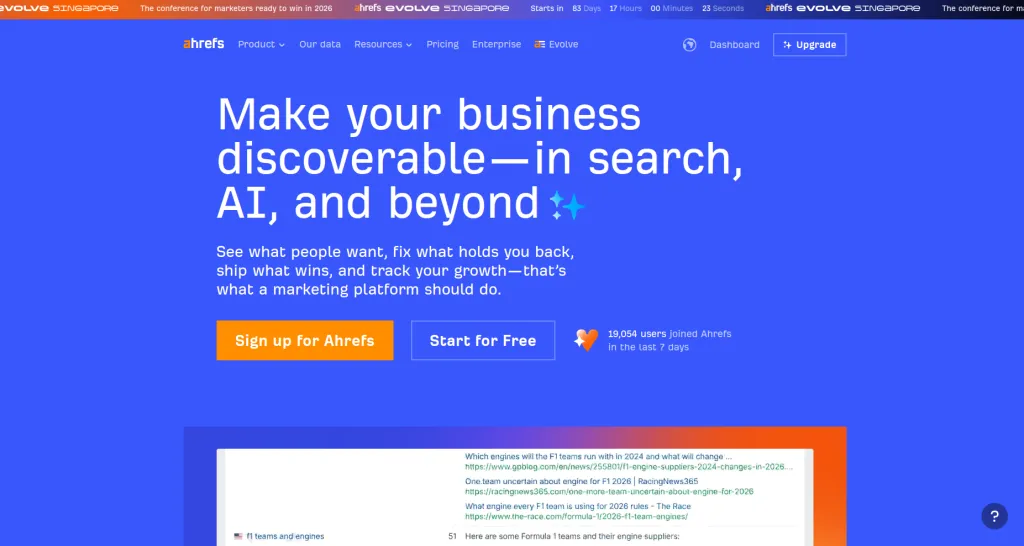
Ahrefs built its reputation on backlink data and keyword research, and those things are still genuinely excellent. What’s worth knowing now is that the content side of the platform has grown quite a bit.
The keyword gap analysis and AI-assisted content suggestions make it useful well beyond just link-building research.
If your site is already in Ahrefs for ranking and backlink tracking, the content AI features don’t cost you anything extra. They’re just sitting there waiting to be used, which makes them some of the best values on this whole list.
Key Features:
- AI content gap identification
- Keyword explorer with intent analysis
- SERP competitor breakdown
- Internal link suggestions
- Site audit with prioritized issues
- Content explorer for topic ideas
- Rank tracker
Pros and Cons:
| Pros | Cons |
|
|
Best For: SEO professionals and content strategists who need solid data and want AI insights layered on top of it without jumping between five different platforms.
Pricing Plan: Lite plan at $99/month. The standard at $199/month is where most regular users end up. Some free tools are available without signing up, but the good stuff is behind the paywall.
4. Clearscope
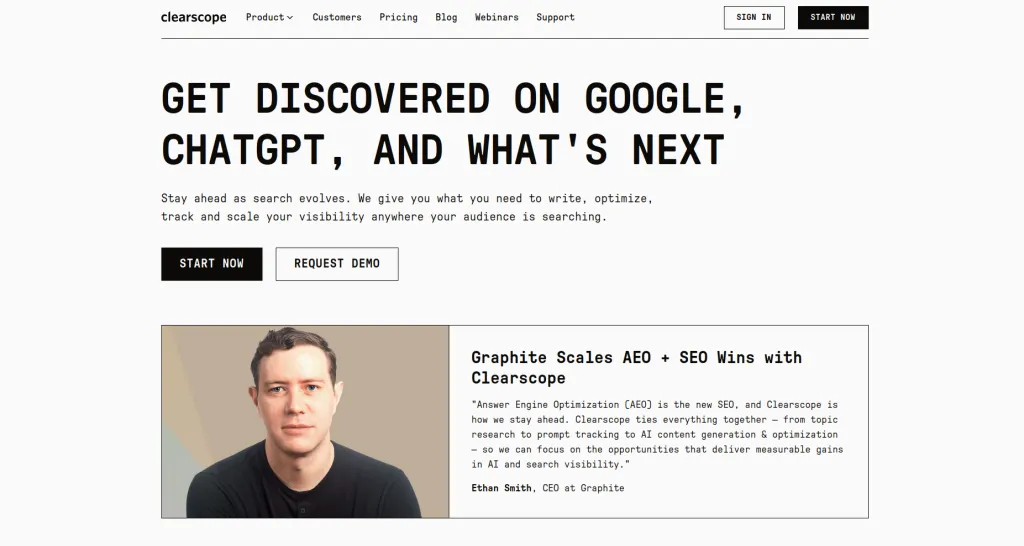
Clearscope is for the people who take content seriously. It doesn’t try to do everything. It focuses specifically on making sure your content covers a topic as thoroughly as the best pages out there already do.
It analyzes the language, concepts, and structure of top-ranking competitors and then grades your content based on how well you’ve addressed the same ground.
Writers who use it consistently tend to produce content that actually sticks in the rankings rather than spiking for a month and then quietly disappearing.
That staying power comes from covering topics properly rather than just targeting keywords.
Key Features:
- Content grading against competitors
- Semantic keyword recommendations
- Readability scoring
- Topic depth analysis
- Competitor content comparison
- Google Docs and WordPress integration
- Search volume and relevance weighting
Pros and Cons:
| Pros | Cons |
|
|
Best For: Editorial teams, content agencies, and publishers who want their articles to rank for months rather than disappear after the initial push.
Pricing Plan:
Essentials plan at $170/month. Business plan is custom pricing for larger teams. No free tier, which stings a little at that price point.
5. ChatGPT
ChatGPT used properly alongside actual AI tools for SEO is genuinely useful for the parts of the process that eat up time without requiring real search data.
Mapping out content angles, clustering keywords by topic, drafting outlines, generating FAQ sections, writing ten variations of a meta description. These are things it handles quickly and well.
The mistake is treating it as a replacement for tools that pull real SERP data. It’s not. It’s an assistant for the thinking and planning work, not the analysis work. Used in that lane it’s worth every penny of the $20 a month.
Key Features:
- Keyword grouping and clustering
- Content outline generation
- FAQ and schema ideation
- Meta title and description drafting
- Topic research and summarization
- Competitor angle brainstorming
- Custom GPTs for SEO workflows
Pros and Cons:
| Pros | Cons |
|
|
Best For: SEO planners, content strategists, and anyone who wants to move faster through the research and outlining phase without starting from a blank page every time.
Pricing Plan:
Free plan available. Plus plan at $20/month for GPT-4 access and better performance. Team and Enterprise options for bigger operations.
6. Writesonic
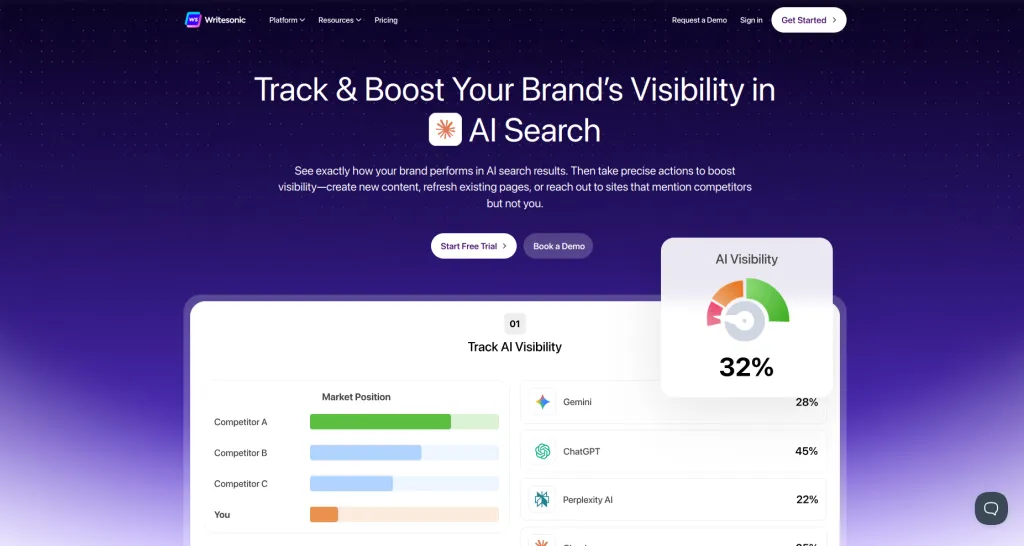
Writesonic sits on the content production side of AI tools for SEO. The core idea is simple. You need content, you need a lot of it, and you don’t have time to write everything from scratch.
Writesonic generates structured drafts built around your target keywords so you have something to work from rather than staring at an empty document.
Treat it as a starting point, and it’s genuinely useful. Treat it as a finished product, and you’ll end up publishing content that reads like it was written by a tool, because it was. A bit of human editing goes a long way here.
Key Features:
- Long-form AI article drafts
- Keyword-guided content creation
- Meta title and description generation
- Content rewriting for updates
- Landing page copy
- Brand voice customization
- Bulk content generation
Pros and Cons:
| Pros | Cons |
|
|
Best For: Content marketers and small business owners who need to produce a solid volume of content regularly without spending every day writing.
Pricing Plan:
Free credits to get started. Individual plan from $19/month. Higher tiers available depending on how much content volume you need each month.
7. Alli AI
Alli AI is for the other situation, as most tools on this list assume you’re working with a reasonably sized site.
The one where you’re managing hundreds or thousands of pages, and the idea of manually updating meta tags, fixing internal links, and applying SEO changes across the whole thing is simply not realistic. That’s the problem Alli was built to solve.
You set the rules, it applies them at scale across your site. Changes that would take a team weeks to work through manually happen in a fraction of the time.
It’s not cheap, but for the sites that actually need it, the time saving alone justifies the price pretty quickly.
Key Features:
- Automated meta tag updates site-wide
- Internal link automation
- Rule-based SEO optimization
- A/B testing for SEO changes
- Bulk on-page optimization
- WordPress and Shopify compatibility
- Real-time change deployment
| Pros | Cons |
|
|
Best For: Large eCommerce stores, enterprise content teams, and SEO agencies managing big sites where manual optimization just isn’t practical.
Pricing Plan:
Plans start at $249/month. No free tier. The investment makes sense for large sites but is hard to justify for anything with a few hundred pages or less.
8. RankMath AI
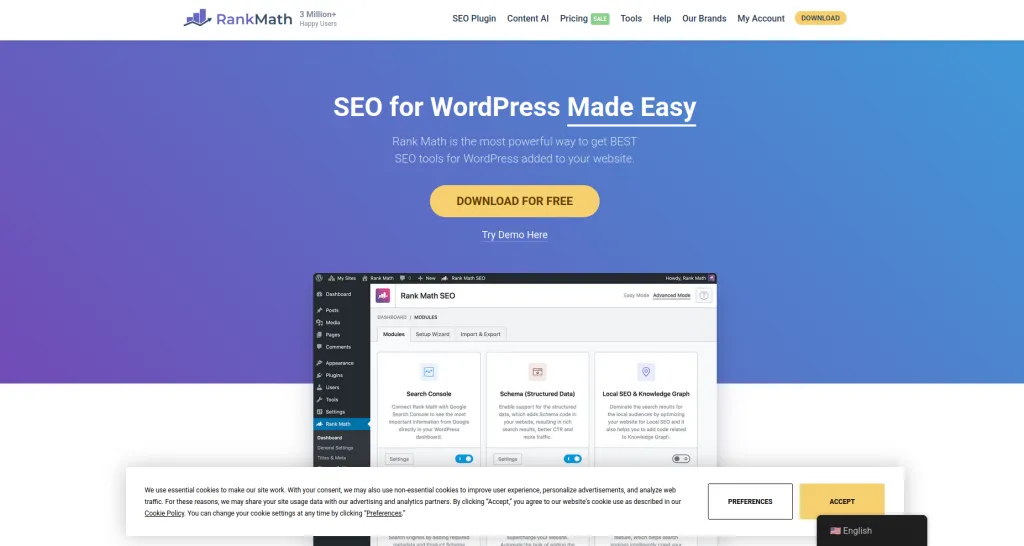
RankMath is probably the most underrated of all the AI tools for SEO on this list. Part of that is because it lives inside WordPress and people tend to think of it as just another plugin rather than the actual SEO assistant it’s become.
The AI features handle keyword suggestions, content scoring, schema generation, and internal link recommendations all from within your WordPress editor.
For site owners who don’t want to be jumping between six different tools every time they write a post, that convenience is genuinely valuable.
And at less than seven dollars a month, the price makes it almost a no-brainer if you’re running a WordPress site.
Key Features:
- AI content analysis in WordPress editor
- Automated schema markup generation
- Keyword suggestions while writing
- Internal link recommendations
- SEO score tracking per page
- Google Search Console integration
- Bulk optimization tools
| Pros | Cons |
|
|
Best For: WordPress site owners, bloggers, and small businesses who want solid AI-powered SEO guidance without paying enterprise prices or bouncing between platforms.
Pricing Plan:
Free version available with a strong set of core features. RankMath Pro starts at $6.99/month. Business and Agency plans available for larger sites and teams.
How to choose the best AI tools for SEO
The honest answer is that there’s no single best tool. There’s only the best tool for where your site is right now and what’s actually holding it back.
Most people get this wrong by starting with the tool instead of the problem. They see SurferSEO mentioned everywhere, sign up, realize they don’t actually publish enough content for it to make a difference yet, and cancel after two months, feeling like they wasted money. That’s not a tool problem. That’s a sequence problem.
So before you open a free trial on anything, spend a few minutes thinking about what your site actually needs most right now. If published content isn’t ranking competitively, something like SurferSEO or Clearscope will move the needle more than anything else.
If your site has accumulated years of technical issues that nobody has properly addressed, Semrush or Ahrefs makes more sense as a starting point.
If keeping up with content production is the main struggle, Writesonic or ChatGPT should come before spending $170 a month on a content grading tool.
Site size matters too, and more than people usually factor in. Alli AI is worth every cent for a site with ten thousand pages and genuinely pointless for a blog with fifty.
RankMath is a brilliant fit for someone managing a WordPress site mostly alone and largely irrelevant to an agency running campaigns for clients on different platforms.
Be honest about your team’s actual capacity as well. A tool with sophisticated automation features sounds great right up until nobody on your team has the time or knowledge to configure it properly.
A simpler tool that actually gets used every week will outperform a complex one that sits half set up.
And use the free trials properly. Not just clicking around to see how things look, but actually doing real work inside the platform. Build one report. Set up one workflow. Run one audit.
Thirty minutes of genuine use will tell you more about whether a tool fits your situation than any comparison article, including this one.
Wrapping Up!
SEO is slow. There’s no getting around that part. Even with the best AI tools for SEO in your corner, you’re still playing a long game and the results don’t show up overnight.
Anyone telling you otherwise is selling something. But slow doesn’t have to mean painful. The part that makes SEO exhausting for most people isn’t the waiting.
It’s the manual work that happens in between. The hours spent analyzing competitors, auditing pages, researching keywords, and trying to figure out why content that should rank simply isn’t.
That’s where these tools make a real difference. They don’t hand you rankings. They just stop you from spending half your week on work that a piece of software can do faster and more accurately than you can.
Pick one or two tools from this list that speak directly to your current weak spot. Not the ones with the most impressive feature lists, the ones that address the specific thing that’s costing you the most right now.
Get genuinely familiar with them over a couple of months. Pay attention to what shifts. Then decide whether to add anything else.
The sites doing well in search right now aren’t necessarily the ones with the biggest budgets or the largest teams.
They’re the ones being consistent, covering topics properly, and catching problems before they compound. The right AI tools for SEO just help you do all of that without it taking over your entire week.

Written by
Zannatun Nime
February 20, 2026
Zannatun Nime writes about AI, developer tools, and social media marketing in a simple and easy-to-follow way. He enjoys making complex topics clear, practical, and useful for everyday readers.
Related reading

RESOURCES
Best Booking Plugins for WordPress in 2026 – Top Picks for Service Businesses
Discover the best booking plugins for WordPress in 2026. Honest pros, cons & pricing for every top tool. GemBooking leads the list for service businesses.

RESOURCES
Best WordPress Automation Plugins for 2026 (Complete Guide)
You didn't build a WordPress site to spend your days copying form entries into spreadsheets, manually emailing customers after every purchase, or chasing down the same tasks every single week. That gap between what WordPress can do and what it does automatically? That's where most site owners bleed time.

RESOURCES
Best Custom Post Type Plugins for WordPress in 2026 (Free & Pro)
You built your WordPress site. Posts and pages are live. Then your client asks: Can we add a Testimonials section? A Jobs board? A Portfolio gallery? This is where custom post type plugins save you.