
Introducing WPOnepager 2.3.0 – With Page Settings, Education Layout and Ten New Blocks
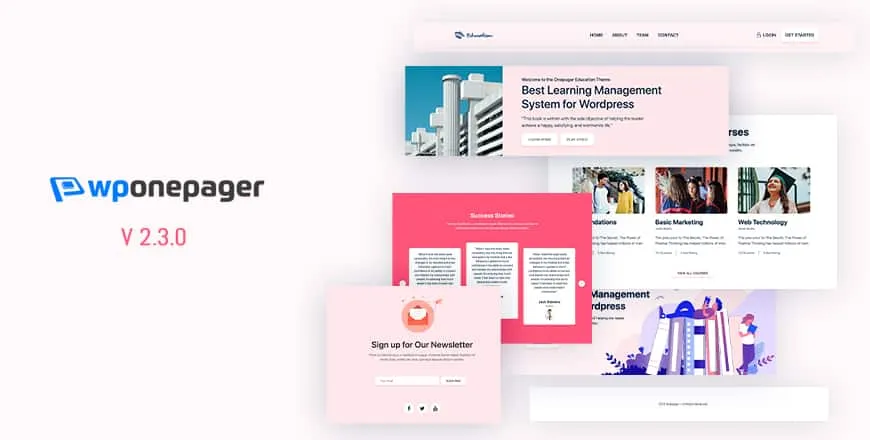
In every aspect of life, we are trying to make your life easier. The contagious Novel Coronavirus is spreading everywhere. Yet we are working from remote so that you can take benefit from our work. Our goal is to present you with the ultimate page builder, which will allow you to develop instantly without any…
Parvez Akther
In every aspect of life, we are trying to make your life easier. The contagious Novel Coronavirus is spreading everywhere. Yet we are working from remote so that you can take benefit from our work. Our goal is to present you with the ultimate page builder, which will allow you to develop instantly without any hassle.
WPOnepager 2.3.0 comes with a new page settings feature, education layout pack, and ten new free blocks. This new feature and blocks will be very helpful for you.
Let’s check the details.
New Features & Blocks
Page Setting Panel for Each Individual Page
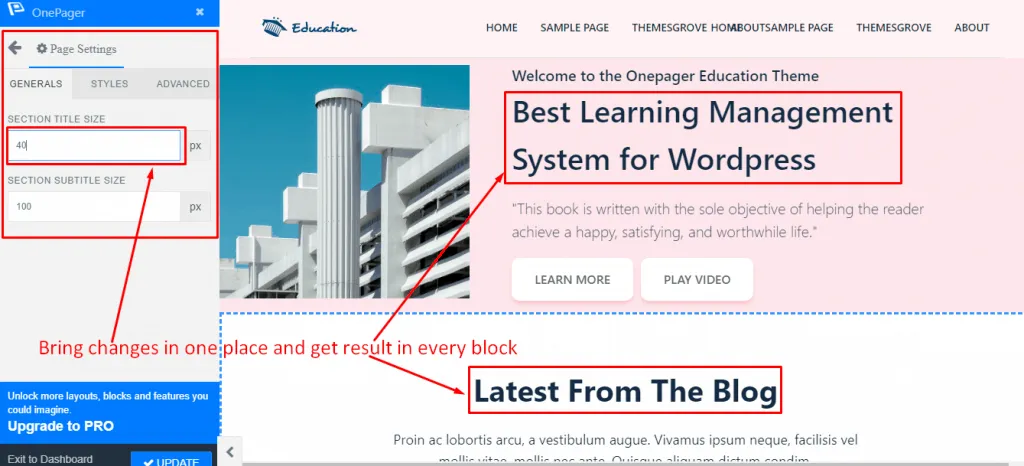
New WPOnepager 2.3.0 comes with page settings panel for every individual page. From this setting, you will be able to set your blocks title size, subtitle size globally. That means you can alter every block from a single place and customize it in your own way.
You don’t need to go to every block and then apply the standard title or subtitle size. So from now on, decrease your hassle and save time with this new feature – page settings.
I know you need some more; worry not we will be bringing some more cool properties in the next version. Want to know what are those? Go through the blog entirely, and you will find it.
Education Layout Pack
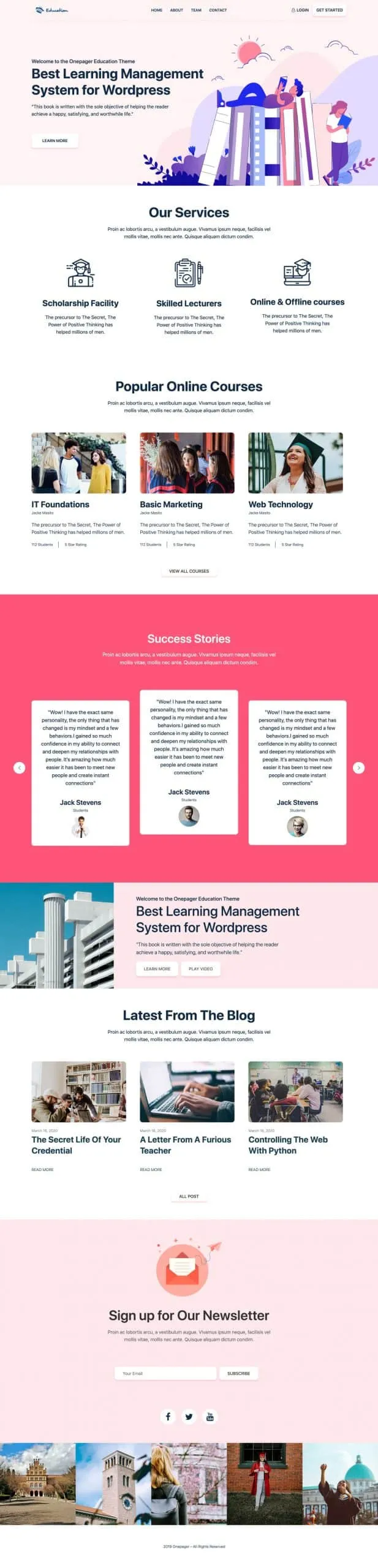
Building education one-page site is now matter or only one click, Yeah, you heard right from now on you will be able to create your education one-page site with education layout. After you insert the layout, just change the content’s, and right after a couple of minutes, your education site will be ready.
Ten New Free Blocks
Feature Item 1

Feature Item 2
Feature Item 3
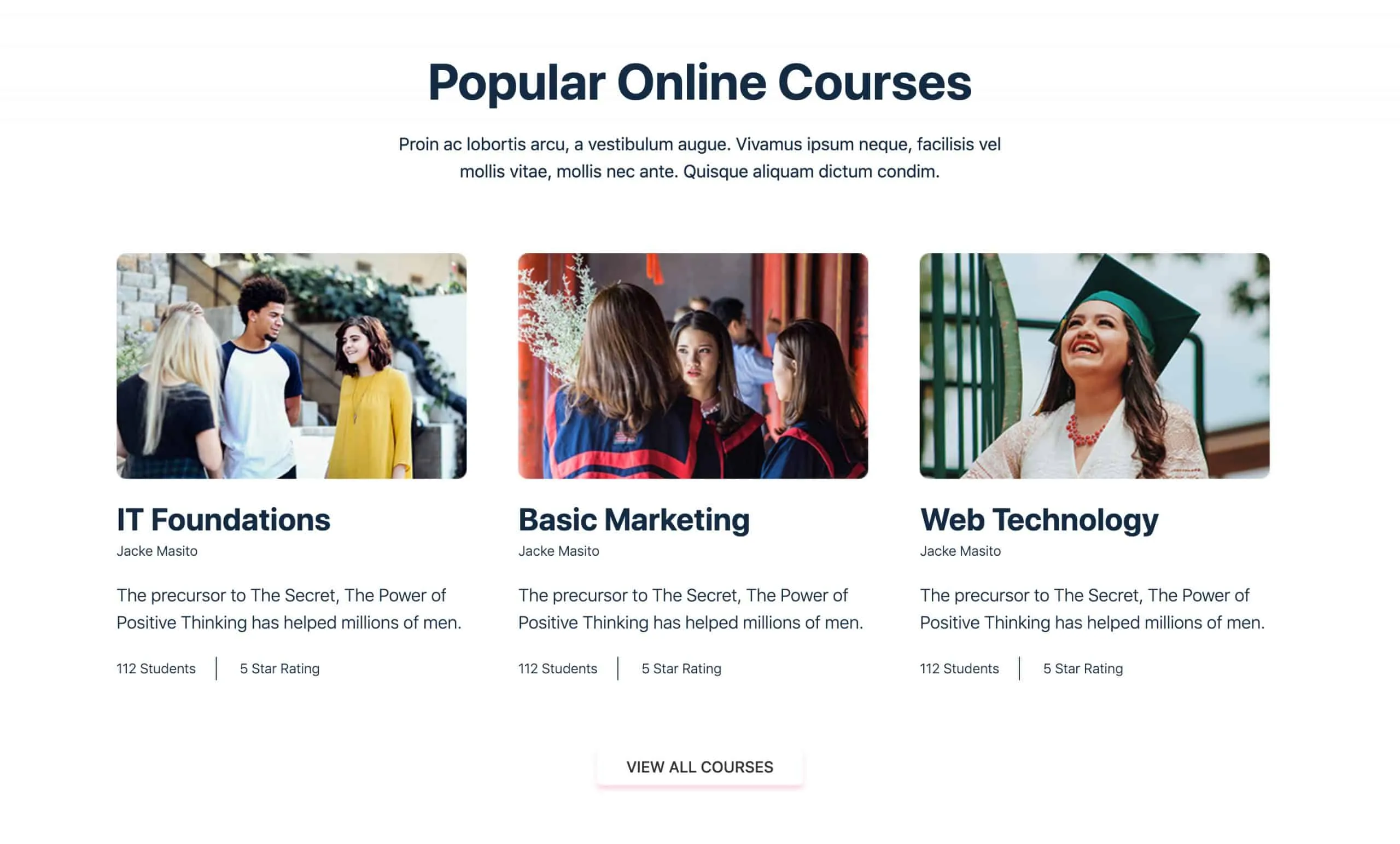
Feature Item 4
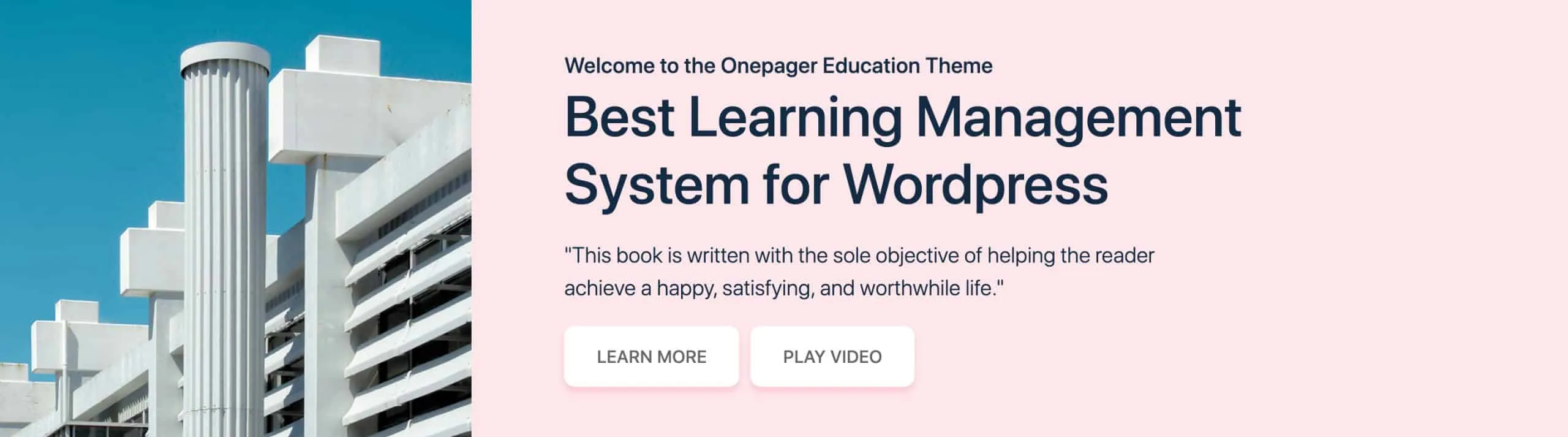
Feature Item 5
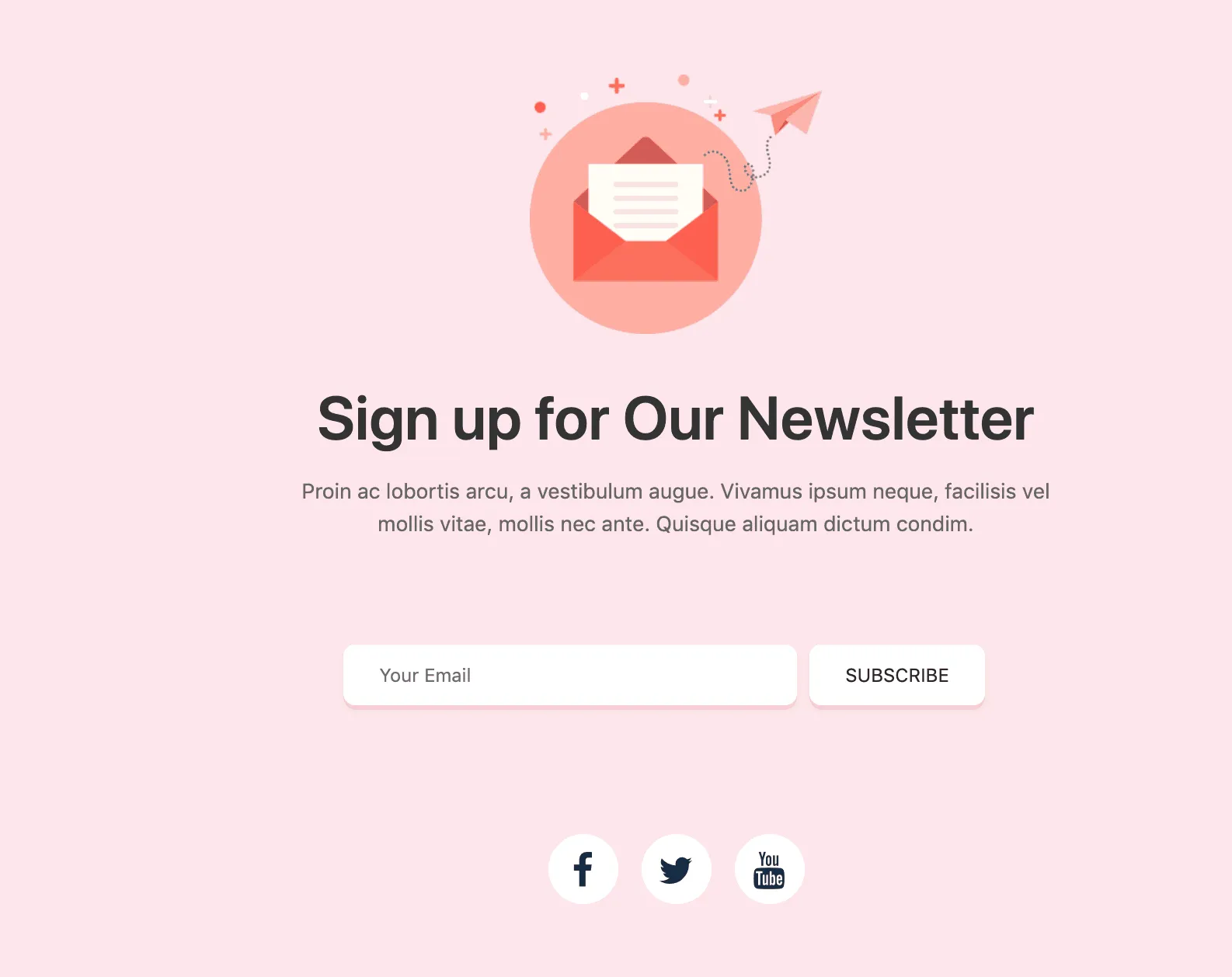
Blog Item
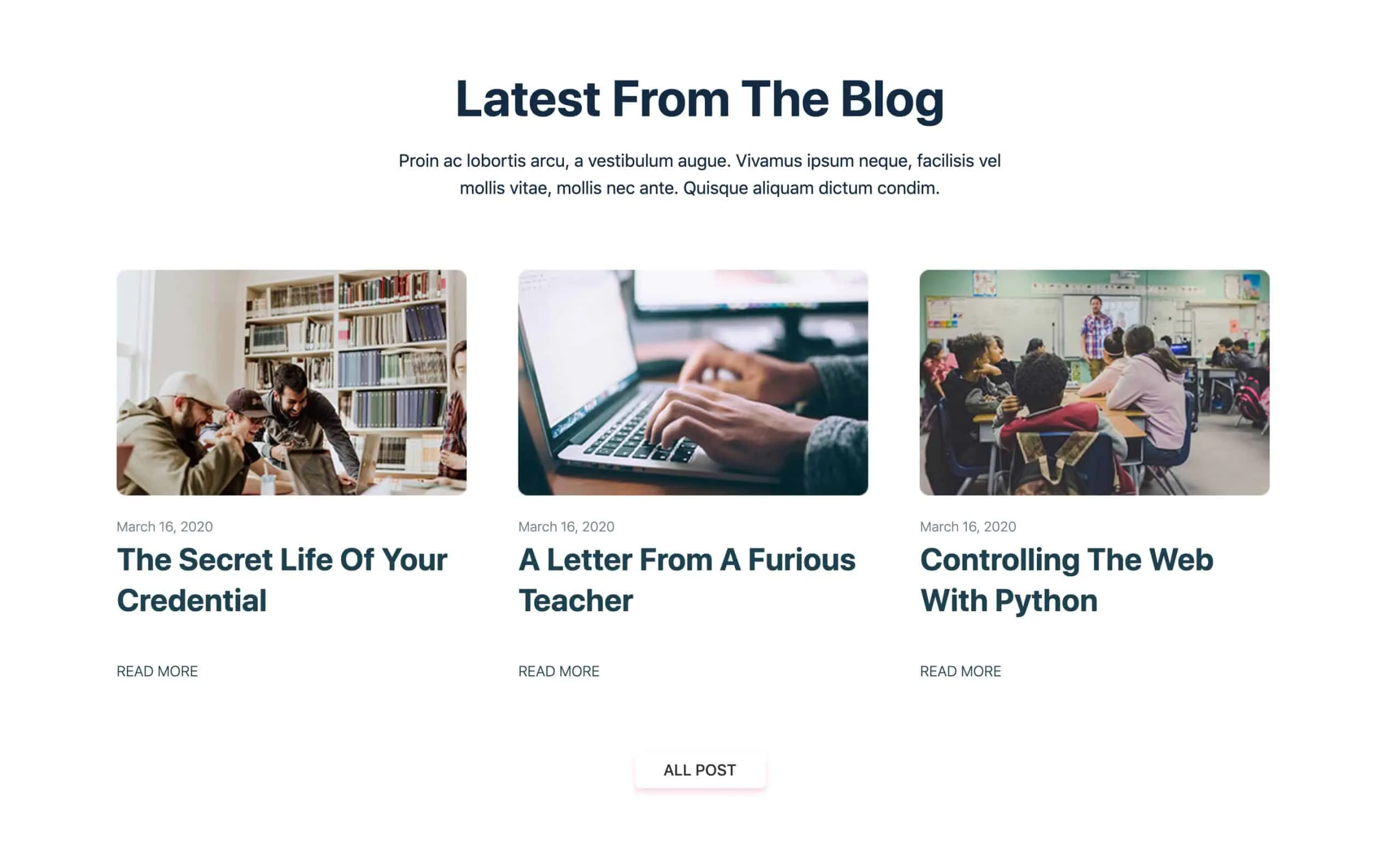
Footer Item

Slider Item 1
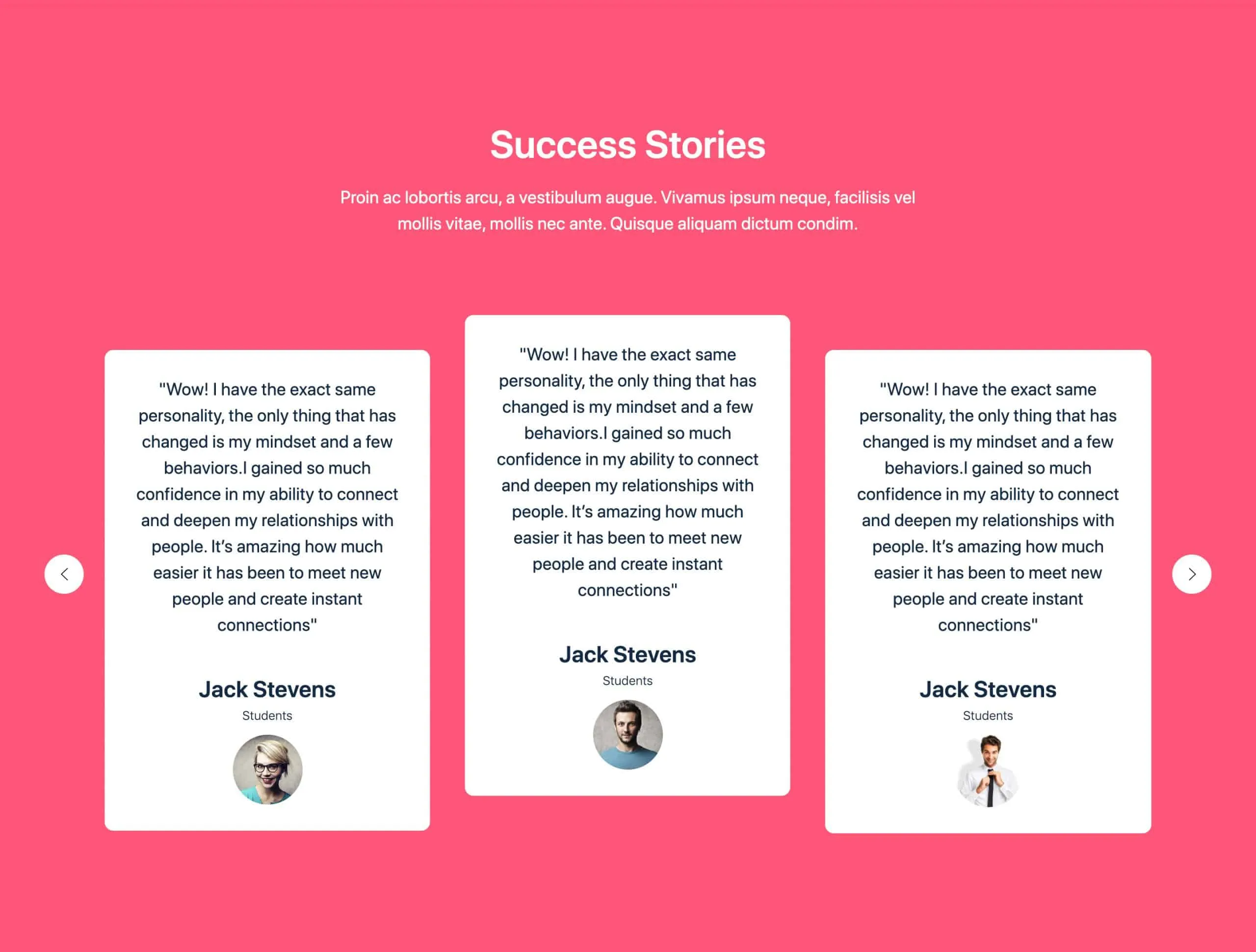
Navbar Item

Slider Item 2

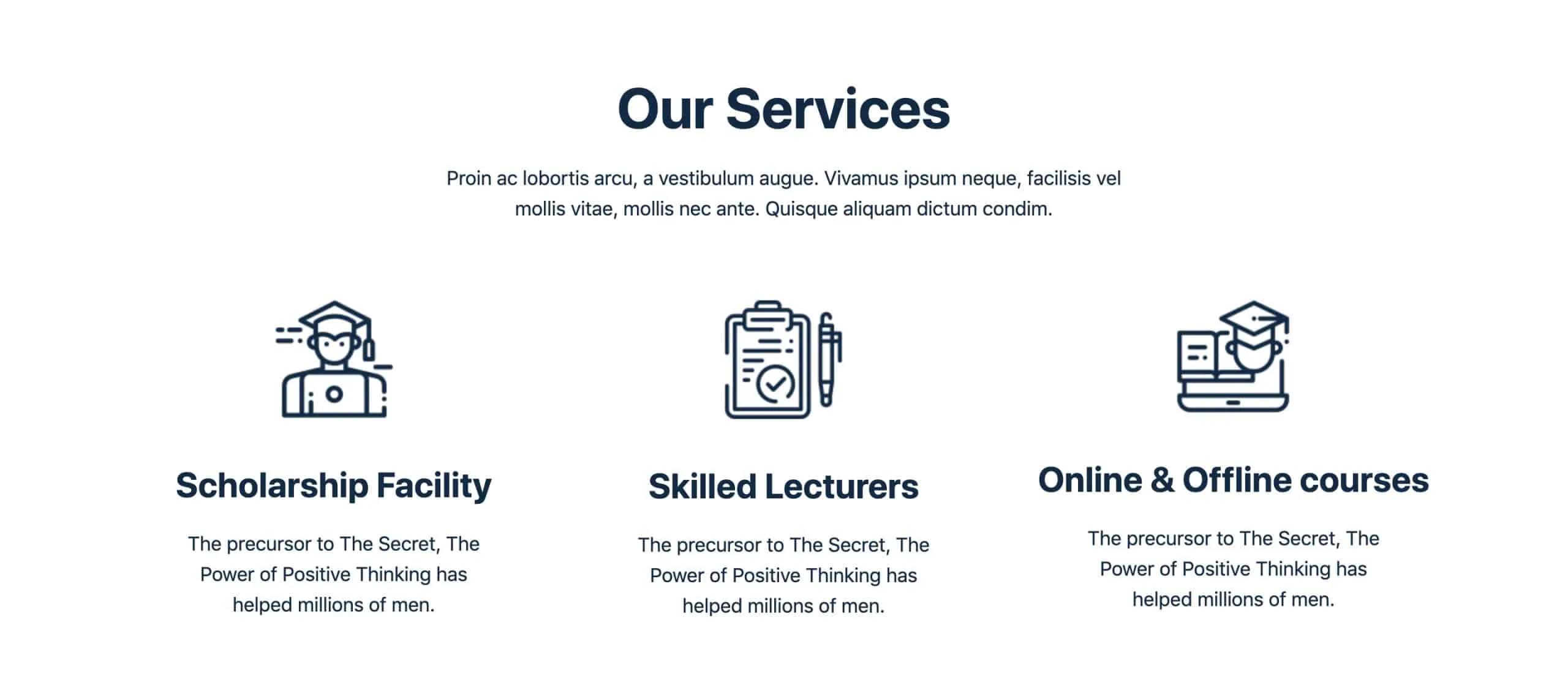
With WPOnepager 2.3.0, ten new free blocks are introduced in different categories. These elegant blocks will help you to build your next education one-page site.
Conclusion
So did you liked the new feature, layout, and blocks? Let me know in the comment box below. At a later time, we are going to bring some more exciting properties to page settings. These are – typography settings, color settings, spacing settings, and many more.
Stay tuned, and don’t forget to share your thoughts.
Written by
Parvez
March 24, 2020
Founder of ThemesGrove and a tech veteran with deep experience across WordPress, products, and web platforms.
Related reading
WPONEPAGER
How to Create a Multilingual WordPress Website with WPOnepager
Around 20% of the entire world’s population speaks English. This means there is a substantial untapped market just waiting to be discovered for your business or your website. You don’t want to lose that 80% native language speaking clients, right? If so, then this article is for you. In this blog, we will show you…
WPONEPAGER
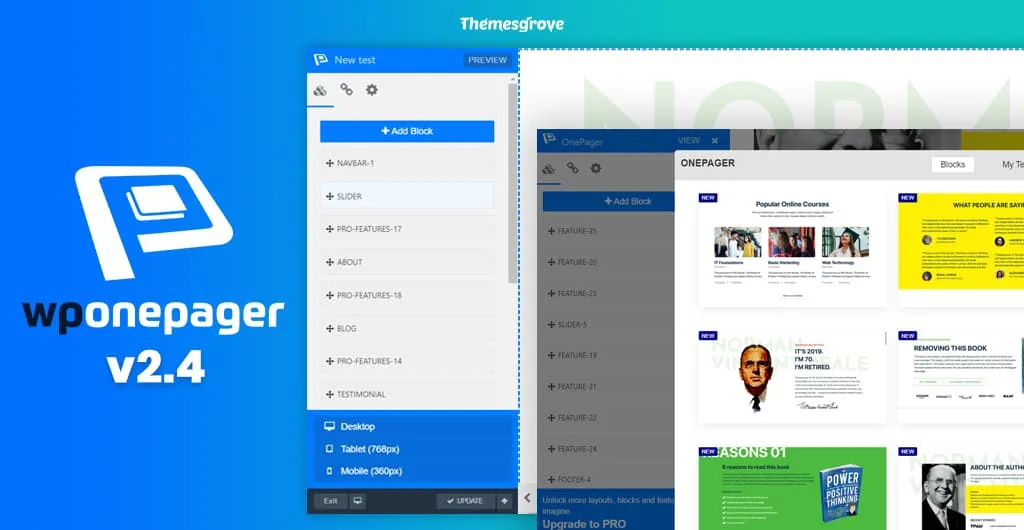
Introducing WPOnepager 2.4 with All-new Popup Modal, Page Export & Import Option, Template Menu and Much More
Hey there! We are back again with another release of WPOnepager, the easiest WordPress landing page builder ever created. WPOnepager is growing, and every version of WPOnepage contains something new and extraordinary features and updates to make your development more comfortable and faster. In this continuation, today, we are proudly introducing WPOnepager 2.4 with all-new…
WPONEPAGER
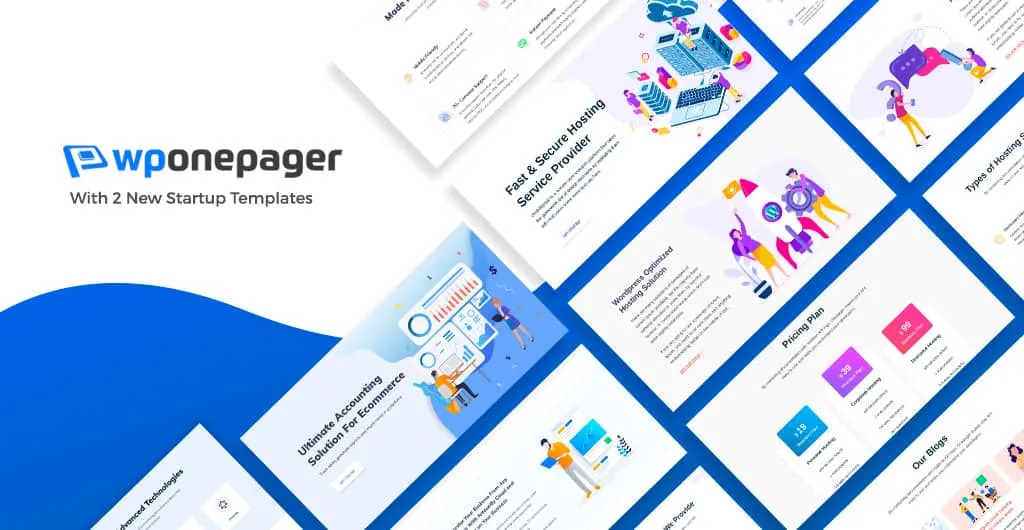
Introducing Two New Startup Templates for WPOnepager Pro
We are continuously updating WPOnepager and with every update, we are releasing new blocks, templates, features and bug fixes. Our goal is to make WPOnepager unstoppable and to provide you the ultimate page builder which will allow you to develop instantly. We know the value of time and money, therefore we are trying our best…