
10+ Essential Addons for Elementor
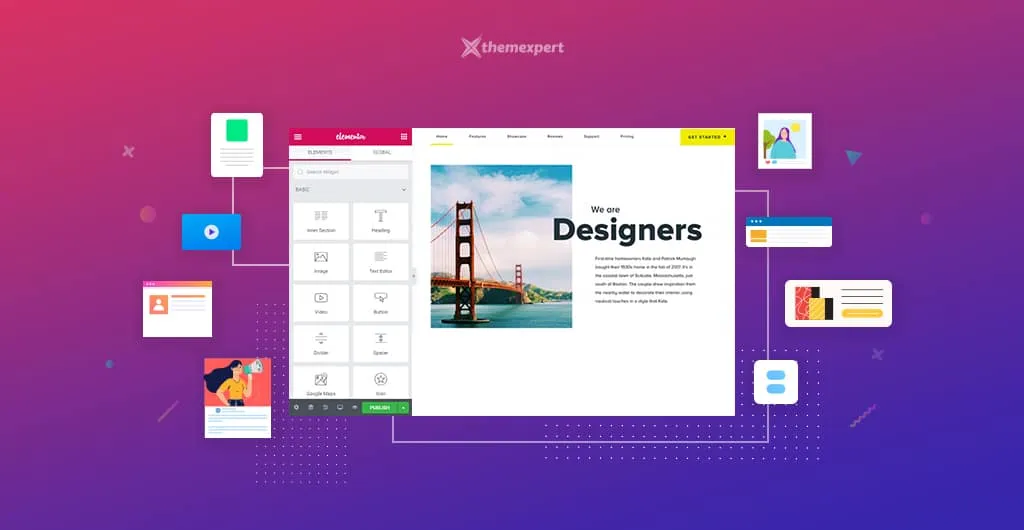
Elementor addons play a vital role in extending the workability of Elementor. A perfect Elementor addon can beautify your website thousands of times more than a usual website. Moreover, it can make your website building journey smoother than ever before. But, selecting the best essential addons for your WordPress website is like finding the needle…
Shams Sumon
Elementor addons play a vital role in extending the workability of Elementor. A perfect Elementor addon can beautify your website thousands of times more than a usual website. Moreover, it can make your website building journey smoother than ever before.
But, selecting the best essential addons for your WordPress website is like finding the needle in a haystack. For that reason, I’ve prepared a list consist of best Elementor addons that will supercharge your website building experience.
Let’s check this list and select the best Elementor addons that will perfectly match with your website requirements. Let me know which one you are using or going to use as well as you are requested to recommend your favorite one through the comment box.
Table of Content
- WidgetKit For Elementor
- Elements Kit Addons for Elementor
- Essential Addons for Elementor
- Happy Elementor Addons
- Elementor WHMCS Elements Pro For Elementor
- WPKit For Elementor
- The Pack – Elementor Page Builder Addons
- Vakka – Addons for Elementor
- Card Elements for Elementor
- Major Expand: Add-on for Elementor
- Master Addons For Elementor
Best Elementor Addons
WidgetKit For Elementor
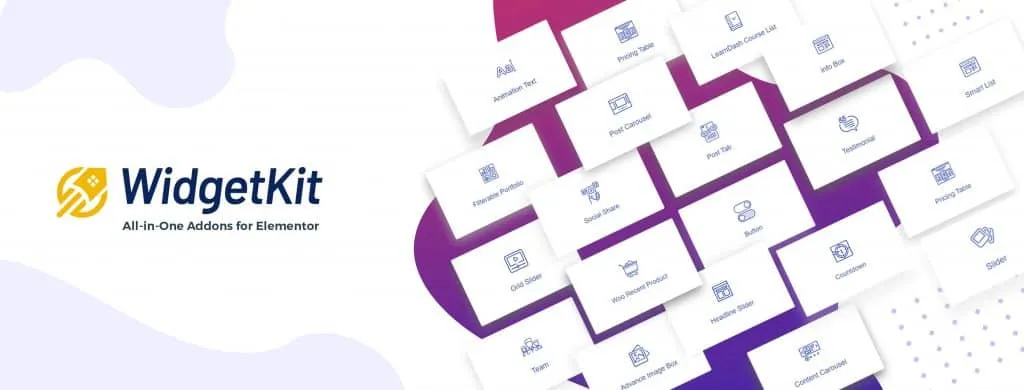 WidgetKit
WidgetKit addons for Elementor comes with 55+ free widgets and 20+ exceptionally designed free layouts, including dedicated widgets for LMS and WooCommerce to unlock more features of Elementor. Every widget is free, visually stunning, and simple to use.
WidgetKit ensures everything in one addons pack that you need for your website. It will change the way of your experience in using Elementor addons. WidgetKit believes;
If you can think it, you can build it with Widgetkit.
Parvez Akther, CEO of Themesgrove
You can build any layouts in the shortest time using WidgetKit, it doesn’t matter whether the layout is simple or complex. The developer team of WidgetKit is trying to enhance your experience of using it, it does not matter whether you are a developer or a designer. Their goal is to give you the perfect tool that is built for WordPress professionals.
The developer team won’t give you a single opportunity to make a complaint against their support system as they are very much responsive, and they reply you back within the shortest possible time.
So, I strongly recommend you to grab the free or pro version of WidgetKit and test by yourself.
What’s Inside WidgetKit?
- Lightweight, easy to use, and at the same time, super fast.
- 30+ Full functional and workable free elements.
- 10+ WidgetKit for Elementor and counting.
- 13+ Exceptionally designed and super responsive, completely free layouts and counting.
- LearnDash elements.
- WooCommerce elements.
- Fully customizable and seamless performance across devices.
- Every element enable / disable options panel.
- Regular Update, 24/7 Dedicated Support, and new elements every week
- Drag and drop with unlimited styles.
Elements Kit Addons for Elementor
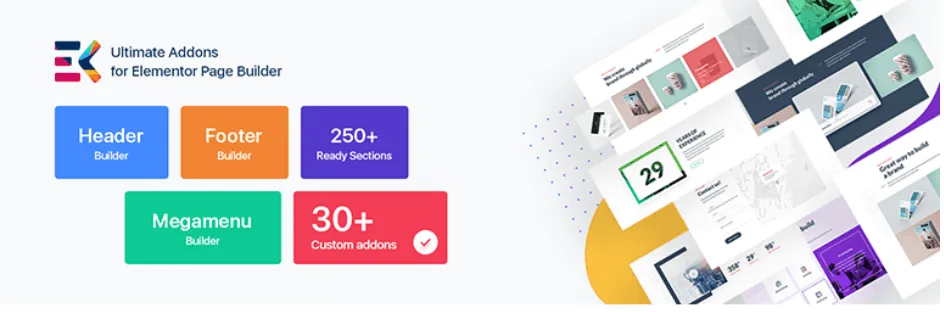 ElementsKit
Elements kit is one best selling Elementor addons of Envato market. It comes with Header builder, footer builder, Megamenu builder, 50+ custom addons elementor pack, 20+ Home page ready Layout Pack, 500+ Section pack with layout-kit.
It will eliminate your need to use multiple plugins as it offers everything under the one hood. It is an ultimate all in one addon for Elementor page builder. It has exclusive features that will blow your mind like mega menu builder, header and footer builder, layout library, and so on.
It has some most unique and powerful custom controls for elementor, such as image picker, ajax select, Advanced widget, etc.
What’s Inside Elements Kit?
50+ Fully Customizable Elementor addons widgets.
Header and footer builder.
450+ Ready blocks
20+ Ready homepages
Elementor gallery pack. Filterable, masonry, grid
Parallax options with SVG library and animations (HOT)
Sticky content in any place.
Header footer in specific page or post.
Add Icon and label in the mega menu.
Widgets area
Essential Addons for Elementor
 Essential Addons
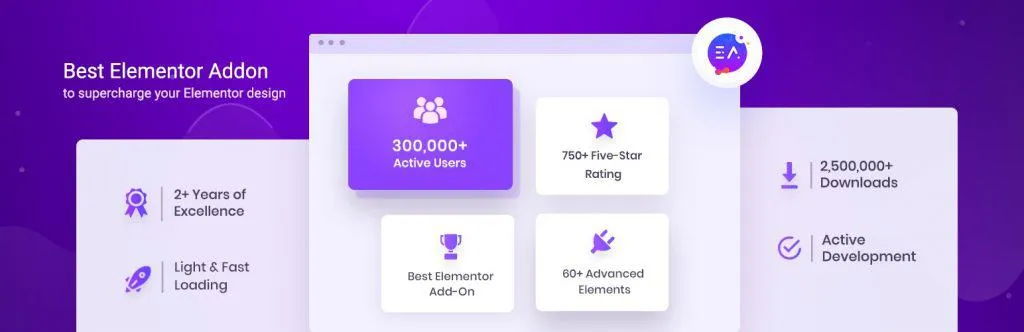
Essential addons is one of the most popular and well-rated addons for Elementor that comes with both free and premium versions. The free version of essential addons offers 30+ widgets and counting, which means they are not only caring about their premium users but also value their free members.
Their pro version offers 29+ elements that will add power to your page builder. All the elements are easy to use and fully customizable.
What’s Inside Essential Addons?
- 30+ free widgets.
- 29+ premium elements.
- Both free and pro extensions.
- Elements control option.
- 100+ ready blocks.
- Post blocks (flex)
- Interactive promo (neat hover effects on a box)
- Dynamic filterable gallery
- Protected content (restrict content by user role or password)
- Lightbox / modal popups.
Happy Elementor Addons
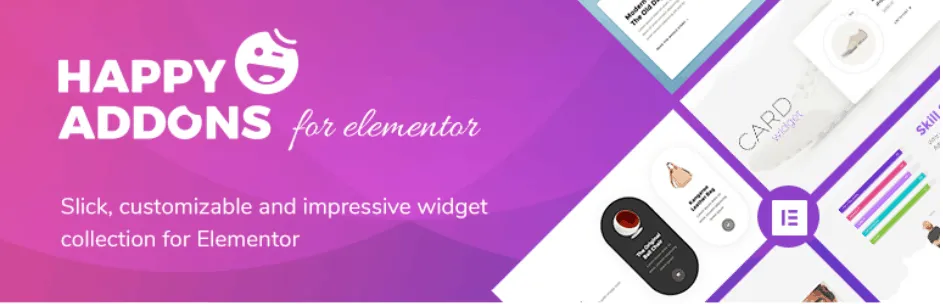 Happy Addons
Happy Addons comes with 25+ feature-rich widgets in free along with 20+ elegant widgets in the pro version. it is a collection of slick, powerful widgets that works seamlessly with Elementor page builder. Its deep level customization will give you the freedom to enhance your design with Elementor.
They have stunning demos for their widgets, and it will help you to find out the use case of the widgets. It offers 25 free widgets, happy extensions, happy effects, and much more.
What’s Inside Happy Elementor Addons?
- Cross domain copy paste
- Preset
- Unlimited section nesting
- Live section copy
- Site sync
- Floating effect
- CSS transform
- On demand asset loading
- Widget background overlay
- 500+ line icon
Elementor WHMCS Elements Pro For Elementor
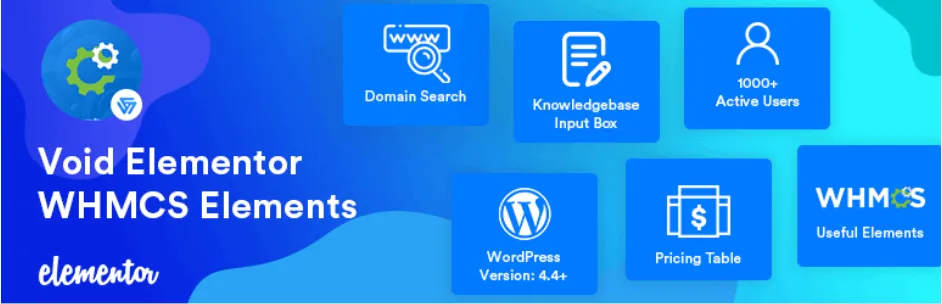 WHMCS Elements
Void Elementor WHMCS Elements has both a free and a pro version. Free version of this plugin provide you below mentioned features.
- Live Ajax Domain Search
- Knowledge Base form for WHMCS
- Live pricing table from WHMCS
- Pricing table with choice of your currency from WHMCS!
- Normal pricing table.
Using this plugin, you will have;
- Ajax domain search with limited style options
- Use WHMCS pricing directly on your WP site
- Use Knowledge base form on site so people can search that
What’s Inside Elementor WHMCS Elements Pro?
- All of the free features
- Live Ajax Domain Search
- 5+ style of Live pricing table from WHMCS
- 10+ Style of Live pricing table with Elementor pro and WHMCS Elements
- Normal pricing table.
- Domain TLD pricing table from WHMCS directly
- WHMCS login form
- Works with Elementor Pro’s Pricing Table!! Now you can use styles of Elemetnor pro’s pricing table and use the power of WHMCS Elements Pro!
WPKit For Elementor
 WPKit
WPKit
WPKit for Elementor plugin is a premium Elementor Addons that comes with 23+ premium widgets list. It offers many advance Elementor widgets, parallax layer, flexible panel and global block module.
it’s also compatible with WooCommerce and Easy Digital Downloads, such as several product layouts, cart button, and product search widget.
They have redesigned the Elementor editor panel UI in order to expend the viewport and make the panel more flexible, not only the dark visual style but also you can drag and drop the panel to anywhere on the editing screen.
What’s Inside WPKit?
- 23+ Widgets Flexiable Panel Module
- Global Block Module
- Parallax Layer Control
- Parallax layer, flexible panel and global block module
- Compatible with WooCommerce
- Cross browser ready
The Pack – Elementor Page Builder Addons
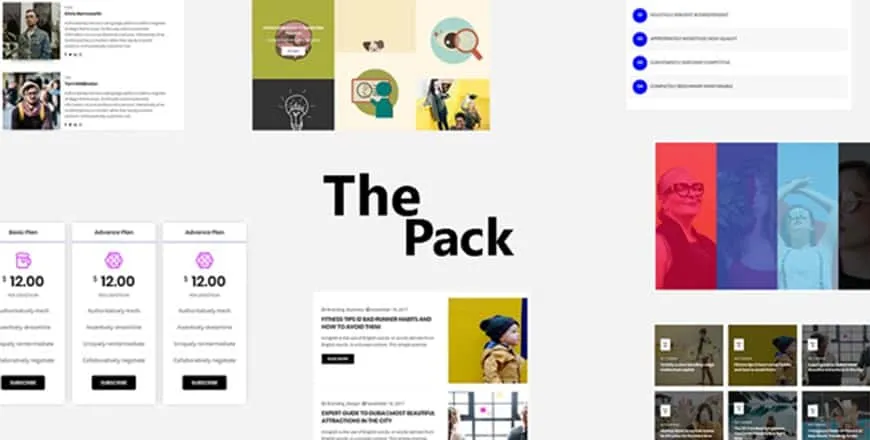 The Pack
The pack is one of the best Addons for Elementor WordPress Plugins that comes with 180+ widgets. These widgets are extremely helpful in making your site without any coding knowledge. They provide strong documentation support of every element so that you won’t face any difficulty while using The Pack Elementor Addons.
Though it’s a newbie in the Elementor addons market, they have created a buzz through its super user-experience and workability. They give updates on a regular basis, and moreover, they provide YouTube tutorials for making your work easy.
What’s Inside The Pack?
- 180+ Most popular elements
- Documentation support
- YouTube tutorials
- Super responsive design
- Lightweight and fast
- 50+ Homepage
- Cross browser ready
- Premium support
Vakka – Addons for Elementor
 Vakka Addons
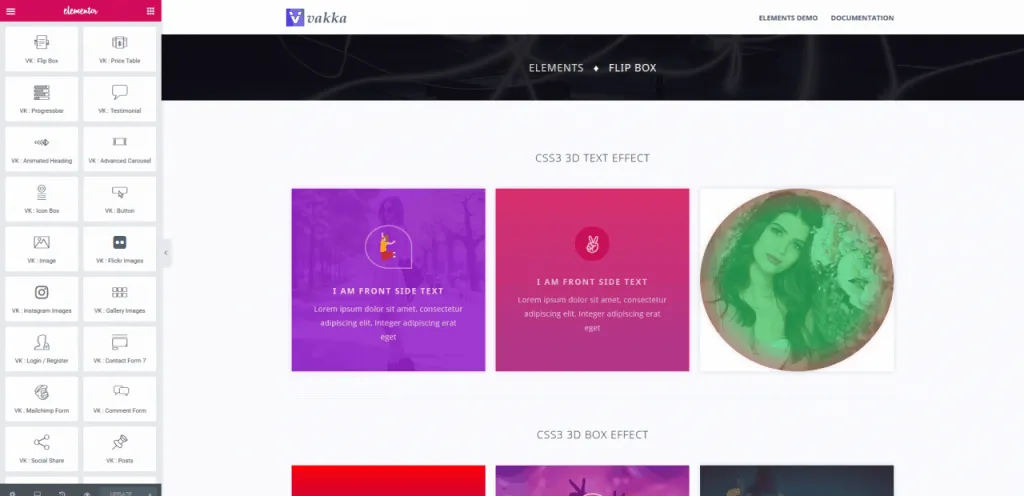
Vakka addons pack is fully customizable and ultimate elements library for Elementor WordPress page builder. It ensures lots of useful and premium elements to complete your website quickly as well as it has stunning design with neat and clean code.
There is an option to enable/disable certain elements to improve page loading. There is certainly no extra resources to slow down your website. You will have a blazing fast website after using Vakka Elementor addons.
Vakka addons has a contemporary and responsive design that will make your website super stunning and eye-catchy. It comes with a limited but super effective widgets list. Therefore, grab these addons and try for your website.
What’s Inside Vakka?
- 26+ Widgets Documentation Support
- Fully Customizable
- Easy to Use
- Unlimited Design Options
- Elements Control option
- Lightweight and Fast
- Demo Template Data Included
- Sliders and Tabs Builder Functionality with Elementor.
Card Elements for Elementor
 Card Elements
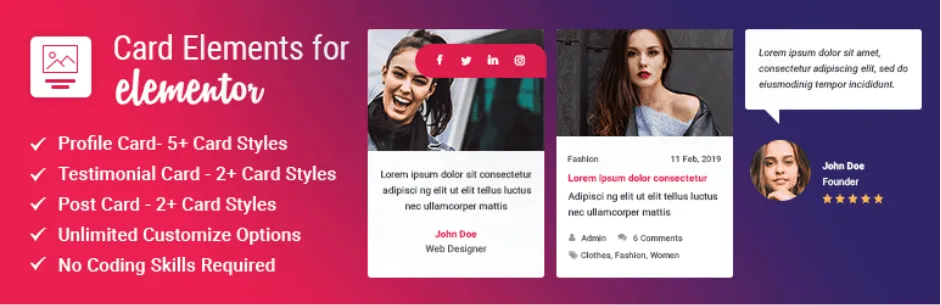
Card Elements pro is an Elementor addon to showcase your team profiles, testimonials, and WordPress posts with card-style/design. Without any prior coding knowledge, you can make a fully functional WordPress website within moments using this elementor addons pack.
This is a simple and flexible way to add new elements/widgets to Elementor Page Builder. So far, they have introduced 3 of the most useful elements to showcase/decorate your website with card styling.
- Profile Card: Showcase your team members in 5+ unique styles.
- Testimonial Card: Showcase your client testimonials in 2+ unique styles.
- Post Card: Showcase your posts in 2+ unique card styles.
What’s Inside Card Elements?
- 3 Ready Made Card Elements.
- 10 Card Styles for Profile Card.
- 5 Card Styles for Testimonial Card.
- 5 Card Styles for Post Card.
- Up to 6 column support with Post Card.
- Option to show/hide multiple fields.
- Easy to install, use and customize.
- Clean code, layout and design.
- Fully responsive for any devices.
- Social Media buttons for Profile and Post Card.
Major Expand: Add-on for Elementor
 Major Expand
Major Expand is an extremely creative WordPress add-on plugin for Elementor Page Builder. This add-on extends the Elementor’s style in a new way that is very easy to use and fully customizable. They provide documentation for each addon.
Just see the demos, you will understand the real magic of this plugin. This is a creative extended visual functionality Add-on for Elementor Page Builder that works in Section, Column and Widget’s background. Ultimately, it will make your journey easy in using Elementor addons for your website.
What’s Inside Major Expand?
- Extensive documentation
- Dynamic image border
- Water crinkle effect
- Background 3D hover effect
- Multi color motion
- Creative flyer
- Multi layered creative parralax
- Responsive column re-order
- Custom CSS option
- Background particles
Master Addons For Elementor
 Master Addons
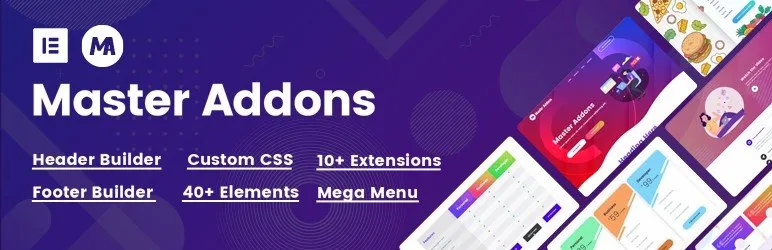
Master addons is a growing essential addon for Elementor user. It comes with Multiple Navigation Menu, Mega Menu, Custom CSS, Template library, blog, and 30+ more necessary elements. There are 10+ extensions available which enhance your website structure.You don’t need to use multiple plugins because Master Addons packed with the most important elements within the pack.
You can enable or disable any element from its library. Less element activation means less script. It will help you to speed up your website. If you are busy then you can use the template library to download any section in one click. Just select your desired section and import it. Then change the content and images.
Most of the element is fully customizable. That means you can choose typography, color, border, margin, padding, for any element.
What’s packed within Master Addons?
- 40+ Powerful Elements and Extensions
- Mega Menu- 4 style Navigation Menu with Mobile Menu
- Sticky Navbar
- Rich Template library
- Custom CSS for each Section, Column, Element
- 10+ Blog Element Variations
- Table of Content
- Transform any Element
Conclusion
If you want me to recommend you which one you should use, I will strongly suggest you use Widgetkit for the Elementor page builder. Because it is very easy to use, completely free, and has support for WooCommerce, LearnDash, Sensei, LearnPress, and many more.
Let me know your favorite Elementor Addons through the comment box below. Your feedback is always appreciated.
Written by
Shams Sumon
November 18, 2019
Contributor at ThemesGrove, sharing practical WordPress, WooCommerce, and web design insights.
Related reading

GUIDE
6 Common Mistakes to Avoid When Choosing a WordPress Affiliate Plugin
Setting up an affiliate program sounds simple. Install a WordPress affiliate plugin, invite affiliates, and start earning, right? Not quite! Behind the scenes, small mistakes such as poor tracking, weak commission rules, or slow payouts can seriously damage your complete affiliate marketing program. Affiliates lose trust. Conversions drop. Growth stalls. When over 80% of brands…
GUIDE
A Beginner’s Guide To LiteSpeed Caching & WordPress
One thing most website owners these days may overlook when looking for a new WordPress hosting provider is what kind of web server software they use for caching. Caching is what delivers your website faster than the competition. Basically, a version of your website is pre-loaded and ready to be delivered to site visitors with…
GUIDE
How to Build an eCommerce Website with WooCommerce and Elementor
If you’re looking to create a professional eCommerce website, Elementor and WooCommerce are two great tools that you can use. In this article, we’ll show you how to combine the two to create a powerful online store. We’ll walk you through the steps of setting up WooCommerce, and then we’ll show you how to create…