
Top 8 Generative AI Tools for Creatives in 2026

The current market shows that generative AI tools have transitioned from their initial innovative phase to becoming essential components of creative software applications. The year 2026 brought about tools that artists, writers, designers, and producers used to transform their concepts into finished work while facing fewer obstacles and receiving continuous feedback, and maintaining complete command…
Zannatun Nime
The current market shows that generative AI tools have transitioned from their initial innovative phase to becoming essential components of creative software applications.
The year 2026 brought about tools that artists, writers, designers, and producers used to transform their concepts into finished work while facing fewer obstacles and receiving continuous feedback, and maintaining complete command of their artistic direction and end product quality.
The tools function as creative enhancers, which keep the creative process on track instead of replacing the need for original thinking.
The creative tools of 2026 operate by transforming human language and reference materials into fresh visual, audio, and written content.
The short list includes Adobe Firefly, Midjourney, Stable Diffusion XL, ChatGPT, Claude, Runway Gen-3, Descript, and ElevenLabs. The creative stack consists of individual components that perform their best functions through human assessment.
The creative stack consists of individual components that perform their best functions through human assessment.
Why Generative AI Tools Matter for Creatives in 2026
The past ten years have seen creative work move away from its traditional linear production approach toward fast-paced multiple iteration processes.
The current transition between different operational systems operates smoothly with the integration of generative artificial intelligence tools. These tools enable users to explore different directions while running multiple versions simultaneously, and they help maintain campaign consistency.
Teams that complete their mood board to mockup transition within minutes achieve faster decision-making processes, which lead to higher quality results. The work reveals this through its content.
Here’s the thing. Quality now depends on how well a tool balances three moves. First, it needs to produce strong first passes that match intent.
Second, it has to accept precise guidance without losing the plot. Third, it should track decisions so work stays coherent across formats and weeks of revisions.
The most popular generative AI tools handle those moves while respecting licensing and safety standards.
Creatives describe a familiar micro-moment that sums it up. A producer drags a script into an editor, hits an AI polish button, and watches filler words, pauses, and rough edges get smoothed.
It feels like hearing the same track through a cleaner mix. The human touch still makes it sing.
Tool for Generative AI: Selection Criteria for Creatives
Creative quality, control, and consistency
Strong outputs are only half the story. You also need control. Look for tools that let you steer composition, style, and detail with clear prompt parameters, image or audio references, and structured settings. Style and brand consistency matter in production environments.
Features like style referencing, prompt weighting, seed locking, upscaling, and model versioning help keep results aligned week to week. For open models, community workflows or nodes that let you chain operations are useful for repeatability
Speed, cost, and workflow integration
Speed saves budget. Credits, queues, and model tiers shape throughput, so match plans to real workloads. Native plug-ins for Creative Cloud, NLEs, DAWs, and document editors avoid tool hopping.
API access helps bake repeat tasks into pipelines. When a tool can sit inside design software or your editor and follow a checklist, it stops being a novelty and starts to feel like production software.
Licensing, safety, and enterprise readiness
Commercial rights, training disclosures, and watermarking policies matter. For brand work, prefer tools that clearly state how models were trained and what you can do with outputs. Enterprise plans should support SSO, privacy controls, audit logs, and data retention settings.
Some providers publicly document training sources and content provenance, which helps teams make compliant choices for paid campaigns and broadcast assets. When handling internal content, follow local guidance on confidential data and approved vendors.
Top Generative Artificial Intelligence Tools for Visual Design
Adobe Firefly — Image, vector, and text effects
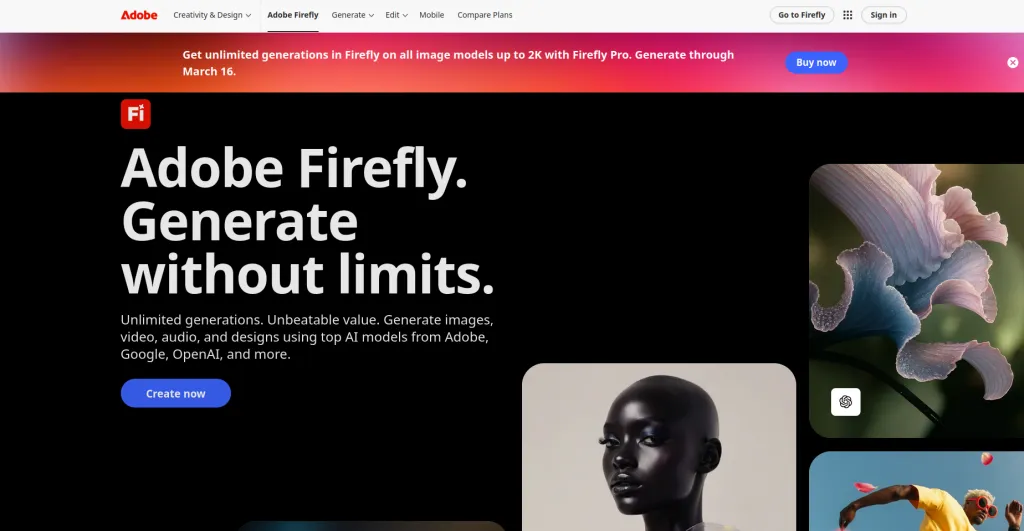
Firefly is Adobe’s suite of generative models embedded across Creative Cloud. It covers text-to-image, text effects, generative fill and expand, vector graphics, and style transfers inside familiar apps like Photoshop and Illustrator.
Best for: Designers who need production-ready edits and transformations inside the tools they already use. It’s especially strong for generative fill, background replacement, and on-brand type effects.
Standout spec: Firefly emphasizes training transparency and commercial use within Creative Cloud plans, which helps teams ship without legal whiplash.
Pros:
- Integrated workflows.
- Good guardrails.
- Solid content provenance features.
Cons:
- Generative credits can be limiting in heavy weeks.
- Complex masks and photo-real inserts still need a human touch.
Pricing:
- Included in Adobe subscriptions with generative credits.
- Plans and entitlements vary by tier.
- As of 2026, treat credit counts and rights as editor-verified.
Midjourney — Artistic image generation
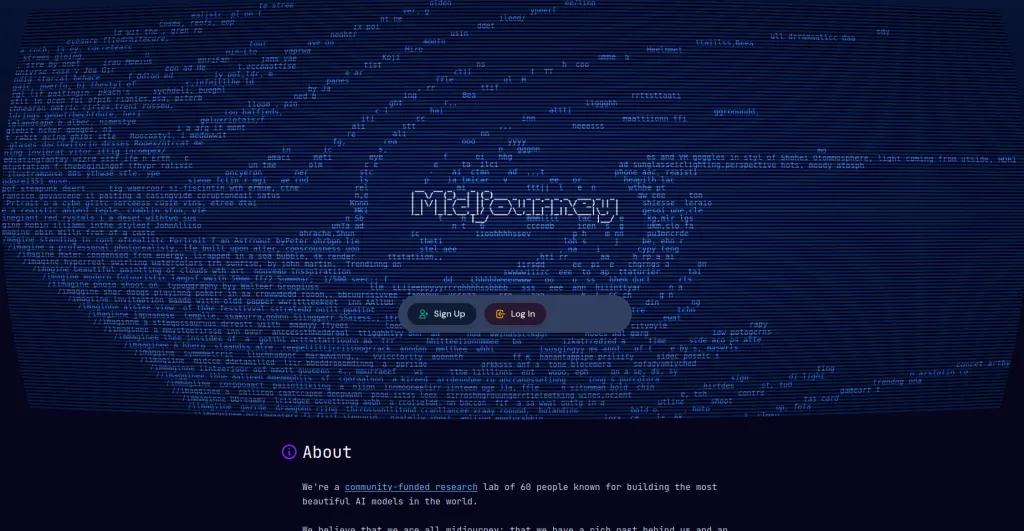
Midjourney is a closed model that consistently produces striking, stylized images from short prompts, reference uploads, and prompt blends. Recent versions give more control over composition and consistency through parameters and image guides.
Best for: Concept art, mood imagery, stylized product scenes, and social creative where visual impact matters.
Standout spec: Strong color and texture rendering. “Style” and “character” persistence options keep the series cohesive.
Pros:
- Gorgeous results.
- Vast community examples.
Cons:
- Web features are still catching up to power-user flows.
- Public-by-default galleries may require a Pro plan or policy review for confidential work.
Pricing:
- Subscription plans with fast and relaxed generation modes.
- As of 2026, expect entry tiers in the single digits per month and pro tiers higher.
- Editor-verified.
Stable Diffusion XL — Open-source image creation
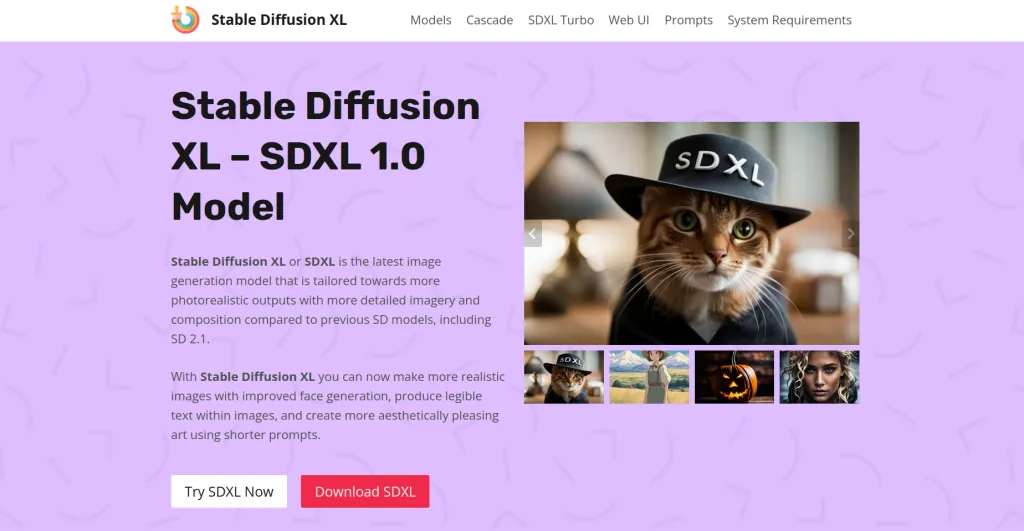
Stable Diffusion XL is an open text-to-image model family built for local or cloud use. SDXL improves photorealism, composition, and detail, and supports image-to-image, inpainting, and model fine-tuning. Popular front-ends include Automatic1111 and ComfyUI with node-based pipelines.
Best for: Teams that want control, customization, or on-prem generation. Great for bespoke styles, private workflows, and experimental pipelines.
Standout spec: Extensible ecosystem with checkpoints, LoRAs, and control nets for pose, depth, and sketch guidance.
Pros:
- No vendor lock-in.
- Deep customization.
Cons:
- Setup and maintenance take time.
- Quality depends on your models, prompts, and compute.
Pricing:
- Open-source.
- Costs center on compute and storage.
- Many hosted options offer paid convenience.
- Editor-verified.
Top Generative AI Tools for Writing and Ideation
ChatGPT — Ideation, scripting, and copywriting
ChatGPT is a conversational AI for drafting, outlining, scripting, and research summarization. Newer multimodal models support file uploads, data visualization, structured JSON outputs, and custom bots for repeat tasks.
Best for: Brainstorming campaign angles, writing first drafts, script beats, and transforming briefs into usable outlines.
Standout spec: Custom GPTs let teams package instructions, formats, and data sources as reusable helpers.
Pros:
- Versatile.
- Strong editing and tone shifts.
Cons:
- Accuracy varies on niche facts.
- Web browsing and analysis tools are best used with source checks.
Pricing:
- Free tier for basics.
- Paid plans around 20 dollars per month as of 2026 for pro features.
- Editor-verified.
Claude — Research assistance and long-form drafting
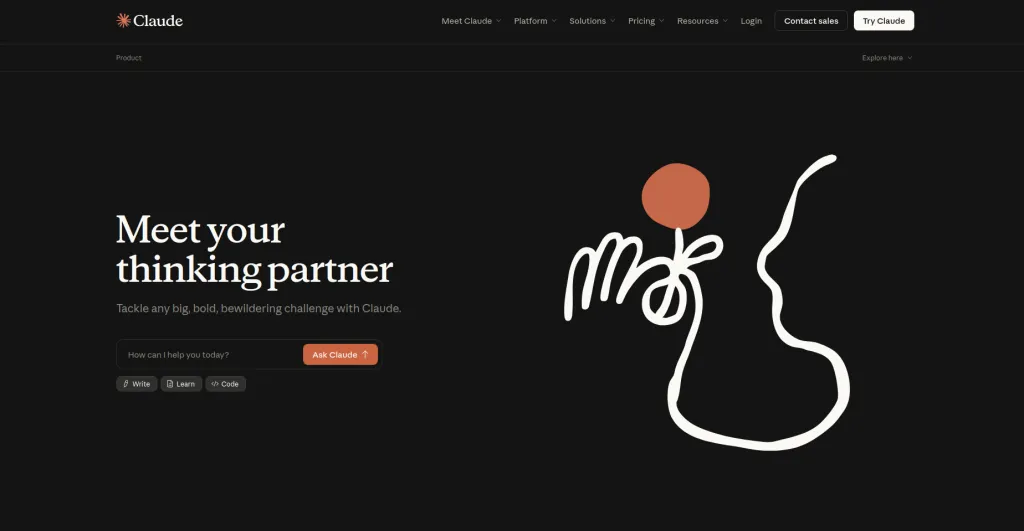
Claude is a conversational model tuned for careful reasoning, longer context, and structured outputs. Claude’s feature creates live documents, code, and simple apps alongside the chat, which is handy for complex briefs and data-driven writing.
Best for: Long-form drafts, policy summaries, research synthesis, and content that needs clear logic and a calm tone.
Standout spec: Large context windows that keep big source packets in view while drafting.
Pros:
- Clear, direct writing.
- Strong summarization discipline.
Cons:
- Daily limits on some tiers.
- Occasional over-cautiousness requires prompt nudges.
Pricing:
- Free plan for light use.
- Pro plans in the high teens to low twenties per month range as of 2026.
- Editor-verified.
Top Artificial Intelligence Generative Tools for Video and Audio
Runway Gen-3 — AI video generation and editing
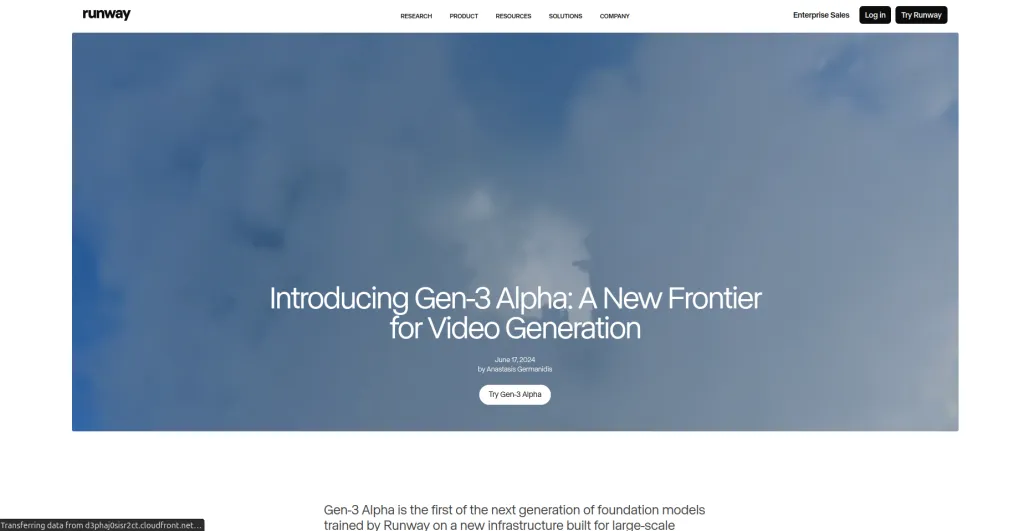
Runway Gen-3 is a text and image conditioned video model with creative tools for motion, camera moves, and style continuity. It doubles as an editor with background removal, super slow motion, and captioning utilities in one place.
Best for: Creative video explorations, concept proofs, and quick sequence variations before traditional editing.
Standout spec: Prompt-to-video paired with fine controls for shot-level adjustments. Tutorials and an academy help reduce trial-and-error.
Pros:
- Strong creative range.
- Helpful learning content.
Cons:
- Getting an exact shot often takes multiple runs.
- Credits can burn fast in heavy sprints.
Pricing:
- Free credits for trials.
- Paid tiers with monthly credits and top-ups. As of 2026, treat plan specifics as editor-verified.
Descript — Podcast and video editing with AI
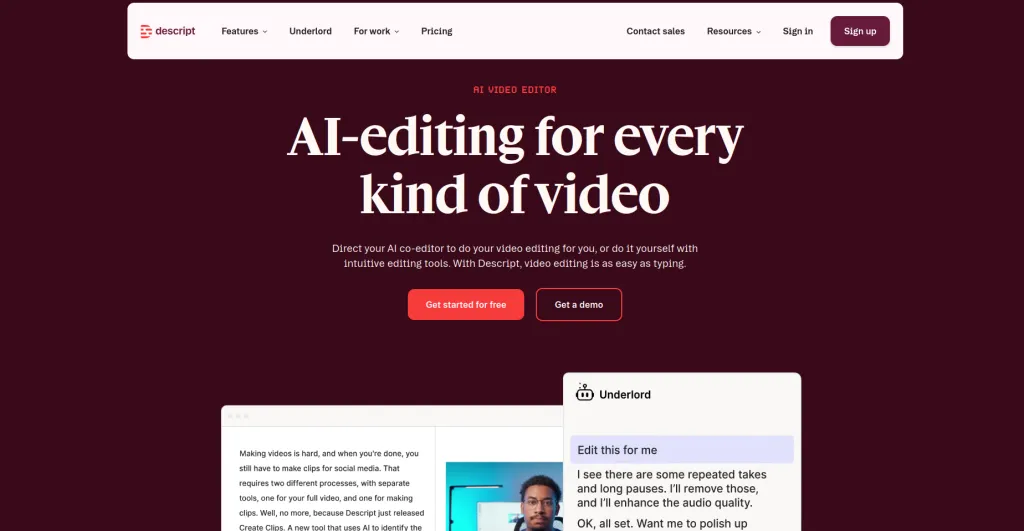
Descript is a text-first editor for podcasts and videos. Key AI features include Overdub voice, filler word removal, transcript-based editing, studio sound, and instant captions. It feels like editing a document while getting timeline results.
Best for: Teams that need quick turn podcast polish, social clips, training videos, and script-synced edits.
Standout spec: Edit audio and video by editing text in the transcript. That single feature saves hours.
Pros:
- Fast cleanup.
- Clear collaboration.
Cons:
- Heavy projects can need a traditional NLE for final finesse.
Pricing:
Free basic tier.
Paid plans typically start in the low teens per user per month and scale.
Editor-verified.
ElevenLabs — Voice cloning and narration
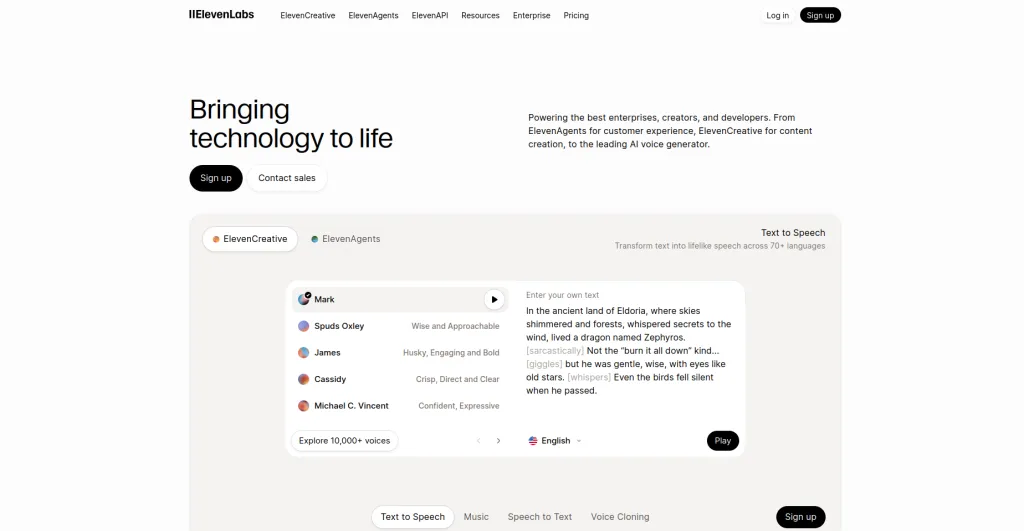
ElevenLabs is a text-to-speech platform with realistic voices across languages and accents. It supports custom voice creation, fine control over delivery, and a growing content safety and licensing framework.
Best for: Narration, character reads, dubbing, and rapid voice iterations for podcasts, training, and product videos.
Standout spec: Natural prosody and pacing with adjustable stability and clarity settings.
Pros:
- Wide voice library.
- Strong realism.
Cons:
- Granular emotion control still takes experimentation.
- Custom voices may need consent workflows.
Pricing:
- Free minutes for trials.
- Starter plans in the single-digit dollars per month with usage limits as of 2026.
- Editor-verified.
Pricing, Value, and Best Free Generative AI Tools
Best free generative AI tools and limitations
- Stable Diffusion XL. Free to run if you have local compute or use community hosts. Control depends on your setup and models.
- ChatGPT Free. Good for brainstorming and short drafts. Limited multimodal and analysis compared to paid.
- Runway Gen-3 trial. Useful for getting a feel for prompts and motion, with credit caps.
- ElevenLabs starter. Enough minutes to test narration quality and pacing.
Limitations include lower priority queues, usage caps, and restricted export or commercial terms. Free tiers are best for learning curve and early tests, not for production deadlines.
Budget-friendly plans and pro value picks
- Best pro image stack. Firefly inside Creative Cloud for edits, plus Midjourney or SDXL for concepts. That pairing gives control and flair.
- Best writing stack. Claude for long-form logic and ChatGPT for quick outlines and tone changes. Use both to triangulate clarity and style.
- Best video stack. Runway for generative clips and previsualization, Descript for cleanup and finishing captions.
- Best audio stack. ElevenLabs for voice, Descript for mix polish and transcript-driven edits.
Plans change often. In 2026, expect light-use tiers in the 5 to 20 dollar range, mid tiers around 20 to 40, and enterprise with per-seat pricing and compliance add-ons. Editor-verified.
Commercial rights, IP, and compliance
Creative teams should track output rights, consent for voice cloning, and provenance. Adobe publicly documents training sources and commercial use inside its ecosystem, which helps ship with confidence. Midjourney has terms detailing usage and visibility that matter for business assets.
When handling confidential material, follow institutional rules about what data can enter publicly available tools and which approved versions meet compliance needs.
Recommended Role of Generative AI Tools in Creative Workflows
Ideation and exploration without replacing originality
Use generative tools to widen the option space. Ask for quick looks, style variations, and alternate angles. Originality still comes from intent and taste.
The recommended role of generative AI tools is supportive and exploratory, not a replacement for authorship. Let tools surface possibilities, then choose and refine.
Rapid drafting, iteration, and versioning
Apply AI to first drafts and batch variations. Treat early passes as sketches. Lock seeds or styles when you move into production. For writing, iterate on tone and structure.
For images and video, nudge composition and motion. For audio, audition voices and pacing. Keep version notes so the final feels cohesive across deliverables.
Quality control, human review, and final polish
Always run a human-in-the-loop pass. Check facts, fix anatomy quirks, confirm continuity, and listen for pacing and emphasis.
A producer’s ear, a designer’s eye, and an editor’s judgment make the difference between passable and compelling. “Measure twice, cut once” applies here.
Using Generative AI Tools to Support Learning and Skill Development
Practice prompts, briefs, and creative challenges
Prompts work best when they read like art direction. Try this practice pattern.
- State the intent. “Create a moody product shot of matte headphones on a concrete table.”
- Add constraints. “Low-key lighting, shallow depth of field, center composition.”
- Include references. “Inspired by studio stills and Brutalist interiors.”
- Set quality targets. “High texture fidelity, subtle bloom, clean edges.”
- Ask for variants. “Provide three options with small changes in angle.”
For writing, switch to beats, tone, and audience cues. For audio, specify tempo, emotion, and role. Small, precise adjectives beat long, loose prompts every time.
Courses, communities, and portfolio-building
Learn about the tools. Many platforms publish tutorials and step-by-step guides. Runway’s academy, Adobe’s learning content, and vendor blogs help cut through guesswork. Communities like Midjourney galleries and SDXL forums show how others solved similar creative problems.
Build a portfolio with side projects that show concept, iteration, and polish. You can feel progress when your work starts to look and sound like what you hear in your head.
AI generative tools at a glance
| Tools name | Best for | Free version availability | Pricing |
| Adobe Firefly | Image edits, generative fill, text effects inside Creative Cloud | Included trials inside Adobe apps | Included with Adobe plans. Credit-based. Editor-verified |
| Midjourney | Stylized concept art and striking visuals | No ongoing free tier | Subscription tiers. Entry and Pro options. Editor-verified |
| Stable Diffusion XL | Open, customizable image generation | Yes, open-source | Compute and hosting costs only. Editor-verified |
| ChatGPT | Drafting, outlining, ideation | Yes | Paid plans around 20 dollars per month. Editor-verified |
| Claude | Long-form drafting and research synthesis | Yes | Pro plans in the high teens to low twenties per month. Editor-verified |
| Runway Gen-3 | Text-to-video and creative editing | Trial credits | Credit-based tiers with top-ups. Editor-verified |
| Descript | Podcast and video editing with AI | Yes | Paid plans start in the low teens per user per month. Editor-verified |
| ElevenLabs | Voice cloning and narration | Yes | Starter in single-digit dollars per month. Editor-verified |
Conclusion: Choosing the Right Generative AI Tools for 2026
Select tools that perform your work tasks and match your operational style. The combination of Adobe Firefly with Midjourney or SDXL provides designers with both creative freedom and precise control for their visual design work.
The writing process becomes faster and more understandable through the combined use of ChatGPT and Claude.
Runway, together with Descript and ElevenLabs provide continuous production support for motion and sound work while preserving the highest possible output quality.
The question “Which tool serves as an example of generative AI?” can be answered by any of these options.
Firefly stands as the top choice for integrated image work, while ChatGPT serves effectively for drafting purposes, and Runway proves useful for creating concept videos.
The list of the top five tools requires users to include Claude and Descript in their selection. Creative professionals should use popular generative AI tools for idea generation, but need to verify their results through human expertise.
The process requires this particular stage to continue. Select one department for modernization during this month, then develop specific guidelines and performance metrics to guide Generative AI Tools in their work while you maintain control over decision-making.
Methodology note. The recommendations section presents editor-verified features together with vendor documentation and user feedback from creative teams about their actual operations.
The system updates its pricing information and plan specifications on a regular basis. Users must obtain commercial rights and verify compliance before they publish any work that contains paid content or becomes accessible to the public.

Written by
Zannatun Nime
February 23, 2026
Zannatun Nime writes about AI, developer tools, and social media marketing in a simple and easy-to-follow way. He enjoys making complex topics clear, practical, and useful for everyday readers.
Related reading

RESOURCES
Best Booking Plugins for WordPress in 2026 – Top Picks for Service Businesses
Discover the best booking plugins for WordPress in 2026. Honest pros, cons & pricing for every top tool. GemBooking leads the list for service businesses.

RESOURCES
Best WordPress Automation Plugins for 2026 (Complete Guide)
You didn't build a WordPress site to spend your days copying form entries into spreadsheets, manually emailing customers after every purchase, or chasing down the same tasks every single week. That gap between what WordPress can do and what it does automatically? That's where most site owners bleed time.

RESOURCES
Best Custom Post Type Plugins for WordPress in 2026 (Free & Pro)
You built your WordPress site. Posts and pages are live. Then your client asks: Can we add a Testimonials section? A Jobs board? A Portfolio gallery? This is where custom post type plugins save you.